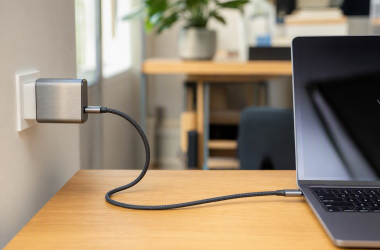
0 240W USB-C Cable Still Charges at 100W A 240W USB-C cable states only the cable’s own power ceiling. It cannot add Extended Power Range support,... Ed ShwayAugust 4, 2026 Read More
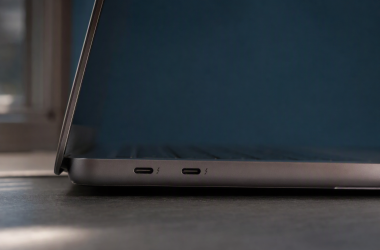
0 Why Two USB-C Ports on the Same Laptop Have Different Features The Lenovo Legion 5 15ITH6H machine type 82JH has one USB-C receptacle on the left side and another... Ed ShwayAugust 3, 2026 Read More
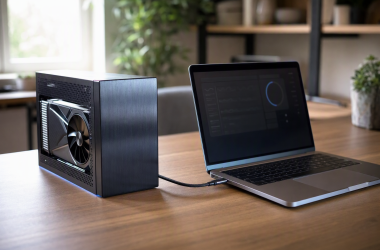
0 Why an eGPU Uses PCIe 3.0 When the Graphics Card Supports PCIe 4.0 Your graphics card can support PCIe 4.0 while its active eGPU path reports PCIe 3.0. Both statements can... Ed ShwayAugust 3, 2026 Read More
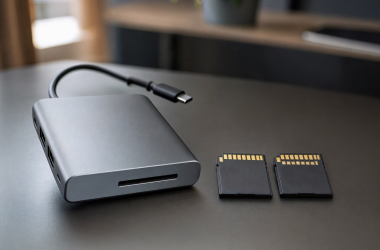
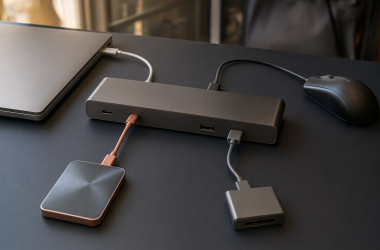
0 UHS-I vs UHS-II Card Reader in a Docking Station Write down your exact card model, the amount of data in one offload, how often you ingest it,... Ed ShwayAugust 2, 2026 Read More
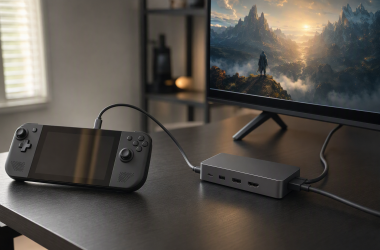
0 Can Steam Deck OLED Run 4K at 120Hz Through a Dock? Steam Deck OLED can expose a 4K 120Hz display mode from its USB-C port, so the answer turns... Ed ShwayAugust 2, 2026 Read More
0 5Gbps vs 10Gbps USB Ports on a Dock Port choice follows the device’s interface, whether its work is sustained, and what else runs alongside it. A... Ed ShwayAugust 2, 2026 Read More
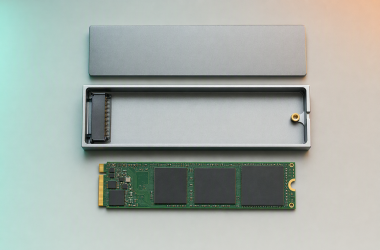
0 M.2 NVMe vs SATA Enclosure: Which Does Your Drive Need? Electrical compatibility depends on the SSD’s exact interface and the protocol or protocols the enclosure states it supports.... Ed ShwayAugust 2, 2026 Read More
0 How to Identify the Thunderbolt Port on a Laptop A laptop can put Thunderbolt on one USB-C receptacle and a different capability on another, sometimes on different... Ed ShwayAugust 2, 2026 Read More
0 Is This USB-C Cable Charge-Only or Data-Capable? A completed file transfer through the cable proves that it has a usable data path on that tested... Ed ShwayAugust 2, 2026 Read More
0 USB-C Monitor Ethernet Not Working in Windows 11 If the picture and the monitor’s USB hub work but its Ethernet does not, start with the monitor’s... Ed ShwayAugust 2, 2026 Read More