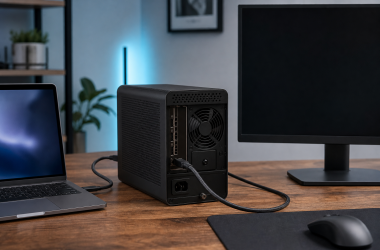
0 Thunderbolt eGPU Detected but External Monitor Has No Signal in Windows 11 Keep the successful enumeration result. If Device Manager still lists the graphics card inside the Thunderbolt eGPU without... Ed ShwayAugust 1, 2026 Read More
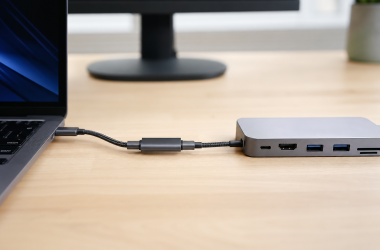
0 USB-C Extension Cable Not Working With a Dock If the dock works when its host cable goes straight into the computer and fails only when a... Ed ShwayAugust 1, 2026 Read More
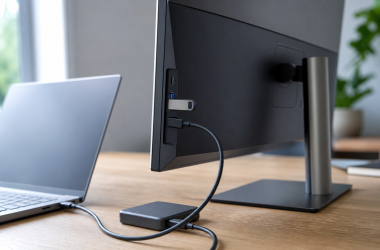
0 USB-C Monitor USB Ports Are Slow When a monitor’s USB ports work but transfers are slow, compare one device directly on the computer and... Ed ShwayAugust 1, 2026 Read More
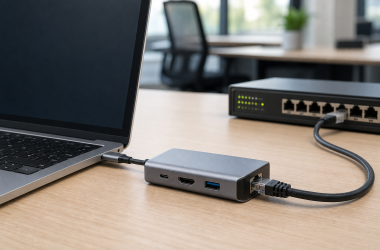
0 USB-C Dock MAC Address Passthrough Not Working in Windows 11 If dock Ethernet already carries traffic but the network sees the dock’s address instead of the laptop’s intended... Ed ShwayAugust 1, 2026 Read More
0 USB-C Monitor Brightness Control Not Working in Windows 11 A missing Windows 11 brightness slider is not automatically a fault when the screen is an external USB-C... Ed ShwayAugust 1, 2026 Read More
0 USB-C Monitor Microphone Not Working in Windows 11 Select the monitor microphone in Settings > System > Sound > Input and make a Windows test recording... Ed ShwayAugust 1, 2026 Read More
0 Steam Deck Dock Audio Not Working When the dock already puts a picture on your TV or monitor, leave that display route intact and... Ed ShwayAugust 1, 2026 Read More
0 USB-C Dock Webcam Not Working in Windows 11 If other USB devices work through your USB-C dock but an external webcam does not, connect the same... Ed ShwayJuly 31, 2026 Read More
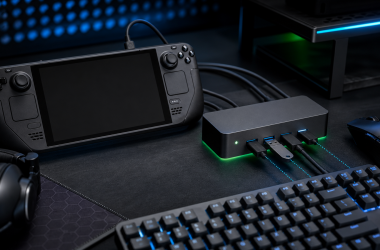
0 Steam Deck Dock USB Ports Not Working If your Steam Deck sees the dock, or another dock function still works, but a keyboard, mouse, controller,... Ed ShwayJuly 31, 2026 Read More
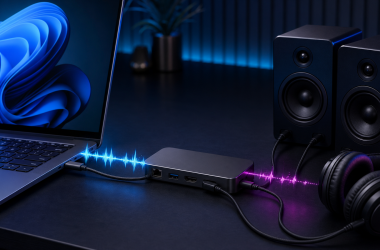
0 USB-C Dock Audio Crackling in Windows 11 If Windows 11 lists the intended dock-route audio endpoint and it produces sound, but playback crackles, pops, stutters,... Ed ShwayJuly 31, 2026 Read More