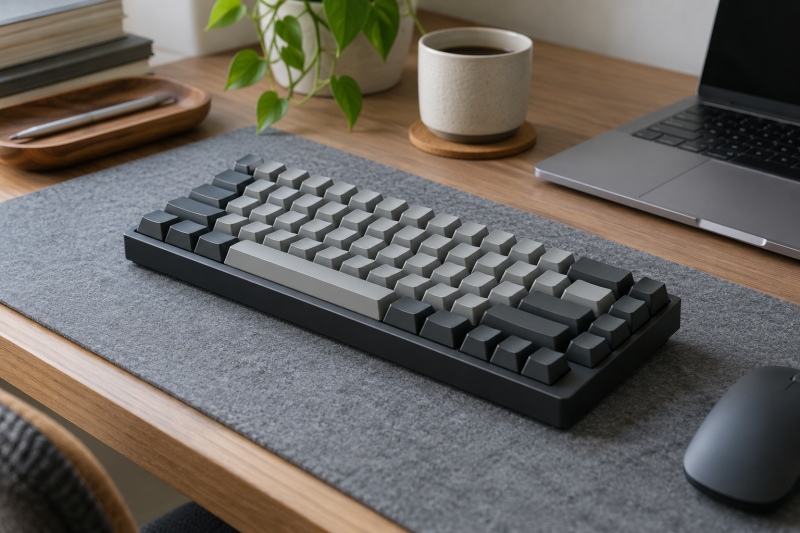
A quiet mechanical keyboard can make a shared editing desk less distracting without giving up distinct keys and useful shortcuts. The important distinction is the switch type, not whether the keyboard is marketed for an office or a game. Silent linear or silent red switches are the clearest starting point in this group.
Sound also depends on desk material, keycap impact and typing force. A quiet-switch listing does not promise silence in every room, but it can reduce the sharper key noise that carries across a shared workspace.
Check layout, connection mode and operating-system support before buying. A quiet switch does not solve a missing key layout or an unreliable wireless path.Quiet Keyboards Compared
| Image | Product | Details | Check Price |
|---|---|---|---|
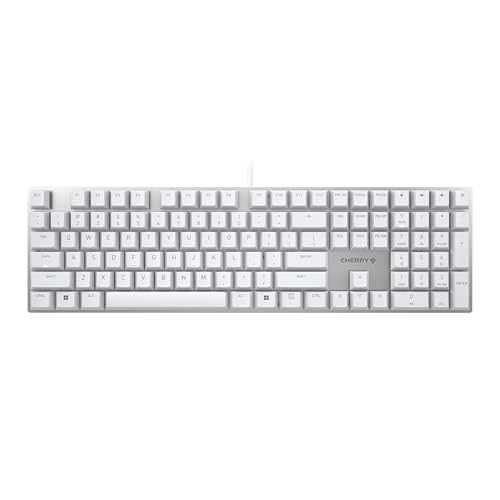 | Cherry KC 200 MX | Best fit: Wired office start Switch: MX2A Silent Red Connection: Wired Layout: Office keyboard | Check Price on Amazon |
 | AUSDOM Silent Office Keyboard | Best fit: Full-size tri-mode Switch: Low-profile linear Connection: Bluetooth, 2.4GHz, USB-C Layout: Number pad | Check Price on Amazon |
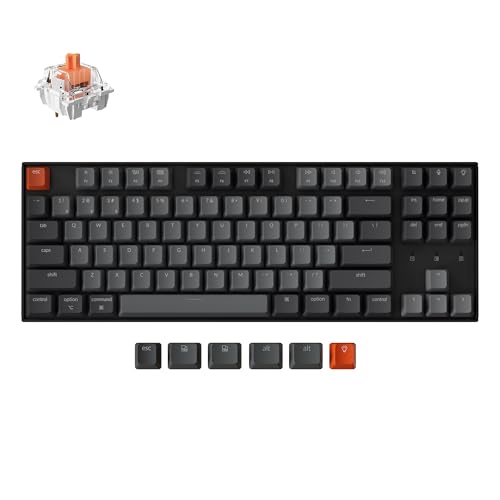 | Keychron K8 | Best fit: Quiet TKL Switch: Silent Red Connection: Bluetooth and USB-C Layout: 87-key TKL | Check Price on Amazon |
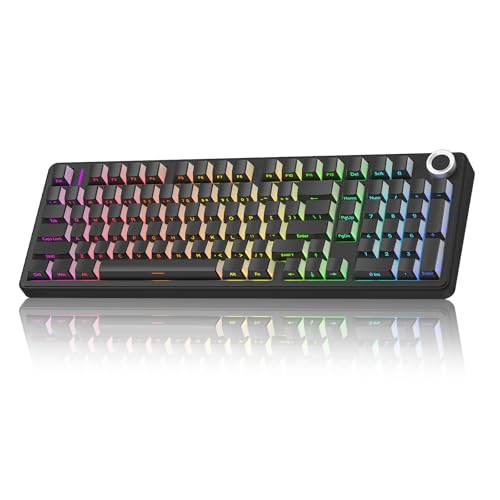 | AULA F99 Pro | Best fit: Gasket quiet option Switch: Pre-lubed linear Connection: Bluetooth, 2.4GHz, USB-C Layout: 99-key | Check Price on Amazon |
 | SOLAKAKA KI99 Pro | Best fit: Quiet-switch alternative Switch: Quiet, pre-lubed Design: Gasket Keys: Hot-swappable | Check Price on Amazon |
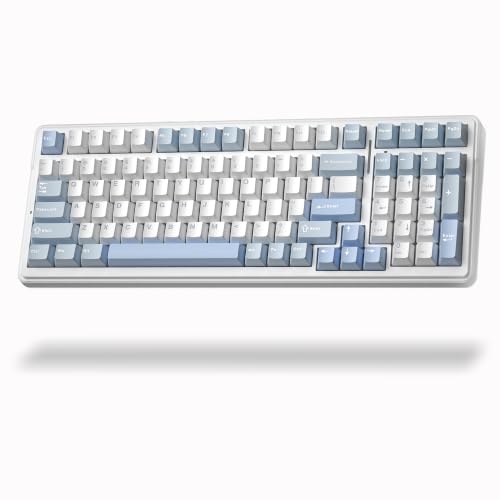 | Aula F99 Silent Blue | Best fit: Compact silent number-pad layout Switch: Silent mechanical Connection: Wireless Layout: Number pad | Check Price on Amazon |
1. Cherry KC 200 MX — Best Wired Office Start
Cherry lists the KC 200 MX as a wired office keyboard with MX2A Silent Red switches. It suits an editing desk that values a cable connection and a quiet-switch design over wireless switching.
Wired use leaves no battery or Bluetooth decisions. Confirm the physical layout and desk cable route before choosing it for a shared position.
Our Take Buy the Cherry if a straightforward wired keyboard with quiet Red switches and an office format is the main requirement.
- Silent Red switches listed.
- Wired connection.
- No wireless mode listed.
- Check physical layout.
2. AUSDOM Silent Office Keyboard — Best Full-Size Tri-Mode Pick
AUSDOM lists a low-profile mechanical keyboard with linear switches, a number pad and Bluetooth, 2.4GHz and USB-C connections. It suits someone who changes between a laptop, desktop and shared editing desk without wanting a separate keyboard for each.
The illuminated and hot-swappable design may be useful, but judge the switch sound and layout first. Multi-device connection is a convenience, not a guarantee of quietness.
Our Take Buy the AUSDOM if you want a full number pad and several connection modes alongside a quieter office-oriented switch setup.
- Bluetooth, 2.4GHz and USB-C listed.
- Number pad included.
- Check switch feel personally.
- Full-size footprint.
3. Keychron K8 — Best Quiet TKL Pick
Keychron lists the K8 with a Silent Red switch, an 87-key tenkeyless layout, Bluetooth and USB-C wired connectivity. It is a good fit when desk width or mouse space counts for more than a dedicated number pad.
Tenkeyless has no numpad, so check editing work that relies on numeric entry before choosing it. The smaller footprint can make room for a pointing device at a shared desk.
Our Take Buy the Keychron if you want a compact quiet-switch layout and the number pad is not essential.
- Silent Red switch listed.
- TKL 87-key layout.
- No number pad.
- Check Bluetooth workflow.
4. AULA F99 Pro — Best Gasket Quiet Option
AULA lists the F99 Pro Silent Version with Bluetooth, 2.4GHz and USB-C, pre-lubed linear switches and a gasket structure. It is for a shared desk where a cushioned mechanical feel and flexible connections count for as much as the quieter switch description.
The 99-key layout retains more keys than a TKL board but remains smaller than many full-size keyboards. Check whether the editing shortcuts you use sit where you expect them.
Our Take Buy the AULA if a compact fuller layout and three connection modes are more useful than a conventional office-board design.
- Tri-mode connection listed.
- Gasket structure listed.
- Check compact layout.
- RGB is not a sound measure.
5. SOLAKAKA KI99 Pro — Best Quiet-Switch Alternative
SOLAKAKA lists the KI99 Pro with quiet switches, hot-swappable pre-lubed switches, RGB lighting and a gasket structure. It is an alternative for someone who wants to tune the keyboard over time while beginning with a listed quiet-switch configuration.
Hot swapping does not mean every replacement switch will keep the board quiet. Keep the shared-desk goal in mind if changing switches later.
Our Take Buy the SOLAKAKA if a quiet-switch starting point and future switch changes are both part of the plan.
- Quiet switch listed.
- Hot-swappable listing.
- Replacement switches vary.
- Check layout and software.
6. AULA F99 Silent Blue — Best Compact Silent Number-Pad Layout
Aula lists this F99 as a wireless silent mechanical keyboard with a number pad for office use. It suits an editor who needs number-entry keys but still wants a quieter mechanical keyboard than a typical board with clicky switches.
You also have charging and connection choices with wireless use. Confirm the exact computer connection and desk layout before choosing it as a full-time shared keyboard.
Our Take Buy the Aula F99 if a number pad and a silent mechanical description are the primary needs at a shared editing desk.
- Silent mechanical title.
- Number pad listed.
- Check wireless connection.
- Fuller desk footprint.
Buying Guide
Start with the switch, not the keyboard category
Silent Red and quiet linear switches are the most relevant product terms here. A mechanical keyboard can still be noisy if it uses clicky switches or hard keycap impact. Match the listed switch type to the shared-room goal before comparing lighting or software.
Typing force changes the result. A softer switch may reduce a sharper sound, while hard bottoming-out can still be heard across a desk. Test a comparable switch when possible and add a desk mat only if it suits the work surface and shared-room setup comfortably.
Do not turn a quiet keyboard into a claim about a whole room. Desk material, microphone placement and room acoustics also affect the sound. The right target is lower key noise at the desk, not an unsupported promise of silence. For a shared edit suite, agree whether the target is quieter calls, less distraction during cuts or more mouse room. Agreeing on one target is more useful than comparing RGB patterns.
Choose the layout around editing work
A tenkeyless board removes the number pad to save width. That can leave more mouse space for timeline editing, but it is less convenient if frequent numeric entry is part of the job. Check the shortcuts and number-entry work before choosing TKL.
A number pad costs desk width but can simplify data entry. Full or near-full boards make sense when keyboard shortcuts and numeric fields are used all day. A shared desk needs enough space for both the keyboard and pointing device.
Physical layout comes before programmable features. Confirm the key positions, modifier labels and operating-system support. A compact keyboard tray can change placement, but it cannot make an unsuitable layout comfortable.
Pick a connection path that stays reliable
Wired USB is the simplest connection path. It avoids battery charging and radio pairing, though it adds a cable to the desk. A wired keyboard is often the easier choice for a fixed workstation.
Bluetooth and 2.4GHz are useful for switching devices. They are appropriate when one keyboard moves between a laptop and desktop, but each computer needs a tested connection routine. Check whether a dedicated receiver or cable is required.
USB-C describes the connector, not the whole workflow. A USB-C dock can provide a convenient port, while how it actually connects depends on the keyboard’s own listed modes. Test the intended path before relying on it for an editing session.
Frequently Asked Questions
Are silent mechanical switches completely silent?
No. They can reduce switch noise compared with clicky designs, but keycap impact, typing force and the desk surface remain audible. A silent-switch listing is a useful starting point, not a room-acoustics guarantee.
The shared-desk goal is lower distraction, not zero sound. A quieter keyboard can help a nearby editor or caller, especially when the old board is clicky. Keep microphone placement and desk vibration in mind too.
Try the intended typing style before finalizing the choice. The same switch can sound different with different keycaps and a different desk. Use a return policy or a test unit before committing to the choice.
Is a wireless quiet keyboard good for video editing?
It can be, provided its layout and connection method fit the editing computer. Bluetooth or 2.4GHz can reduce cable clutter and help with a setup that uses a laptop and a desktop.
A wired option remains the simpler choice for a fixed desk. It avoids battery state and pairing steps during a session. Choose wireless when you need to switch between devices, not just because it is included.
Check the number pad and shortcut layout first. A quiet switch is only one part of the editing workflow. The keyboard still needs to make the commands you use comfortable and fast.
Bottom Line
Choose Cherry KC 200 MX for a simple wired office board, Keychron K8 for a quiet TKL layout or AUSDOM when you want a number pad and multiple connections. Make switch type and layout the first decision.