I don’t review VPNs often, because most of them are the same three promises in a different color scheme. But I spent the last two weeks with VPNBaron on my laptop, and it earned a written review for one specific reason: it kept working in the places where my usual VPN gives up. Hotel Wi-Fi. Airport lounges. That one cafe with the suspiciously aggressive captive portal.
If you work from a laptop and move around, this one is worth your attention. Here’s what two weeks of real use looks like.
Setup: install, sign in, done
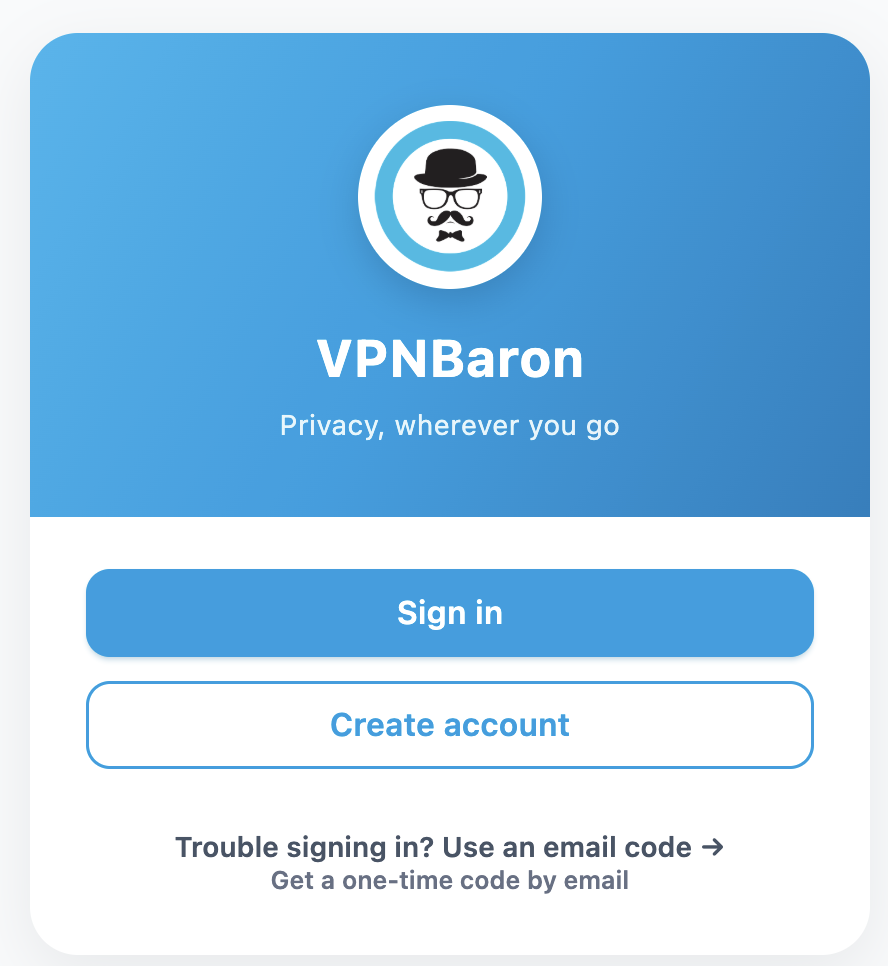
VPNBaron used to be a config-file service, the kind where you downloaded profiles and imported them into third-party clients. That’s gone. Today you install a native app for Windows, macOS, iOS or Android, sign in with just an email, and you’re looking at a server list. No name, no address, no onboarding wizard trying to upsell you antivirus.
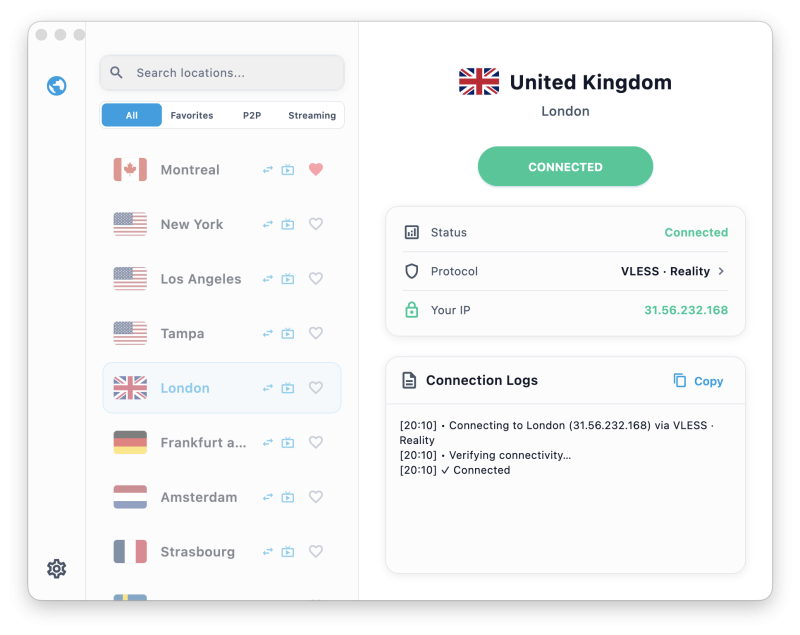
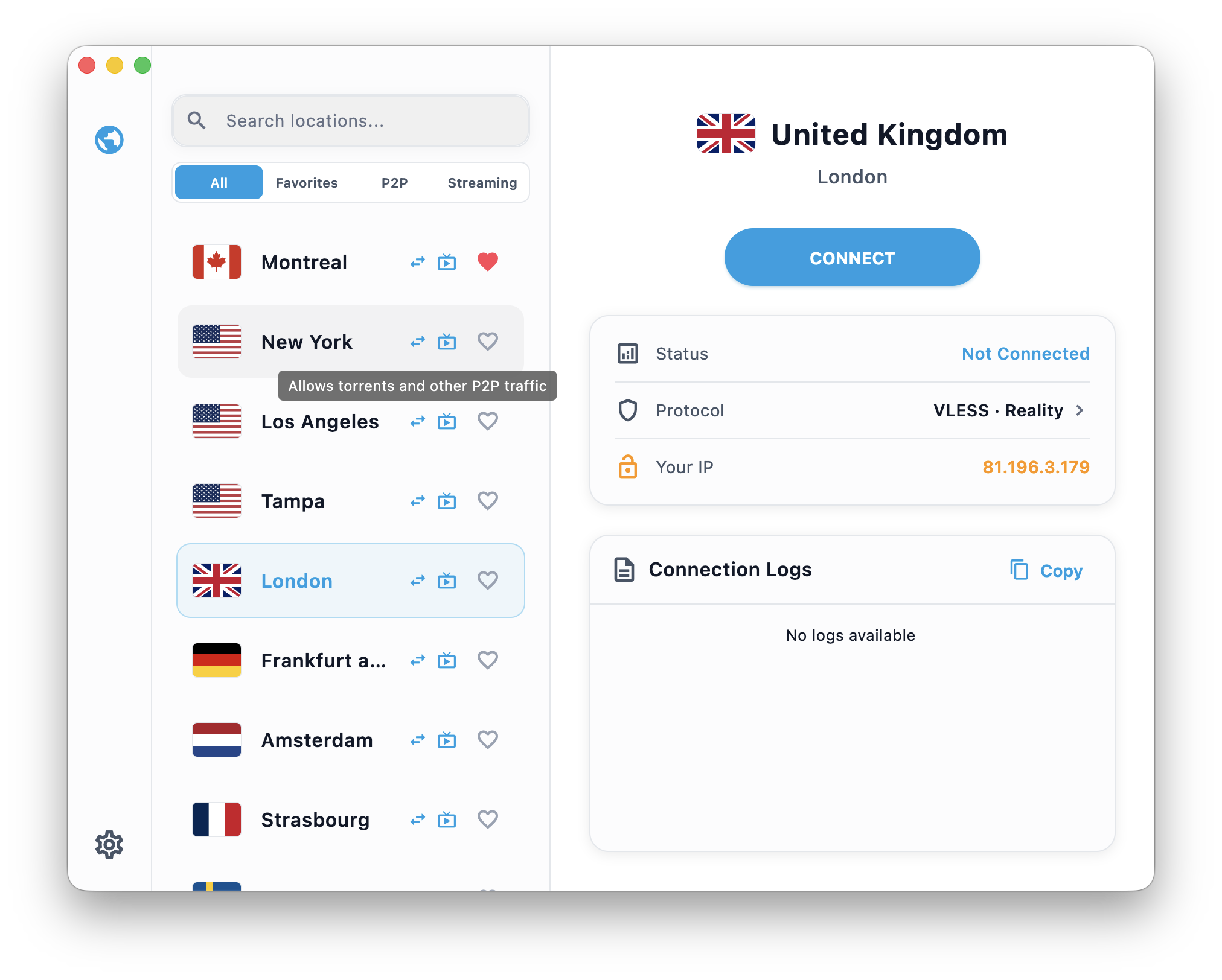
The app is minimal in the way I wish more desktop utilities were: a searchable list of cities with filters for Favorites, P2P and Streaming, a big connect button, and a live connection log if you like to see what’s happening under the hood. From download to connected took me about two minutes.
The killer feature for laptop users: it connects on hostile Wi-Fi
Here’s the problem nobody tells you about VPNs: the networks where you need one most are exactly the networks that block them. Hotels, campuses, corporate guest Wi-Fi and some entire countries run deep packet inspection that recognizes VPN traffic and drops it. Your VPN doesn’t fail loudly, it just spins forever on “connecting”.
VPNBaron’s answer is a protocol stack built for this. Alongside standard IKEv2 it ships two stealth protocols, VLESS Reality and Hysteria2, which wrap your traffic in TLS 1.3 so it looks like ordinary HTTPS to whatever middlebox is inspecting the connection. And you don’t have to know which one to pick, because a feature called Baron Pathfinder tests the options against the server you chose and locks in the one that works.
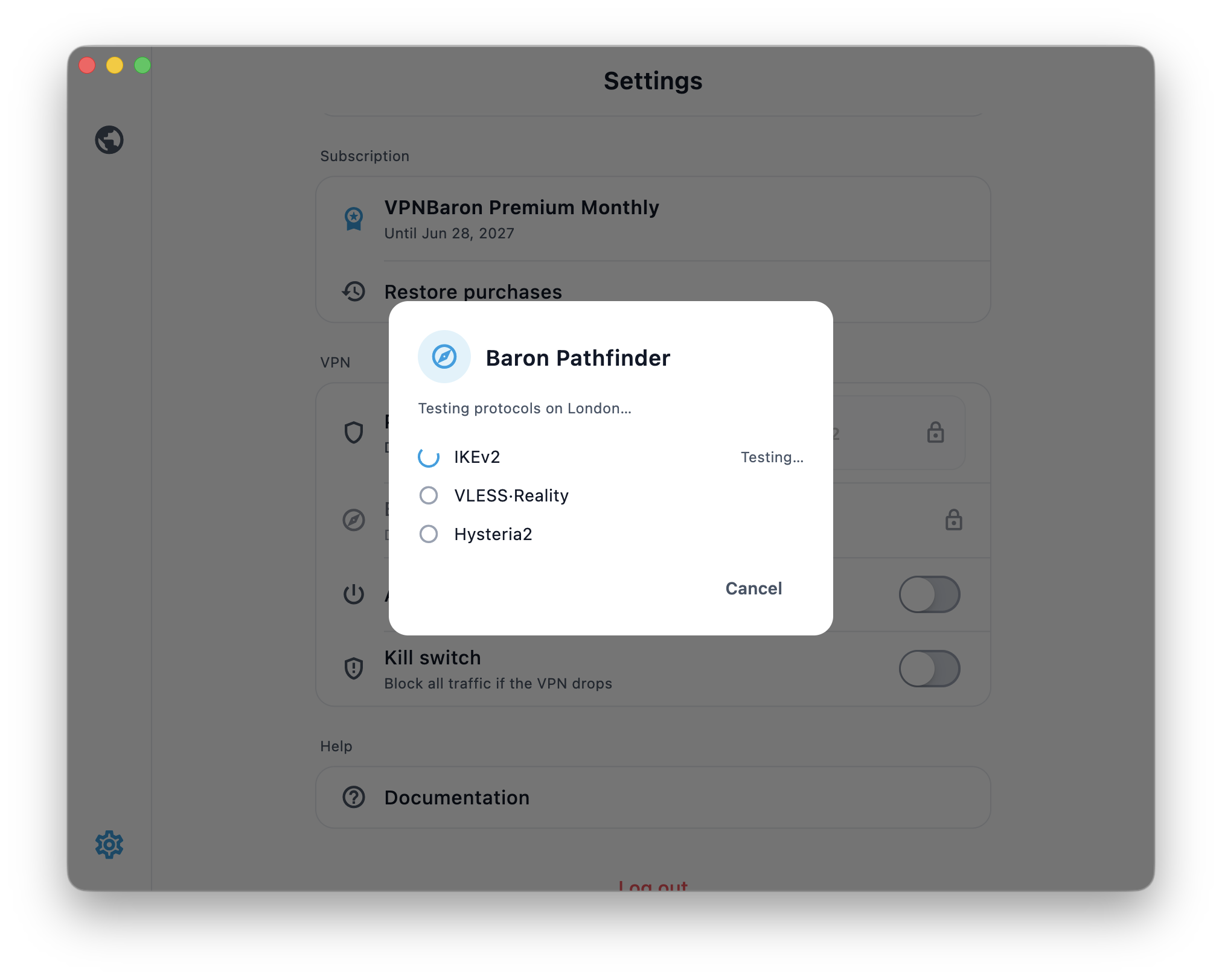
On a hotel network that flat-out refused my regular VPN, VPNBaron connected on the first attempt. That single moment is why this review exists.
Try VPNBaron on your worst Wi-Fi →
Speed: it maxed out my WiFi 6
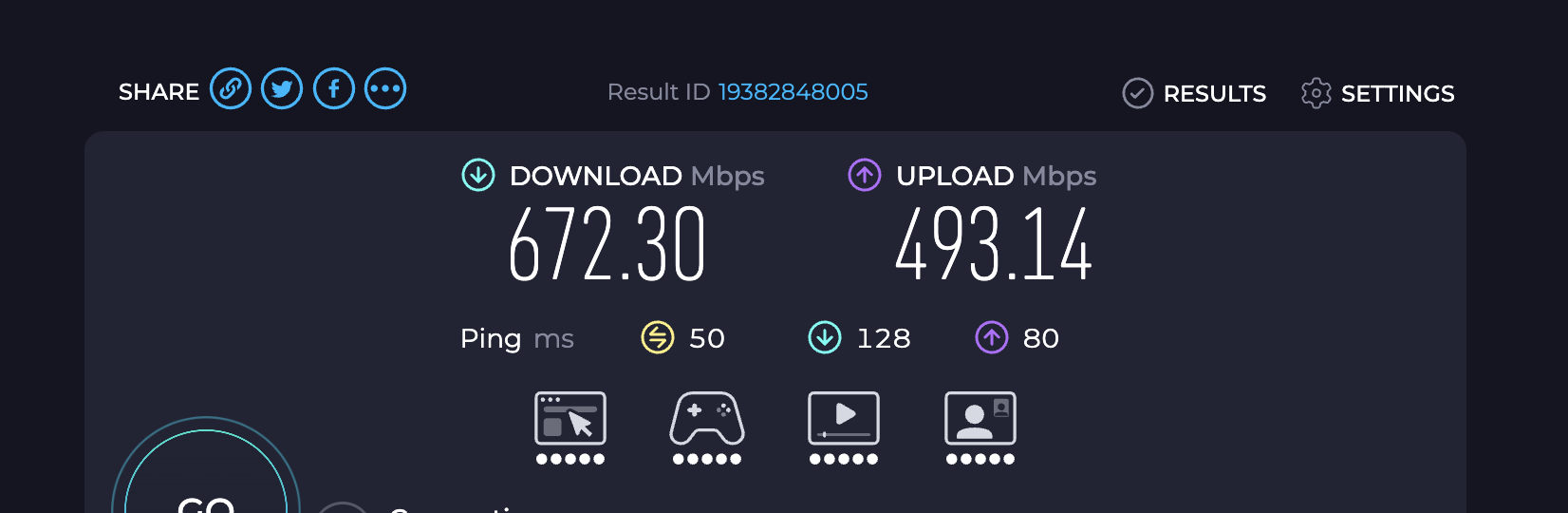
I tested from my usual desk setup over WiFi 6, connected to a nearby server on the stealth protocol. The result: 672 Mbps down, 493 Mbps up, 50 ms ping. That’s my wireless link running out of headroom before the VPN does, which is not something I expected from a tunnel that’s also obfuscating traffic. 4K streaming, video calls and large file syncs all ran without a hiccup.
Sleep, wake, switch networks
Laptops are brutal on VPNs in a way phones aren’t: lids close mid-transfer, machines wake up on different networks, Wi-Fi hops from home to hotspot to office. Those transitions are exactly when traffic can slip outside the tunnel. VPNBaron ships a kill switch (one toggle in settings) that blocks all traffic the moment the tunnel drops, so a sleepy laptop reconnecting at a cafe doesn’t leak anything while the VPN catches up.
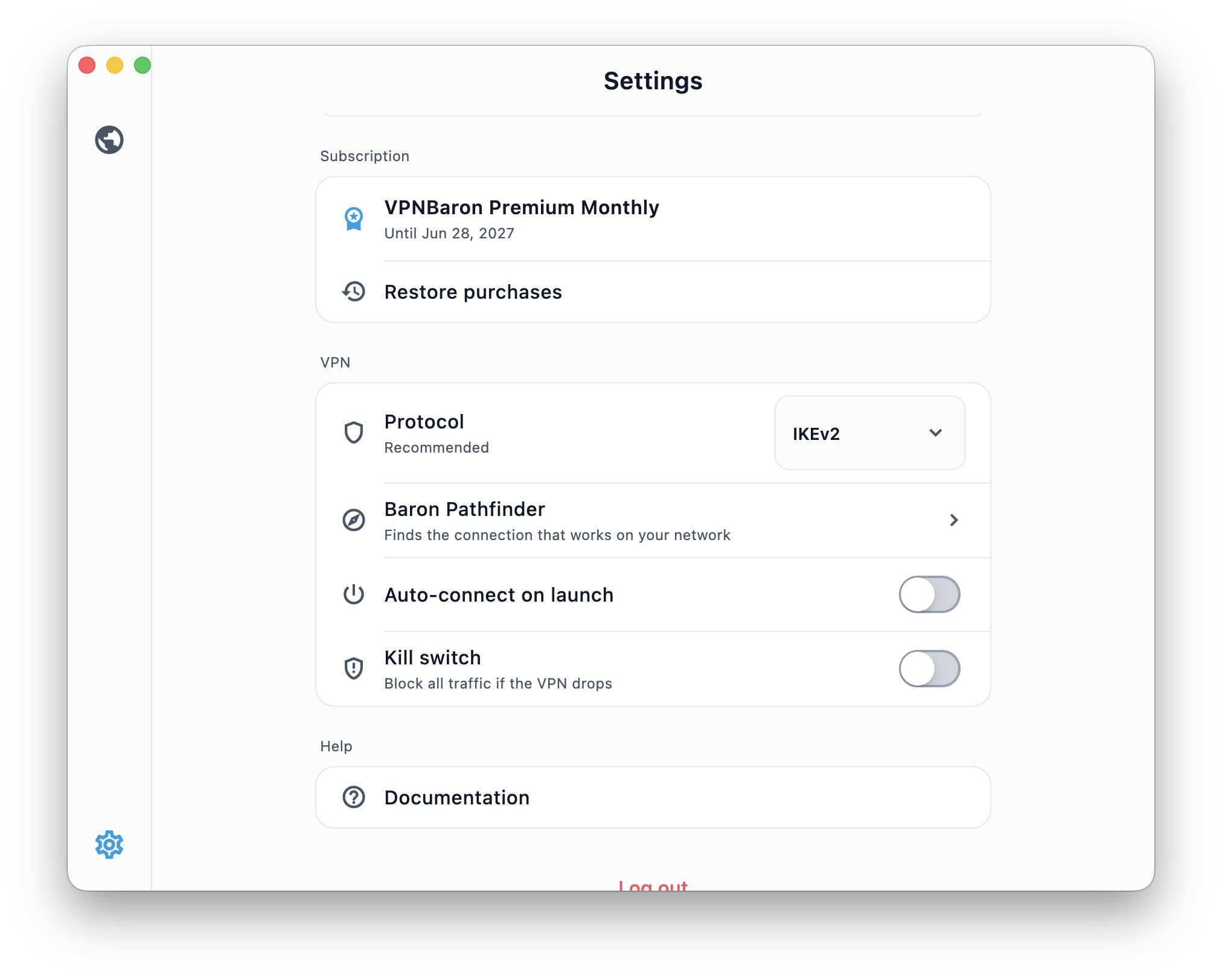
I also ran DNS leak tests while connected: the only resolvers visible were at the VPN exit, nothing from my ISP, and IPv6 is blocked at the tunnel so it can’t sneak around. Clean results across the board.
Streaming when you travel
The server list has Streaming-tagged locations, and they do what the tag promises. Connected to London, BBC iPlayer played World Cup 2026 highlights without a complaint, and live sport is the strictest test there is, since rights-holders police it far harder than a random sitcom. Netflix, Disney+ and Prime Video regional catalogs follow whichever country you connect to. The usual caveat applies to every VPN: catalogs depend on the region you pick, and live sport depends on what your services carry there.

Privacy, in plain words
VPNBaron runs a strict no-logs policy: no browsing history, no DNS records, no traffic metadata tied to you. It operates under Romanian jurisdiction, which is one of the few EU countries with no mandatory data-retention law in force, and signup requires nothing but an email address. For a laptop that lives on networks you don’t control, that’s the right posture: the interesting data simply never exists.
What I didn’t love
Honesty section. The network is smaller than the giants, so if you need a server in a very specific third city in one country, a bigger provider may serve you better. There’s no port forwarding, which will bother the seedbox crowd and nobody else. And there’s no free tier, though the 7-day money-back guarantee covers the trying-it-out phase, and I’d rather have that than a crippled free plan used as a funnel.
Price
The yearly plan works out to €3.49 a month (a 61% saving), six months is €4.99 a month, and true month-to-month is €8.99, which undercuts the rolling monthly rate of every big-name VPN I checked. Every plan includes the full protocol stack, the stealth features and Pathfinder, with 3 to 5 simultaneous devices depending on the plan, so your phone and tablet ride along with the laptop.
Verdict: the VPN I’m leaving installed
Most VPNs live on my machine for a review and get removed a week later. VPNBaron is staying. It’s fast enough to be invisible, the app is genuinely simple, and the stealth stack solves the actual problem mobile laptop users have: networks that fight back. If your laptop spends its life on Wi-Fi you don’t control, this is the one I’d point you at.