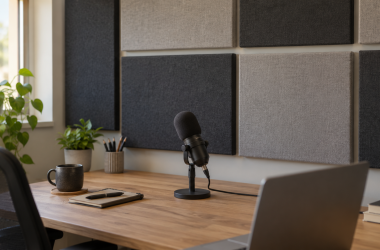
0 Acoustic Wall Panels for Desk Voice Recording: Our Picks Wall-mounted acoustic panels can be a useful part of a desk recording setup when the room adds obvious... Ed ShwayOctober 10, 2026 Read More
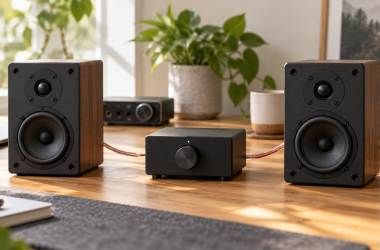
0 Best Mini Amplifiers for Passive Desk Speakers A mini amplifier lets passive speakers work in a laptop desk setup. Choose by speaker-load range, source inputs,... Ed ShwayOctober 10, 2026 Read More
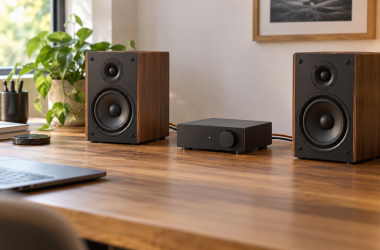
0 Passive Bookshelf Speakers for Desktop Listening Passive bookshelf speakers do not connect directly to a laptop or interface on their own. The setup needs... Ed ShwayOctober 10, 2026 Read More
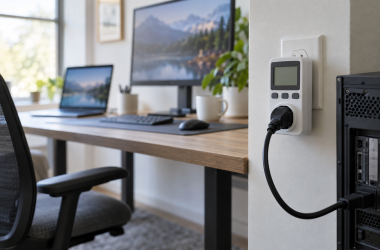
0 Outlet Power Meters for Measuring Workstation Draw: What to Buy A plug-in outlet meter answers a pre-UPS question. What is this desk drawing from the wall? It does... Ed ShwayOctober 10, 2026 Read More
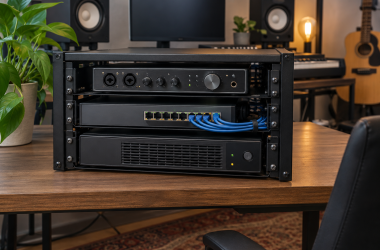
0 Top Rackmount UPS Units for NAS and Studio Gear A rackmount UPS protects a NAS, switch, recorder, or studio computer during outages and voltage problems without taking... Ed ShwayOctober 10, 2026 Read More
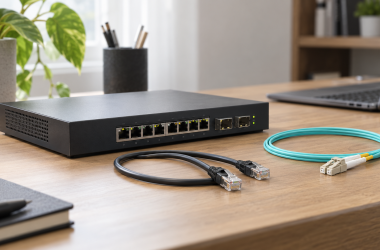
0 SFP+ Modules for a Small 10GbE Desk Network A small 10GbE desk network gets complicated at the slot, not the cable. An SFP+ port can take... Ed ShwayOctober 10, 2026 Read More
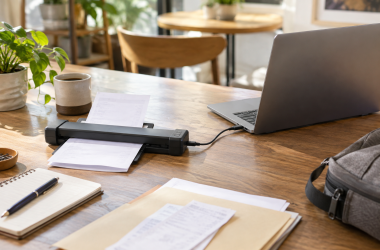
0 Best Portable Receipt Scanners for Freelance Laptop Work Freelance paperwork accumulates in bags, envelopes, and camera cases. A portable document scanner can turn receipts and forms... Ed ShwayOctober 10, 2026 Read More
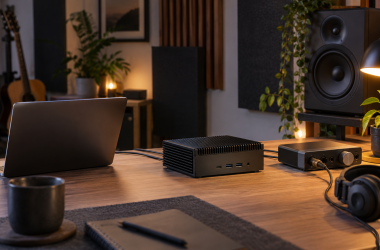
0 Fanless Mini PCs for Quiet Creator Rooms: Our Picks A fanless mini PC removes one source of noise from a recording room, edit bay, or quiet shared... Ed ShwayOctober 10, 2026 Read More
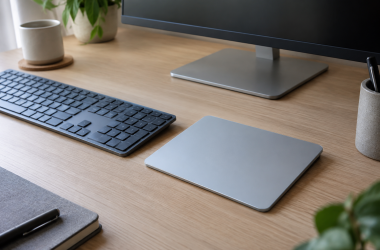
0 USB-C Trackpads for Windows Desktop Workstations: What to Buy A separate trackpad can give a Windows desktop workstation gesture control without replacing the keyboard. The practical choice... Ed ShwayOctober 10, 2026 Read More
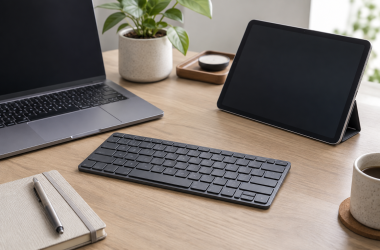
0 Multi-Device Bluetooth Keyboards for Laptop and Tablet Desks: Our Picks A multi-device Bluetooth keyboard is useful when one desk alternates between a laptop, tablet and phone. The key... Ed ShwayOctober 10, 2026 Read More