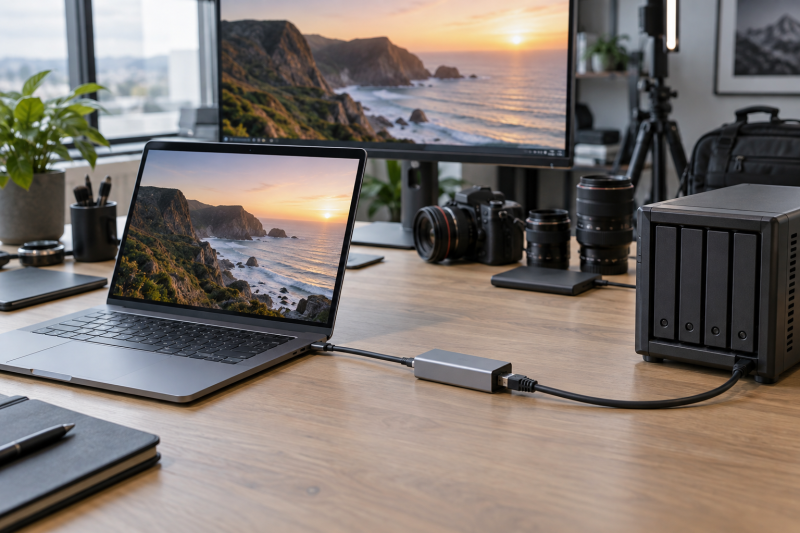
A USB-C 10GbE adapter can give a mobile video editor a faster wired path to a NAS, shared storage server, or multi-gig studio network. It is a specialized upgrade. The laptop connection, switch, storage, cabling, and project files must all support the workflow before the 10GbE port changes anything useful.
These five adapters use Thunderbolt, USB4, or USB-C connections to provide a 10GbE RJ45 path. They are for an editor who needs a portable high-speed network interface, not a general-purpose dock.
For mobile video work, confirm the laptop’s data connection and the storage network before buying a 10GbE adapter.USB-C 10GbE Adapters Compared
| Image | Product | Details | Check Price |
|---|---|---|---|
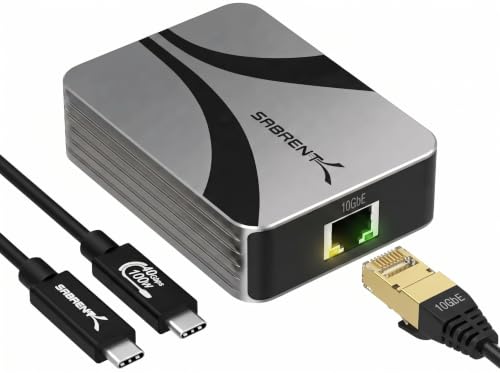 | Sabrent NT-P10G | Best fit: Straightforward Thunderbolt USB4 pick Host: Thunderbolt and USB4 Network: 10GbE Power: See listing | Check Price on Amazon |
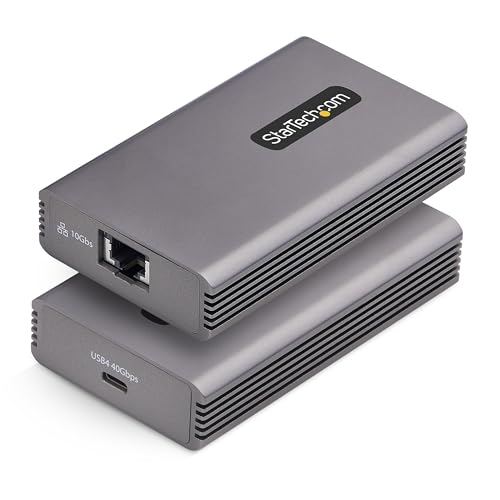 | StarTech 10GbE USB4 adapter | Best fit: Thunderbolt 3/4/5-ready pick Host: USB4, Thunderbolt 3/4/5 Network: 10GbE multi-gig Power: See listing | Check Price on Amazon |
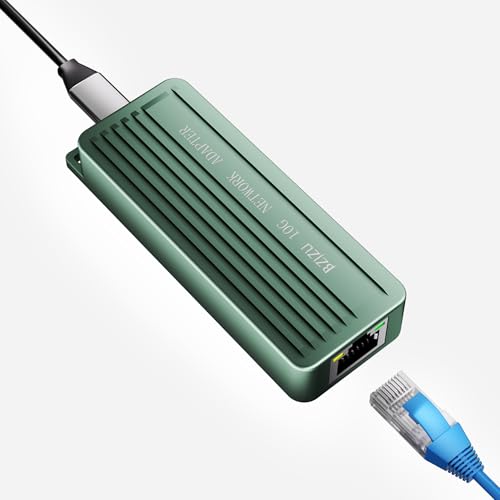 | BZIZU RTL8159 adapter | Best fit: Simple RTL8159 option Host: USB-C Network: 10GbE RJ45 Power: See listing | Check Price on Amazon |
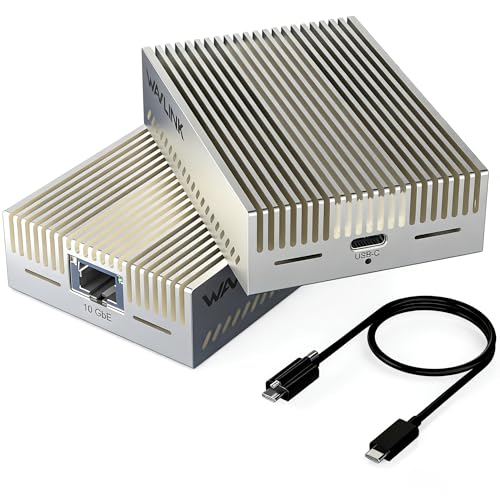 | WAVLINK USB4 adapter | Best fit: Multi-generation USB4 option Host: USB4, Thunderbolt 3/4/5 Network: 10Gbps Ethernet Power: See listing | Check Price on Amazon |
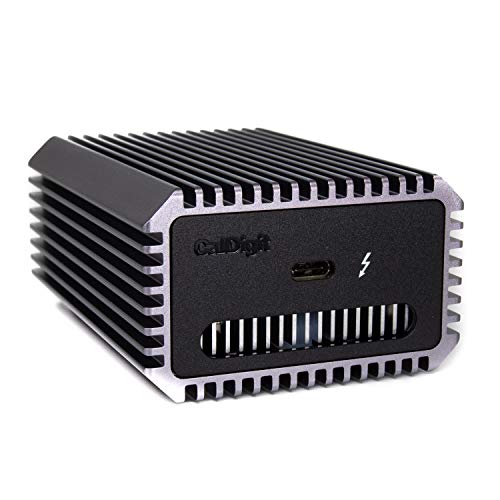 | CalDigit Connect 10G | Best fit: Established Mac and PC pick Host: Thunderbolt 3/4/5, USB4 Network: 10Gb PCIe Ethernet Power: Bus powered | Check Price on Amazon |
1. Sabrent NT-P10G Thunderbolt and USB4 10GbE Ethernet Adapter — Best Straightforward Thunderbolt USB4 Pick
Sabrent lists the NT-P10G as a Thunderbolt and USB4 10GbE Ethernet adapter with USB-C. Because it connects directly over USB-C, it is a sensible first option for a modern editing laptop that needs a separate high-speed RJ45 link beside its display and storage connections.
The important check is the exact host port. USB-C describes the connector shape, while Thunderbolt and USB4 describe capabilities that vary by laptop. Confirm the port and the network equipment before treating 10GbE as an assured workflow improvement.
Our Take Buy the Sabrent if the laptop has the right Thunderbolt or USB4 port. It suits a desk that already has a 10GbE switch and fast shared storage.
- Lists Thunderbolt, USB4, and 10GbE support.
- Dedicated network adapter keeps the role clear.
- Host port capability needs verification.
- Does not add a full dock’s other ports.
2. StarTech 10GbE USB4 Ethernet Adapter — Best Thunderbolt 3/4/5-Ready Pick
StarTech lists a 10GbE USB4 Ethernet adapter with Thunderbolt 3, 4, and 5 compatibility, multi-gig networking, and TAA positioning. The wide range of stated host generations is the main reason to compare it for a studio where laptops change over time.
Broad compatibility language is not a replacement for an exact operating-system and port check. Test a production laptop against the adapter, switch, and storage share before an edit with a deadline moves onto a network volume.
Our Take Buy the StarTech if you want a 10GbE adapter whose listing explicitly spans several Thunderbolt generations. It suits a mixed or evolving laptop fleet.
- Lists USB4 and Thunderbolt 3/4/5 compatibility.
- Multi-gig positioning suits varied network gear.
- Exact OS support still requires confirmation.
- Network and storage can remain the bottleneck.
3. BZIZU USB-C to 10GbE Ethernet Adapter — Best Simple RTL8159 Option
BZIZU lists a USB-C to 10GbE RJ45 network dongle with an RTL8159 controller. It suits an editor who wants a small dedicated adapter rather than a large enclosure or broader dock.
The controller name may be useful when checking software support, but it is not a performance result. Verify drivers, heat behavior, and link negotiation on the actual laptop before using any compact 10GbE dongle as the only path to critical media.
Our Take Buy the BZIZU if you want a simple USB-C 10GbE option for a defined laptop and network. It suits a buyer who already knows the adapter works with the host and does not need broad connector flexibility.
- Lists USB-C, RJ45, and 10GbE.
- RTL8159 is named in the product listing.
- Driver and host support need checking.
- Small enclosure is not a performance measurement.
4. WAVLINK USB4 to 10Gbps Ethernet Adapter — Best Multi-Generation USB4 Option
WAVLINK lists a USB4 to 10Gbps Ethernet adapter supporting Thunderbolt 3, 4, and 5 as well as USB4. It is a direct competitor to the StarTech model for a laptop desk that needs a high-speed wired network interface across several host generations.
The listing’s 10Gbps wording applies to the Ethernet adapter’s intended class, not an automatic NAS transfer rate. A shared project can still be limited by the NAS drives, RAID layout, file protocol, other clients, or the way the editing application handles media.
Our Take Buy the WAVLINK if USB4 and multiple Thunderbolt generations are part of the planned workstation. It suits a network that is already designed for multi-gig storage work.
- Lists USB4 and Thunderbolt 3/4/5 support.
- Dedicated 10Gbps Ethernet role.
- Does not prove NAS file performance.
- Exact host compatibility needs a check.
5. CalDigit Connect 10G Thunderbolt Type-C to 10Gb PCIe Ethernet Adapter — Best Established Mac and PC Pick
CalDigit lists the Connect 10G as a Thunderbolt Type-C to 10Gb PCIe Ethernet adapter for Mac and PC, bus powered, with Thunderbolt 3, 4, and 5 plus USB4 compatibility. Those stated host and power details make it an established cross-platform option in this group.
Bus power makes a travel editing setup simpler, but it also means the laptop port and cable are central to reliable use. Reserve enough high-capability ports for the adapter, storage, display, and charging plan instead of assuming every USB-C port can do every job at once.
Our Take Buy the CalDigit if a cross-platform Thunderbolt adapter from an established dock maker is the deciding factor. It suits a mobile editing kit with a clear port map.
- Lists Mac, PC, Thunderbolt, and USB4 support.
- Bus-powered design reduces one extra adapter.
- Consumes a high-capability laptop port.
- Still needs a capable 10GbE network.
Buying Guide
Confirm the laptop connection before the adapter
Thunderbolt, USB4, and USB-C are not interchangeable labels. USB-C is the physical connector, while the data capability of the port depends on the laptop. A 10GbE adapter needs a port that can carry the network data path it expects.
Map the ports around your actual edit kit. An editor may need charging, an external monitor, fast local storage, and wired networking at the same time. Decide which connection handles each job before adding a 10GbE adapter, especially on a laptop with only two high-capability ports.
Treat the network as one system
Your network runs at the speed of its slowest link. A 10GbE adapter cannot make a 1GbE switch port, slow NAS, overloaded RAID, or limited Wi-Fi backup path faster. Confirm the negotiated link on the laptop and NAS before judging a file-copy or editing result.
Network speed and video workflow speed differ. Large source media, proxies, cache placement, file protocol, and multiple editors all affect whether a faster connection changes the project experience. Our four-bay NAS guide covers the storage side of that decision.
Plan cables and heat for a mobile kit
A high-quality data cable is part of the adapter setup. A cable that charges a laptop may not provide the data capability needed by a Thunderbolt or USB4 device. Keep a known-good cable with the adapter instead of relying on an unknown charging lead from a bag.
Compact network adapters can get warm under sustained use. Put the adapter where it has airflow and do a long transfer test during the return period. For the other laptop expansion needs, see our Thunderbolt dock guide.
Frequently Asked Questions
Will a 10GbE adapter make video editing from a NAS smooth?
It can remove a network bottleneck, but editing performance depends on the complete storage and application path. The NAS disks, RAID, project codec, proxy workflow, switch, and other users can all set the practical limit.
Verify the network link rate first, then test a copy and the project files you actually use. A speed number on an adapter does not measure a particular editing timeline.
Can I use a 10GbE USB-C adapter with any USB-C laptop?
It will not work automatically with any USB-C laptop. The laptop’s USB-C port may have different data capabilities, and some adapters specifically require USB4 or Thunderbolt support for their intended operation.
Check the laptop’s specifications and the adapter documentation before buying. If the desk also needs power and video, map those connections at the same time so the network adapter does not consume a port you need for another task.
Is 10GbE better than 2.5GbE for a mobile editor?
It can be, but only if the shared storage and switch can use it. 2.5GbE may be enough for many ordinary file and proxy workflows, while 10GbE is more useful when the NAS, media files, and project requirements can benefit from the larger network path.
Start with the actual media and the network you own. A 2.5GbE adapter guide is useful when the existing desk is not yet built around 10GbE.
Bottom Line
The Sabrent NT-P10G is a direct Thunderbolt and USB4 option for a modern laptop. Choose the StarTech 10GbE USB4 adapter for broad stated Thunderbolt generation coverage, or the CalDigit Connect 10G for its Mac and PC positioning. Whichever adapter you select, confirm the laptop port, switch, NAS, cable, and storage workflow before expecting a faster edit.