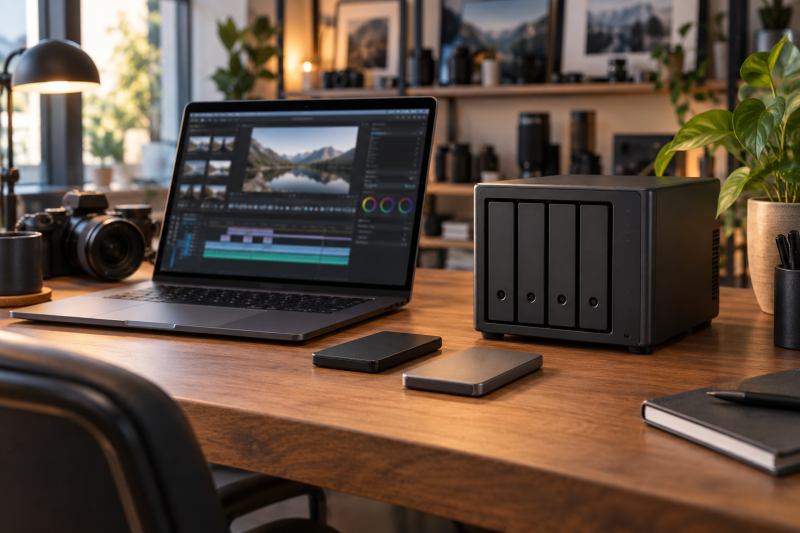
A four-bay NAS gives a small video team more ways to divide storage than a two-bay box. It does not turn four disks into a safe backup automatically. Network path, drive layout, and a separate backup come before a faster processor or a large capacity number. Decide whether the box is for an active shared workspace, an archive, or both, because those jobs need different drive and network budgets, permissions and recovery plans for every person touching footage.
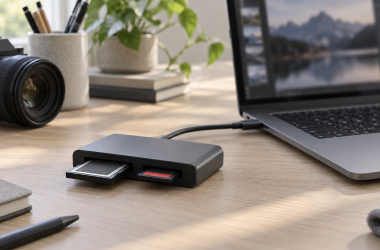
This guide compares six diskless four-bay NAS enclosures sold through Amazon US listings. They cover all-flash storage, four SATA bays, 2.5GbE networking and more expandable hardware. Transfer speed, editing responsiveness, noise, RAID recovery and multi-editor behavior were not measured for this guide. Use a USB-C SD card reader for the ingest step before the network share.
A 2.5GbE port needs a matching switch, laptop adapter and cabling. Four bays provide layout choices; they do not make one client four times faster.Four-Bay NAS Enclosures Compared
| Image | Product | Details | Check Price |
|---|---|---|---|
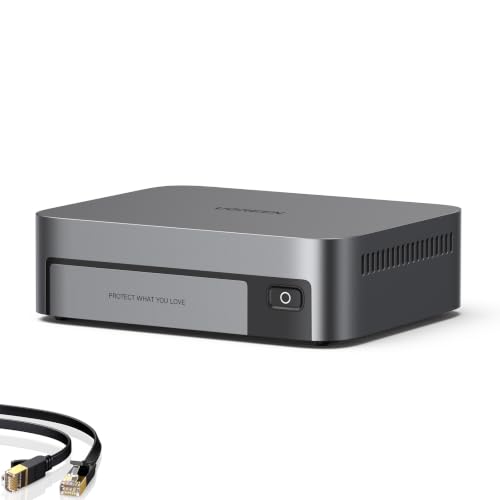 | UGREEN DXP480T Plus | Best fit: All-flash creator layout Bays: Four SSD bays Package: Diskless Buyer note: Price four SSDs | Check Price on Amazon |
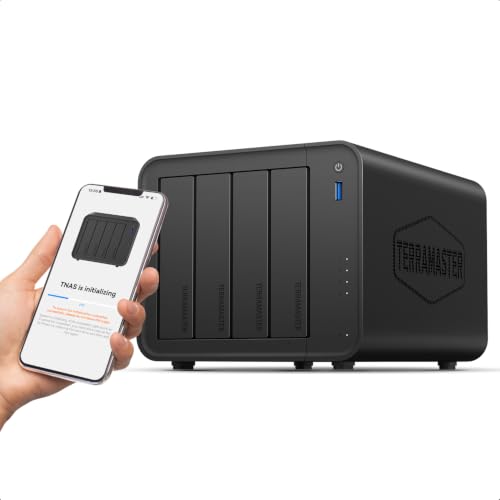 | TerraMaster F4-425 | Best fit: Four-drive start Bays: Four diskless bays Network: One 2.5GbE Memory: 4 GB listed | Check Price on Amazon |
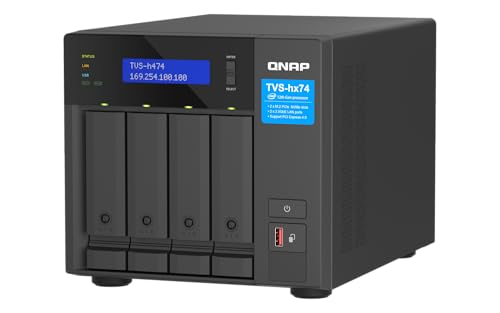 | QNAP TVS-h474 | Best fit: Expansion planning Bays: Four diskless bays Network: 2.5GbE listed Memory: 8 GB DDR4 | Check Price on Amazon |
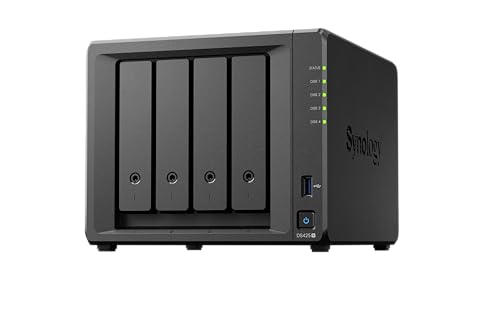 | Synology DS425+ | Best fit: Current Synology entry Bays: Four diskless bays Use: Store, back up, share Drives: Separate | Check Price on Amazon |
 | Synology DS925+ | Best fit: Synology workflow Bays: Four diskless bays Drives: Check compatibility Use: Shared archive | Check Price on Amazon |
 | Asustor Drivestor 4 Pro | Best fit: Basic 2.5GbE option Bays: Four diskless bays Network: One 2.5GbE Memory: 2 GB DDR4 | Check Price on Amazon |
1. UGREEN DXP480T Plus — Best All-Flash Creator Option
The DXP480T Plus is the unusual option here because its listing describes a four-bay all-flash NAS aimed at creators and video editors. The DXP480T Plus layout differs from the four-SATA models below. Price four compatible SSDs before treating the enclosure as the whole project budget.
An all-flash layout may fit a team that frequently moves active project files, but it still needs a matching network and a separate copy of the footage. The listing is diskless, so it does not include the drives that determine usable space and redundancy.
Our Take Buy the DXP480T Plus if an SSD-only layout is deliberate. It is not the simple choice for a large archive built around hard drives.
- Four-bay all-flash design.
- Listing is aimed at creator storage.
- Requires four SSD purchases.
- Diskless package.
2. TerraMaster F4-425 — Best Straightforward Four-Drive Start
TerraMaster lists the F4-425 with an Intel x86 quad-core processor, 4 GB RAM and four diskless bays. It is the conventional four-drive option for someone who wants to set up a protected working pool and keep capacity planning separate from the chassis purchase.
The listing also names a 2.5GbE port. The port is useful only when the edit station has the rest of the multi-gigabit path. A single older laptop dock or switch can keep the transfer path at its slower link.
Our Take Buy the TerraMaster if you want a straightforward start with four SATA drives. Plan the network and backup destination before expecting it to solve every shared-project problem.
- Four SATA bays in a diskless chassis.
- 2.5GbE listed.
- Drives are separate.
- One network port still needs matching equipment.
3. QNAP TVS-h474 — Best Expansion-Focused Platform
The QNAP TVS-h474 listing names 8 GB DDR4 memory, 2.5GbE networking and PCIe Gen 4 expandability alongside its four bays. The memory, network and expansion details are useful distinctions for a team that already knows it needs an expansion path rather than only shared storage.
Expansion slots are not a promise of a particular edit result. Check the specific card, host network, disks and QNAP compatibility before buying around a future upgrade. The exact Amazon package is diskless.
Our Take Buy the TVS-h474 if you plan an expandable setup. It is more hardware than a basic archive needs if the team has one 1GbE switch.
- 8 GB memory listed.
- PCIe Gen 4 expansion listed.
- Expansion adds planning and cost.
- Diskless package.
4. Synology DS425+ — Best Synology Four-Bay Entry
Synology lists the DS425+ as a four-bay diskless NAS for storing, backing up and sharing files. It is the simpler Synology choice here for a team that values its own file-sharing and protection tools over an all-flash design.
Buy compatible drives and decide where the separate backup will live. A NAS can keep a project accessible, but a RAID or mirrored volume does not cover deletion, theft, fire or a failed enclosure by itself.
Our Take Buy the DS425+ if the Synology workflow is the priority and four drive bays fit the capacity plan. Do not treat its internal redundancy as the only copy.
- Four-bay Synology platform.
- Listing covers backup and sharing.
- Diskless.
- Needs separate backup planning.
5. Synology DS925+ — Best Synology Four-Bay Workflow
The DS925+ is another four-bay diskless Synology option. It makes sense to compare with the DS425+ only after deciding whether the specific model’s network, expansion and drive-compatibility details justify its place in the project plan.
For a shared video project, test a restore workflow with a small copied folder before trusting any protection setup with originals. The best enclosure is still only one part of the storage and recovery design.
Our Take Buy the DS925+ if the Synology workflow fits and you want the higher-spec model over the DS425+. Confirm the latest compatibility list and choose drives before committing the team archive.
- Four bays for flexible layouts.
- Synology software ecosystem.
- Diskless listing.
- Model-specific compatibility still matters.
6. Asustor Drivestor 4 Pro — Best Basic Four-Bay 2.5GbE Option
Asustor lists the Drivestor 4 Pro AS3304T with four bays, a 1.4 GHz quad-core processor, 2 GB DDR4 and one 2.5GbE port. The combination gives a clear entry point for a four-drive network archive without treating it as the same kind of platform as the all-flash or expansion-focused models.
Its single multi-gig port is one link in the path. Check the laptop, switch and cable between the NAS and the person moving the media. Keep a second copy away from this enclosure.
Our Take Buy the Asustor if your team has a 2.5GbE plan and wants a basic four-bay choice. It is not evidence that every editor will see the same transfer rate.
- Four drive bays.
- 2.5GbE listed.
- Only 2 GB RAM listed.
- Diskless enclosure.
Buying Guide
Plan the drive layout before buying the enclosure
Four bays let a team choose between capacity, redundancy and spare-drive planning. Four disks do not automatically mean four disks of usable project space. The selected layout decides how much room remains after protection overhead and whether an additional disk is held outside the NAS.
Keep the original camera cards or another verified copy until the NAS copy and an independent backup both exist. A mirrored array helps after a drive failure, but it does not reverse an accidental delete or recover a lost enclosure.
Match the network to the people moving footage
A 2.5GbE NAS is only one part of a multi-gigabit route. Each editor needs a compatible Ethernet adapter or dock, a suitable switch and cabling. A slower link anywhere in the route constrains that transfer.
More ports or a PCIe slot can broaden options, but they do not prove a particular NLE workflow will be smooth. Test the exact storage layout and client path with a copied project before making it the only home for active media.
Separate a working share from a backup
A shared NAS is convenient because the team can reach the same project folder. Convenience is not a backup policy. Use a separate disk, another NAS, cloud storage or another independently managed destination for the footage that cannot be recreated.
Write down who can delete files, where snapshots or versions live and how a restore is tested. A short restore test on one project folder is more useful than assuming a NAS feature is configured correctly. For a portable offsite copy, compare a USB-C external SSD separately from the NAS itself.
Frequently Asked Questions
Do four bays make a NAS a backup by itself?
No. Four bays allow more possible storage layouts, including redundancy against one drive failure. Redundancy is not the same as a separate copy that survives deletion, ransomware, theft or enclosure failure.
Keep at least one independently stored copy and test restoring a file. The enclosure should be part of the plan, not the whole plan.
Will 2.5GbE make every video edit faster?
Not necessarily. The NAS, switch, Ethernet adapter, cable, disks and software access pattern all affect the route. A 2.5GbE port cannot speed up a client that connects through 1GbE.
Use a known test folder before moving a live team project. A faster network link may help file transfer, but it does not establish measured editing performance for every camera format or application.
Bottom Line
Choose UGREEN DXP480T Plus for an intentional SSD-only layout, TerraMaster F4-425 for a conventional four-drive setup, or QNAP TVS-h474 for a planned expansion route. Buy compatible drives, build the full network path and maintain a separate backup.