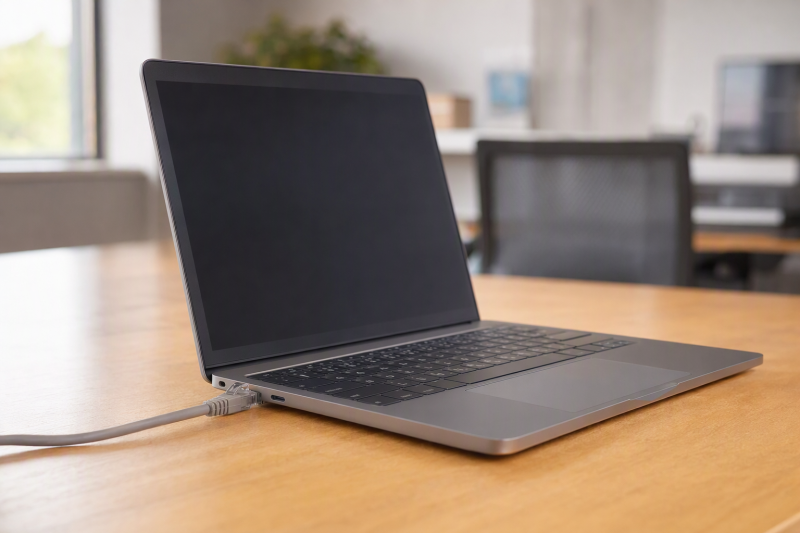
A built-in Ethernet jack saves a surprising amount of desk work. You can connect a laptop to a managed office network, a conference-room switch or a test bench without first finding a USB adapter. The key word is built-in. Some thin laptops mention Ethernet only because a dongle is included or supported, and a dock’s network socket is not a laptop port.
These five exact Amazon US business-laptop configurations had active New offers on September 29, 2026. Their model-family specifications document native RJ45. They vary by screen size, processor and deployment role. We did not test the delivered units or a company network. Confirm the seller’s exact configuration and your IT requirements before buying several.
Check the chassis port in the maker specification, then validate your network, VPN and management setup on one delivered unit.Native-RJ45 Business Laptops Compared
| Image | Product | Details | Check Price |
|---|---|---|---|
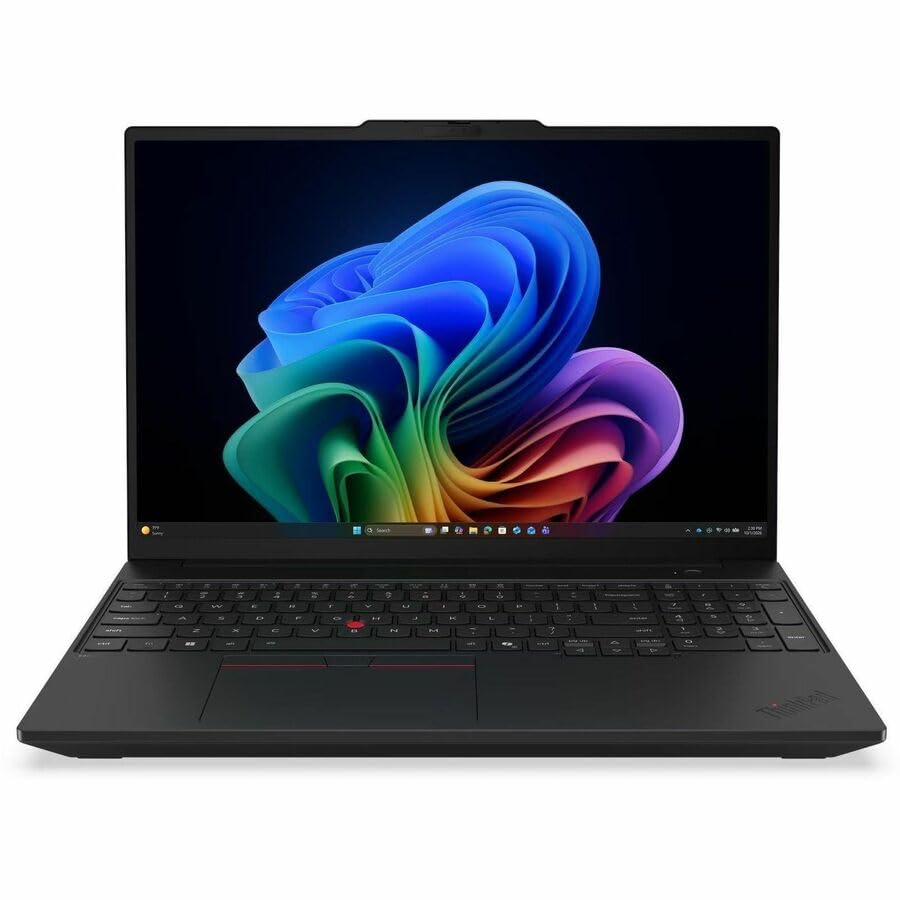 | Lenovo ThinkPad T16 Gen 5 AMD | Screen: 16 inch touch Processor: Ryzen AI 7 PRO Memory: 32 GB listed Wired port: Built-in RJ45 | Check Price on Amazon |
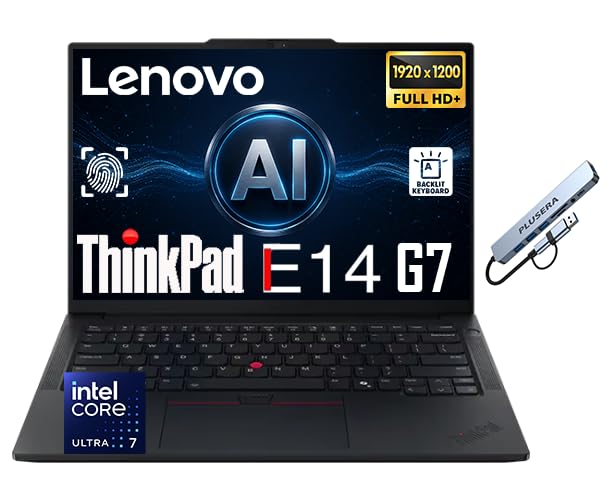 | Lenovo ThinkPad E14 Gen 7 Intel | Screen: 14 inch FHD+ Processor: Core Ultra 7 258V Memory: 32 GB listed Wired port: Built-in RJ45 | Check Price on Amazon |
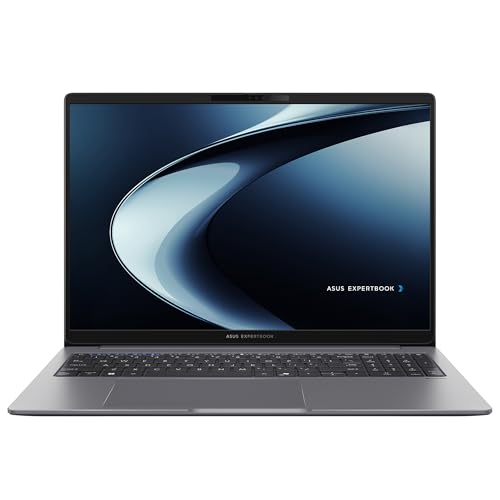 | ASUS ExpertBook P3 PM3606CKA | Screen: 16 inch Processor: Ryzen AI 5 330 Memory: 16 GB listed Wired port: Built-in RJ45 | Check Price on Amazon |
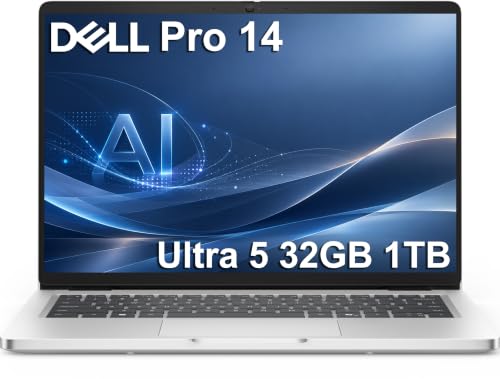 | Dell Pro 14 PC14250 | Screen: 14 inch Processor: Core Ultra 5 235U Memory: 32 GB listed Wired port: Built-in RJ45 | Check Price on Amazon |
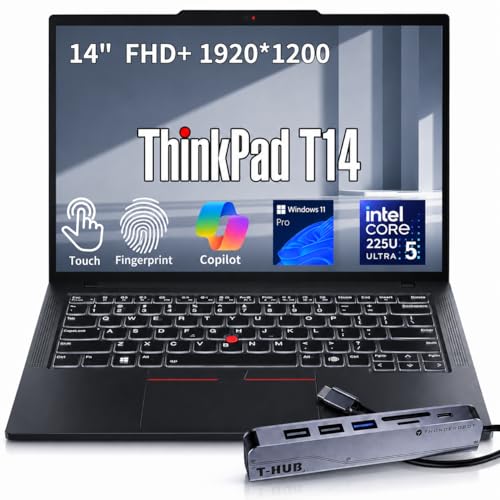 | Lenovo ThinkPad T14 Gen 6 Intel | Screen: 14 inch touch Processor: Core Ultra 5 225U Memory: Seller listing conflicts Wired port: Built-in RJ45 | Check Price on Amazon |
1. Lenovo ThinkPad T16 Gen 5 AMD — Best Large-Screen Office Pick
The T16 Gen 5 suits an office role that needs a bigger spreadsheet or two documents side by side. The exact offer lists a 16-inch WUXGA touch display, Ryzen AI 7 PRO processor, 32 GB RAM and 512 GB SSD. Lenovo’s T16 Gen 5 AMD specification identifies a physical Gigabit RJ45 port on the chassis. The documented chassis port is a different claim from being able to add Ethernet through USB-C.
Its larger panel can make a desk setup simpler, but a 16-inch notebook occupies more space on a meeting table and in a travel bag than the 14-inch picks. A USB-C monitor can expand a smaller laptop at a permanent desk. The T16 may need that second screen less often. Neither choice changes how fast your company’s actual network or file server will be.
The exact Amazon unit is a seller listing, not a hands-on sample. Confirm the delivered machine’s RJ45 socket, OS edition and any security options your organization requires. If the job involves a managed dock, test that dock too rather than assuming every port works under your image.
Our Take T16 Gen 5 is the choice for an employee who wants the biggest screen and frequently plugs into wired office desks. Buy a pilot unit before a fleet order to verify the delivered configuration and network policies.
- Lenovo documents an on-chassis RJ45 socket.
- 16-inch touch panel offers more working area.
- 32 GB memory listed for the exact offer.
- Large chassis takes more desk and bag room.
- Actual network and fleet-image behavior need testing.
2. Lenovo ThinkPad E14 Gen 7 Intel — Best Compact Value Pick
For a small office that wants built-in wired access without a 16-inch laptop, the E14 is a sensible candidate. This exact seller offer lists a 14-inch FHD+ display, Core Ultra 7 258V, 32 GB RAM and 512 GB SSD. Lenovo’s E14 Gen 7 Intel specification documents an RJ45 port and Gigabit Ethernet. The Amazon offer also bundles a third-party hub. The built-in port is supported by the laptop’s own model specification, not by that accessory.
The hub may be useful for extra USB devices, but it should not be counted as the reason this laptop qualifies. Verify which accessories are actually in the box and whether your purchasing policy accepts a configuration the seller has customized. A USB-C hub is a separate decision for desk peripherals, not a substitute for confirming the physical RJ45 jack.
Compared with the T14 Gen 6, the E14 is another 14-inch Intel ThinkPad family but has a simpler role in an office purchase. Do not assume it works with every corporate image because of its listed processor or memory. Test the required VPN, Ethernet authentication and printer connection on the exact delivered unit.
Ignore the bundled hub when checking this claim. The E14 Gen 7 Intel chassis itself has RJ45 in Lenovo’s specification.Our Take E14 Gen 7 is a compact business option for a team that wants a built-in wired port and can validate a reseller configuration. Check the physical laptop and bundle before buying multiples.
- Lenovo documents native Gigabit Ethernet.
- 14-inch size fits tighter desks.
- 32 GB RAM listed in this offer.
- Seller bundle needs delivered-spec checking.
- FHD+ panel gives less room than 16-inch picks.
3. ASUS ExpertBook P3 PM3606CKA — Best 16-Inch ASUS Alternative
The ExpertBook P3 PM3606CKA is a second 16-inch option for a wired desk. The exact Amazon offer lists Ryzen AI 5 330, 16 GB RAM, 512 GB SSD and Windows 11 Pro. ASUS’s PM3606 model specifications show an RJ45 Gigabit Ethernet socket alongside USB-A, USB-C and HDMI. That port mix can simplify a desk with wired network and older USB peripherals.
ASUS also lists a keyboard with a number pad for the 16-inch family, useful when the desk handles repeated numeric entry. Confirm the exact sold keyboard layout rather than assuming a family option is always in the box. A USB-C dock can still be useful for multiple displays, but it is not necessary simply to get a network jack.
The T16 Gen 5 has more memory in its exact offer, while this P3 listing is a more modest 16 GB configuration. More RAM can help with many spreadsheets or browser tabs. Neither listing proves a particular corporate application runs well. Pilot the one that matches your office image and budget.
Our Take ExpertBook P3 is a practical full-size alternative when a built-in network port and several conventional I/O connections are more important than the thinnest chassis.
- ASUS documents native Gigabit RJ45.
- 16-inch family offers a roomy desk layout.
- USB-A, USB-C and HDMI are in model specifications.
- 16 GB listed, less than the T16’s offer.
- Family keyboard and port details need an exact-unit check.
4. Dell Pro 14 PC14250 — Best Straightforward Deployment Pick
The Dell Pro 14 is the conventional choice for an office replacing several standard laptops. This exact active-New offer lists Core Ultra 5 235U, 32 GB RAM and 1 TB SSD. Dell’s PC14250 owner’s manual shows one physical 1 Gbps RJ45 Ethernet port. It also documents a mix of USB-A, USB-C, HDMI and optional smart-card hardware, though an optional feature should never be assumed present on this seller’s offer.
The larger SSD can help if local files or an offline work image take substantial space. It does not remove the need for backups or establish how a corporate VPN behaves over the built-in jack. Run a pilot with the exact security agent, dock and switch you use at work. A USB4 external SSD is useful for some transfers, but IT policy decides where business data may live.
Compared with the E14 Gen 7, the Dell has a clearly named PC14250 chassis in both the offer and maker manual. The named chassis code makes the port claim easier to trace. It still does not establish warranty terms, delivered OS edition or fleet-management options without a purchase check.
Dell’s PC14250 manual names one RJ45 socket. Optional smart-card hardware is a separate configuration question.Our Take Dell Pro 14 is a clear 14-inch baseline for a pilot in a wired office. Its exact model identity makes the RJ45 evidence straightforward, but the full deployment still needs an IT acceptance test.
- Dell manual specifies one 1 Gbps RJ45 port.
- 32 GB RAM and 1 TB SSD listed.
- Conventional 14-inch business layout.
- Optional security hardware may not be present.
- Corporate network fit is not proved by the port alone.
5. Lenovo ThinkPad T14 Gen 6 Intel — Best T-Series 14-Inch Pick
The T14 Gen 6 is for a team that prefers the T-series family but needs a smaller work machine than the T16. The seller offer lists a 14-inch FHD+ touch screen and Core Ultra 5 225U. Its Amazon model field says T14 Gen 6, and Lenovo’s T14 Gen 6 Intel specification shows an on-chassis Gigabit RJ45 connection. The listing conflicts on memory and storage: its title says 16 GB/512 GB, while its feature bullets say 32 GB/2 TB. Confirm both with the seller before ordering.
The listing includes a hub bundle. That accessory is not needed to satisfy the requirement for native Ethernet, and its ports should not be confused with the laptop’s own. For a fleet, confirm the delivered generation, screen, RAM and port layout against Lenovo’s documentation. A USB-C charger may reduce travel clutter, but check power delivery with the exact computer.
The Dell Pro 14 has a clearer stated memory and storage configuration, while the T14 offers another familiar ThinkPad deployment path. Choose based on the existing image, support plan and how users work, not the Ethernet jack alone. The jack’s presence removes a dongle but does not guarantee network authentication or throughput.
Our Take T14 Gen 6 suits a team that already supports T-series laptops and wants native Ethernet in a 14-inch form. Validate this seller’s bundled configuration before a larger purchase.
- Lenovo documents a built-in RJ45 port.
- 14-inch T-series form factor.
- Touch display listed in this offer.
- Seller title and bullets disagree on RAM and storage.
- Seller bundle and exact generation need delivery verification.
Buying Guide
1. Prove the port is native to the laptop
Read the model-specific port diagram. A listing can mention RJ45 because a USB-C hub, adapter or docking station is included. An accessory port may be fine for a fixed desk, but it is not a built-in laptop port. Check the manufacturer’s model manual or specification for a socket on the chassis, and compare it with the exact seller title and model code before purchase.
Inspect the delivered unit. Plug a known-good Ethernet cable directly into the laptop with no dongle, check link status, and verify the port is physically accessible when the laptop is on its normal stand. A USB-C laptop stand can improve posture, but its own hub should not hide an unexpected missing port on the computer.
2. Match the network, not just the connector
A Gigabit RJ45 label is not measured throughput. Switch speed, cabling, VPN, file server and company policies all affect the actual result. If the job requires 2.5 GbE, none of these model-family Gigabit claims establishes that requirement. Plan a suitable adapter or choose different hardware after checking your network specification.
Test business controls end to end. Run wired authentication, wake behavior, VPN, endpoint protection and any required MAC-address or docking policy on a pilot laptop. A physical jack removes one adapter from the chain, but it does not automatically satisfy your IT image or security rules. Record the model, firmware, operating system and switch used in a successful test.
3. Choose the form factor for the office task
A 16-inch screen helps dense work. T16 Gen 5 and ExpertBook P3 give more built-in space for spreadsheets and side-by-side windows, but occupy more table and bag room. The E14, Dell Pro 14 and T14 fit tighter desks. Try the actual keyboard, display scaling and camera position with the people who will use them.
Check the purchased memory and support terms. Several offers state 16 to 32 GB RAM and 512 GB to 1 TB storage, but the T14 seller listing contradicts itself on both capacities. None of these seller-listed configurations promises that every family member ships alike. Confirm memory, storage, warranty, OS edition and approved purchasing channel before a fleet order. A second display or dock can be added later. A missing native port cannot.
FAQ
Does a laptop with a bundled Ethernet hub count as native RJ45?
A bundled hub counts only if the laptop itself also has a physical RJ45 socket. A hub’s network port is an accessory port and still depends on a working USB connection, driver and available adapter. The E14 and T14 seller offers include hubs, but Lenovo’s model-family documents separately show a built-in jack.
Check the delivered laptop side before deploying it. If the listing’s photograph or title is ambiguous, ask for the exact model code and compare the maker’s port diagram. Do not infer a chassis feature from the bundled hub.
Is one Gigabit RJ45 port enough for a managed office network?
It may be, but the answer depends on the network. All five model families here document a native Gigabit-class socket. The documented socket does not establish a particular transfer rate or enterprise authentication behavior on your switch.
Pilot one delivered unit with the actual VLAN, VPN, security software and wake requirements. If the office needs faster Ethernet, confirm whether an approved dock or adapter can supply it, or choose hardware with a documented faster port.
Why choose a 14-inch model over a 16-inch one?
A 14-inch laptop fits smaller desks, bags and meeting rooms. The 16-inch T16 and ExpertBook P3 offer more built-in viewing room for spreadsheets or two windows, which can reduce dependence on a second monitor.
There is no universal winner. Ask users to try a full work session with their actual keyboard, display scaling and desk arrangement. Keep the port requirement fixed, then choose the form factor that removes the most friction.
Bottom Line
The T16 Gen 5 and ExpertBook P3 serve larger wired desks. The E14 Gen 7, Dell Pro 14 and T14 Gen 6 keep the chassis smaller. Every model family has documented native RJ45. Your exact delivered unit and network workflow still need a pilot.