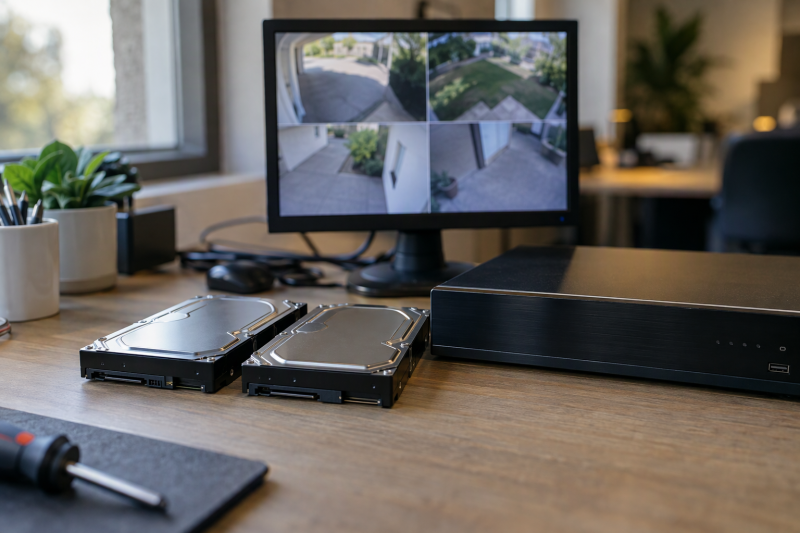
A surveillance drive records video inside a compatible recorder or storage system. How much footage you can keep depends on capacity, and which model makes sense depends on the recorder’s drive support, the camera streams, the recording settings, and the workload. The internal 3.5-inch SATA drives below cover Seagate SkyHawk and SkyHawk AI alongside Western Digital Purple Pro. None of them is a complete camera or recorder.
| Image | Product | Best fit | Capacity | Interface and cache | Workload rating | Watch-outs | Check Price |
|---|---|---|---|---|---|---|---|
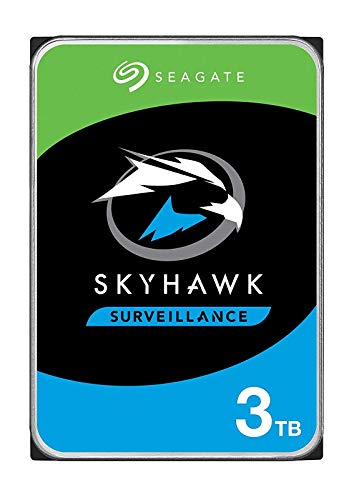 | SkyHawk 3TB ST3000VX009 | Small camera systems | 3TB | SATA 6 Gb/s; 256MB cache | 180TB/year | Up to 8 drive bays; no RV sensors | Check Price on Amazon |
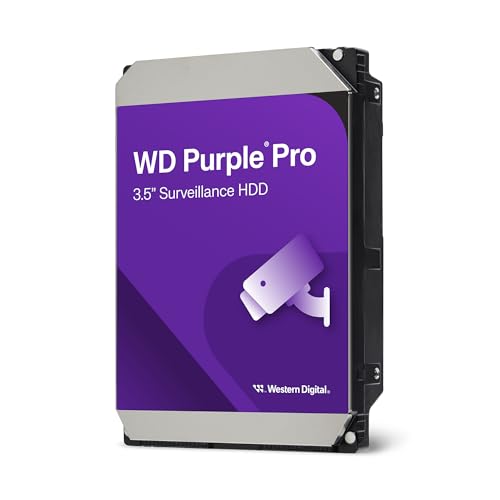 | WD Purple Pro 14TB WD142PURP | Advanced video workloads | 14TB | SATA 6 Gb/s; 512MB cache | Up to 550TB/year | 64-camera figure assumes 3.2 Mbps per camera | Check Price on Amazon |
| WD Purple Pro 18TB WD181PURP | More Purple Pro storage | 18TB | SATA 6 Gb/s; 512MB cache | Up to 550TB/year | Amazon model field adds a suffix | Check Price on Amazon |
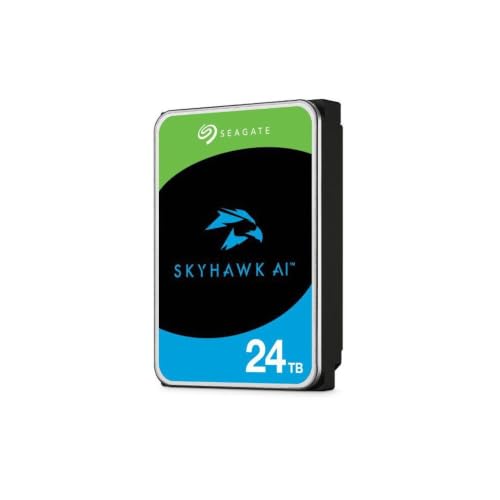 | SkyHawk AI 24TB ST24000VE002 | AI recording storage | 24TB | SATA 6 Gb/s; 512MB cache | Up to 550TB/year | Rescue plan offered only in some regions | Check Price on Amazon |
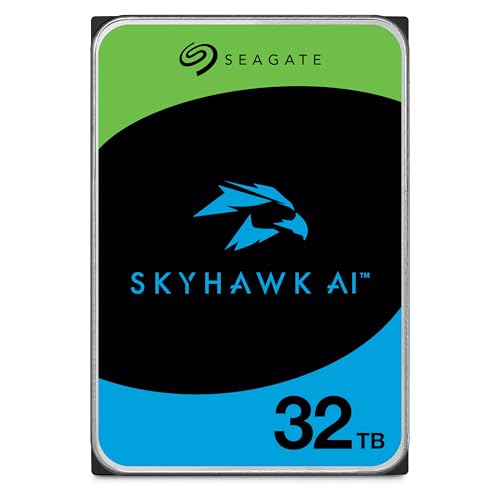 | SkyHawk AI 32TB ST32000VE000 | Largest capacity here | 32TB | SATA 6 Gb/s; 512MB cache | Up to 550TB/year | Amazon model field differs from title | Check Price on Amazon |
1. Seagate SkyHawk 3TB ST3000VX009 — Best for Small Camera Systems
The Amazon title names ST3000VX009 as a SkyHawk drive with SATA 6.0 Gb/s and 256MB cache, and the listing gives a maximum sustained transfer rate of 180 MB/s. Seagate’s SkyHawk data sheet lists the same model with a 180TB/year workload rate limit, support for up to 8 drive bays and up to 64 cameras, and a 3-year limited warranty.
Seagate’s table shows this model without rotational vibration sensors and without SkyHawk Health Management. A 3TB drive suits a system whose retention plan fits in three terabytes. Calculate that need from the camera count, bitrate, and recording schedule, not from capacity alone.
Limit: Seagate gives this model up to 8 drive bays, and 3TB is the smallest capacity on this page.Our Take Choose the 3TB SkyHawk when the recording plan fits in 3TB. Pick a larger drive when it does not.
- Seagate’s SkyHawk data sheet lists ST3000VX009 with 256MB cache and a 180TB/year workload rate limit.
- Seagate’s data sheet and the Amazon listing both give this drive a 180 MB/s maximum sustained transfer rate.
- Seagate’s data sheet says this SkyHawk supports up to 64 cameras and up to 8 drive bays.
- Seagate’s data sheet shows ST3000VX009 without rotational vibration sensors or SkyHawk Health Management.
- At 3TB, this SkyHawk has the smallest capacity of the five drives on this page.
2. WD Purple Pro 14TB WD142PURP — Best for Advanced Video Workloads
Western Digital’s Purple Pro data sheet lists WD142PURP as a 14TB, 3.5-inch SATA drive with 512MB cache, a helium design, 7200 RPM, and a maximum internal transfer rate of 265 MB/s. The same sheet gives it up to 550TB/year of workload, no limit on drive bays, and a 5-year limited warranty.
The Amazon listing describes AllFrame AI and says the drive handles up to 64 single-stream HD cameras as well as smart cameras that send multiple streams. Western Digital’s footnote states the 64-camera figure for one stream per camera at 3.2 Mbps (1080p, H.265, 25 fps) and says results vary with camera resolution, file format, and other factors. The listing also names Western Digital Device Analytics, and Western Digital’s data sheet says it requires a compatible video recorder or system.
Limit: Western Digital states the 64-camera figure for one stream per camera at 3.2 Mbps, and says results vary with camera resolution and file format.Our Take Choose WD142PURP for a smart-video recorder that accepts 14TB drives and runs cameras near the bitrate Western Digital used for its camera figure.
- Western Digital’s data sheet lists WD142PURP with 14TB capacity, 512MB cache, and a 265 MB/s internal transfer rate.
- Western Digital gives it up to 550TB/year of workload and a 5-year limited warranty.
- The Amazon listing names AllFrame AI and Western Digital Device Analytics, and says the drive handles smart cameras that send multiple streams.
- Western Digital states its 64-camera figure for one stream per camera at 3.2 Mbps and says results vary.
- Western Digital’s data sheet says Device Analytics requires a compatible video recorder or system.
3. WD Purple Pro 18TB WD181PURP — Best for More Purple Pro Capacity
Western Digital’s Purple Pro data sheet lists WD181PURP as an 18TB drive with 512MB cache, a 6 Gb/s SATA interface, a helium design, rotational vibration sensors, and up to 550TB/year of workload. The sheet gives this model a maximum internal transfer rate of 272 MB/s, against the 265 MB/s the same sheet gives the 14TB WD142PURP, plus no limit on drive bays and a 5-year limited warranty.
The Amazon listing describes advanced smart-video solutions, AI-enabled recorders and video analytics appliances, tarnish-resistant components, and additional robustness for multi-bay enclosures. Its model field reads WD181PURP-SPB6HY0, which adds a suffix to the WD181PURP in its title and in Western Digital’s data sheet. Check the label on the drive when it arrives.
Limit: Western Digital bases the 272 MB/s figure on read speed in internal testing and says performance varies with host device, usage, and drive capacity.Our Take Pick WD181PURP when the recorder accepts 18TB and you want more capacity than the 14TB Purple Pro.
- Western Digital’s data sheet lists WD181PURP with 18TB capacity, 512MB cache, and a 272 MB/s internal transfer rate.
- At 18TB, this Purple Pro holds 4TB more than the 14TB that Western Digital’s data sheet gives WD142PURP.
- The Amazon listing describes tarnish-resistant components and additional robustness for multi-bay enclosures.
- The Amazon listing’s model field reads WD181PURP-SPB6HY0, a longer code than the WD181PURP in its title.
- Western Digital bases its 272 MB/s figure on read speed in internal testing and says results vary.
4. Seagate SkyHawk AI 24TB ST24000VE002 — Best for AI Recording Capacity
The Amazon title gives the 24TB ST24000VE002 a SATA 6Gb/s interface and 512MB cache. Seagate’s SkyHawk AI data sheet lists the same model as a CMR drive with a 550TB/year workload rate limit, unlimited drive bays, rotational vibration sensors, a 285 MB/s maximum sustained transfer rate, and a 5-year limited warranty. The data sheet and the listing both state support for up to 64 HD video streams and 32 AI streams, and Seagate’s footnotes give the HD figure for 1080p, H.265 video at 25 fps.
The listing also describes SkyHawk Health Management with RAID RapidRebuild, which it says provides 3 times faster volume rebuilds than traditional RAID rebuilds, and a three-year Rescue Data Recovery Services plan. Seagate’s data sheet says the Rescue plan is offered only in some regions and asks buyers to check availability with the reseller.
Limit: Seagate says the Rescue Data Recovery Services plan is offered only in some regions, so confirm it with the seller before counting on it.Our Take Choose the 24TB SkyHawk AI for a multi-drive AI recorder that accepts 24TB drives.
- Seagate’s SkyHawk AI data sheet lists ST24000VE002 with 512MB cache, CMR recording, and a 550TB/year workload rate limit.
- Seagate’s data sheet gives it rotational vibration sensors and unlimited drive bays.
- Seagate’s data sheet and the Amazon listing both state up to 64 HD video streams and 32 AI streams.
- Seagate says the 3-year Rescue Data Recovery Services plan is offered only in some regions.
- Seagate’s data sheet does not name the recorders that accept 24TB drives.
5. Seagate SkyHawk AI 32TB ST32000VE000 — Best for the Largest Capacity Here
The ST32000VE000 has the largest capacity on this page at 32TB. Seagate’s SkyHawk AI data sheet lists it as a CMR SATA 6Gb/s drive with 512MB cache, a 550TB/year workload rate limit, unlimited drive bays, rotational vibration sensors, a 285 MB/s maximum sustained transfer rate, and a 5-year limited warranty. The Amazon listing calls it a video-optimized CMR drive for NVRs with AI, with ImagePerfect AI firmware and support for up to 64 HD video streams and 32 AI streams.
Seagate’s data sheet gives the 24TB ST24000VE002 the same cache, transfer rate, workload rate limit, and warranty. The Amazon listing’s model field reads ST32000VEZ00, while its title and Seagate’s data sheet read ST32000VE000, so check the label on the drive when it arrives.
Limit: The Amazon listing’s model field reads ST32000VEZ00, which differs from the ST32000VE000 in its title and in Seagate’s data sheet.Our Take Pick the 32TB SkyHawk AI for the largest capacity on this page once the recorder’s drive list confirms 32TB support.
- Seagate’s SkyHawk AI data sheet lists ST32000VE000 at 32TB, the largest capacity in its table, with CMR recording and 512MB cache.
- Seagate’s data sheet gives it a 285 MB/s maximum sustained transfer rate and a 5-year limited warranty.
- The Amazon listing states support for up to 64 HD video streams and 32 AI streams.
- The Amazon listing’s model field reads ST32000VEZ00, which differs from the ST32000VE000 in its title and in Seagate’s data sheet.
- The Amazon listing does not name which recorders accept a 32TB drive.
Buying Guide: Choosing a Surveillance Hard Drive
Confirm the recorder accepts the drive
All five products are internal 3.5-inch SATA drives, so the recorder needs a compatible bay, connection, and power supply. Seagate’s SkyHawk data sheet gives the 3TB model up to 8 drive bays, while Seagate’s SkyHawk AI data sheet and Western Digital’s Purple Pro data sheet give their drives no bay limit.
A capacity label is not proof that an older recorder can address the whole drive. Check the recorder maker’s compatibility list and firmware requirements for the exact capacity and model code, especially before buying the 3TB SkyHawk or the 32TB SkyHawk AI.
Estimate retention from the recording plan
Start with the number of streams, their bitrate, and whether they record continuously or only on events, since how fast a drive fills depends on those three inputs. The SkyHawk drives here range from 3TB to 32TB, and a capacity figure alone is not a count of how many days of footage will fit.
Western Digital states the 64-camera figure for the 14TB Purple Pro for one stream per camera at 3.2 Mbps (1080p, H.265, 25 fps). Bandwidth and storage needs vary with resolution, compression, frame rate, and recording schedule. Leave room for the recorder’s formatting and overhead when estimating usable capacity.
Understand workload ratings
Seagate’s data sheet gives the 3TB SkyHawk a 180TB/year workload rate limit, while Seagate gives the SkyHawk AI drives and Western Digital gives the Purple Pro drives up to 550TB/year. The Amazon listing for the 14TB Purple Pro quotes Western Digital’s definition: workload rate is the amount of user data transferred to or from the drive.
A workload rating is a figure for data transferred over a year, not for how much the drive can store, so compare it with the annual read and write load of the whole recording system.
Treat stream counts as conditional
Seagate’s SkyHawk AI data sheet gives the 24TB and 32TB SkyHawk AI up to 64 HD video streams and 32 AI streams, with the HD figure stated for 1080p, H.265 video at 25 fps. Western Digital’s sheet gives the 14TB Purple Pro up to 64 HD cameras and 32 AI streams.
Each maker states its figure for its own drive. The recorder’s own channel limit and the network set what the whole system can handle, so check channel limits and camera settings separately. A compatible drive cannot add processing or network capacity to an undersized recorder.
Plan multi-drive installation and data protection
Seagate’s data sheets list rotational vibration sensors for the 24TB SkyHawk AI and the 32TB SkyHawk AI, and show none for the 3TB SkyHawk. Western Digital’s Purple Pro sheet lists them for the 14TB and 18TB drives, and the Amazon listing for the 18TB Purple Pro describes additional robustness for multi-bay enclosures.
Sensors and robustness features are not proof of the recorder’s bay count, cooling, or redundancy. Follow the recorder manufacturer’s installation instructions, and keep a separate backup or export for footage that must outlast the overwrite cycle, such as the options in offline long-term storage.
Frequently Asked Questions
Will any 3.5-inch SATA drive fit my recorder?
Physical format is only the first check. All five drives use 3.5-inch SATA, but the recorder must also support the drive’s capacity, power needs, and firmware behavior. The 32TB SkyHawk AI needs a recorder that can address that capacity.
Consult the recorder’s supported-drive list and maximum capacity before ordering. A matching connector is not proof that the system can use the whole drive or that its enclosure has adequate cooling.
How many days of footage can 3TB hold?
There is no single answer. The 3TB SkyHawk‘s nominal capacity is shared among the camera streams and any recorder overhead. The drive fills faster with continuous recording at a higher combined bitrate than with a lower bitrate or an event-based schedule.
Estimate from camera count, bitrate, hours recorded, and retention target, then check the recorder’s own calculation and overwrite behavior. Seagate’s 180TB/year workload rate limit for that drive is a different figure, and it is not a number of days of storage.
What does 550TB per year mean?
Seagate gives the SkyHawk AI drives, and Western Digital gives the Purple Pro drives, a workload rating of up to 550TB/year. Western Digital’s definition, quoted in the Amazon listing for the 14TB Purple Pro, is the amount of user data transferred to or from the drive, so it is not the drive’s storage capacity.
A 24TB drive can have its data overwritten many times over a year, so its annual workload may be much larger than 24TB. Compare the recording system’s expected transfers with the maker’s definition rather than treating the rating as a lifespan guarantee.
Do I need a drive with AI in its name?
Not necessarily. Seagate’s data sheet gives the 3TB standard SkyHawk a 180TB/year workload rate limit, while it gives the 24TB and 32TB SkyHawk AI up to 550TB/year and 32 AI streams. The Purple Pro name has no AI in it, yet Western Digital’s sheet lists AllFrame AI and 32 AI streams for the 14TB model.
Choose based on the recorder’s supported features and expected workload. A drive’s AI stream figure is not evidence that the recorder has the hardware or software to run video analytics on its own.
Does a 64-camera claim mean my recorder supports 64 cameras?
No. Western Digital states up to 64 single-stream HD cameras for the 14TB Purple Pro at 3.2 Mbps per camera, and Seagate states up to 64 HD video streams and 32 AI streams for the SkyHawk AI drives.
The recorder, network, camera configuration, and storage system must all support the intended workload. Check the recorder’s own channel and throughput limits rather than treating a drive listing as a complete system specification.
For related storage choices, compare NAS hard drives.
Bottom Line
Confirm recorder compatibility first, then calculate retention and workload from your own recording plan. Seagate’s data sheet gives the 3TB SkyHawk a 180TB/year workload rate limit, while Seagate gives SkyHawk AI and Western Digital gives Purple Pro up to 550TB/year.