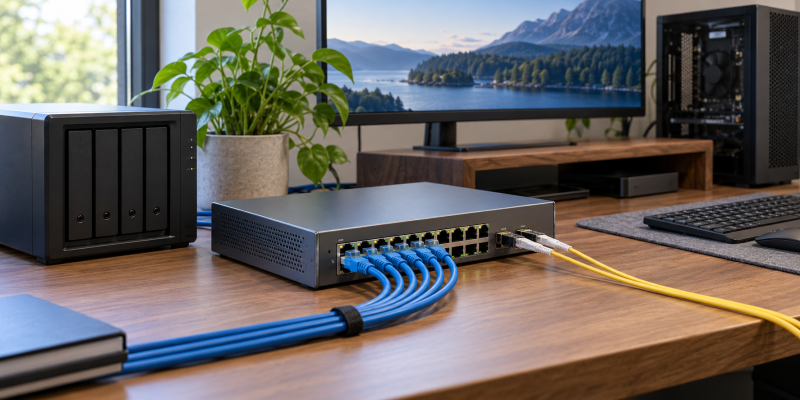
Multi-gig switches with dual 10G SFP+ uplinks connect several 2.5G devices without concentrating their traffic on one slow connection to a server or core switch. The right switch depends on whether the edge devices need PoE, whether the network needs VLAN and cloud controls, and whether a few copper 10G devices are more important than many 2.5G ports.
Every switch here has two stated 10G SFP+ uplinks, but the access side changes from eight 2.5G ports to twenty-four 2.5G PoE ports or six 10G Base-T ports. Count the access points, cameras, NAS devices, workstations, and available power you actually have before deciding which layout is right.
Buy access-port count, PoE budget, and management controls for the devices you have, then use the dual 10G uplinks for the shared path upstream.Best Multi-Gigabit Switches with Dual 10G SFP+ Uplinks Compared
| Image | Product | Details | Check Price |
|---|---|---|---|
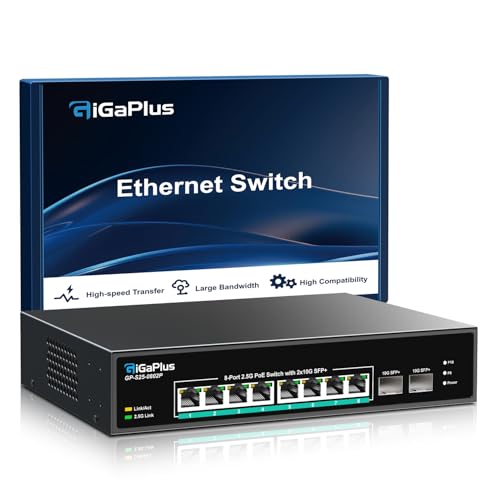 | GigaPlus 10-Port PoE | Best fit: Eight-port 2.5G PoE deployment Ports: 8 x 2.5G PoE; 2 x 10G SFP+ Power: 130W total; up to 30W per port | Check Price on Amazon |
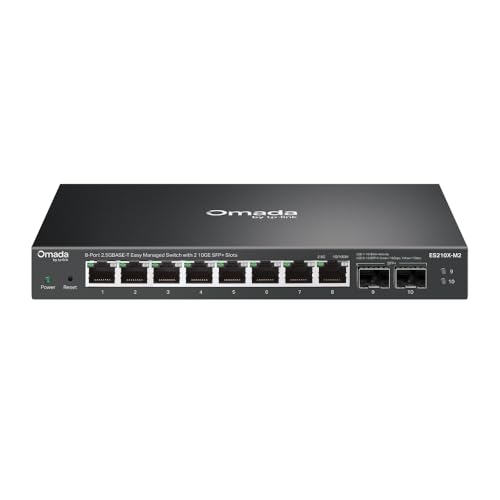 | TP-Link Omada ES210X-M2 | Best fit: Quiet easy-managed 2.5G office Ports: 8 x 2.5G; 2 x 10G SFP+ Controls: VLAN; IGMP; loop prevention | Check Price on Amazon |
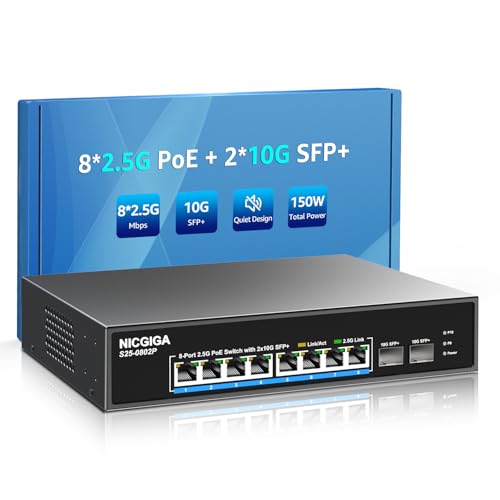 | NICGIGA 10-Port PoE | Best fit: Compact 2.5G PoE cameras or APs Ports: 8 x 2.5G PoE; 2 x 10G SFP+ Power: 120W total; 44 to 57V PoE devices | Check Price on Amazon |
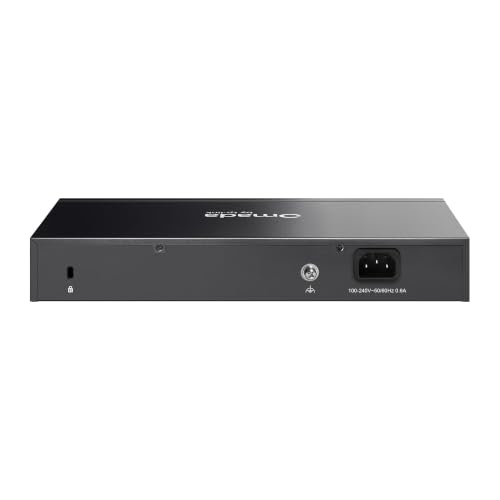 | TP-Link Omada SG3210X-M2 | Best fit: Managed 2.5G with cloud controls Ports: 8 x 2.5G; 2 x 10G SFP+ Controls: L2+; static routing; cloud management | Check Price on Amazon |
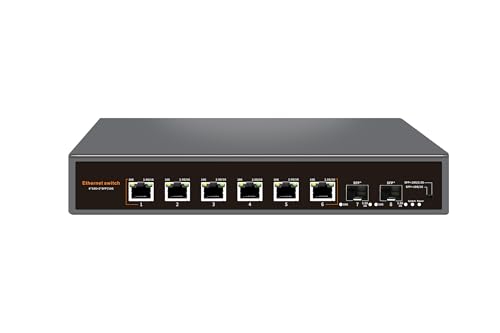 | Davuaz 8-Port 10G | Best fit: Six-port 10G copper core Ports: 6 x 10G Base-T; 2 x 10G SFP+ Capacity: 160Gbps; built-in fan | Check Price on Amazon |
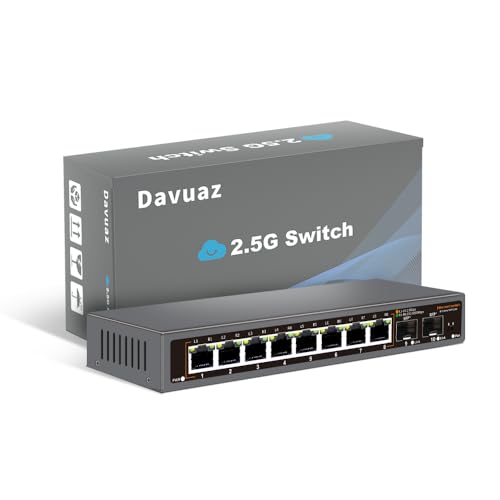 | Davuaz 8-Port 2.5G | Best fit: Fanless unmanaged 2.5G desktop Ports: 8 x 2.5G; 2 x 10G SFP+ Capacity: 80Gbps; fanless metal | Check Price on Amazon |
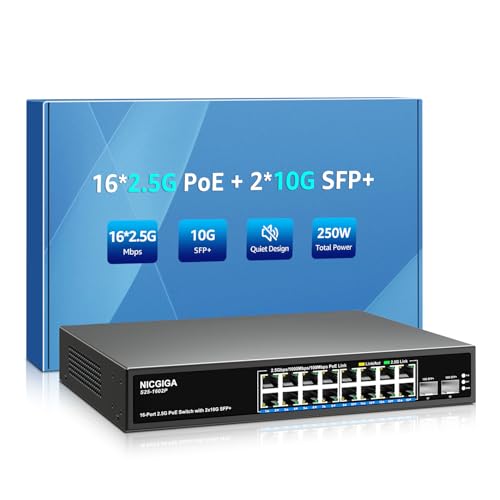 | NICGIGA 18-Port 250W PoE | Best fit: Sixteen-port 2.5G PoE build Ports: 16 x 2.5G PoE; 2 x 10G SFP+ Power: 250W total; up to 30W per port | Check Price on Amazon |
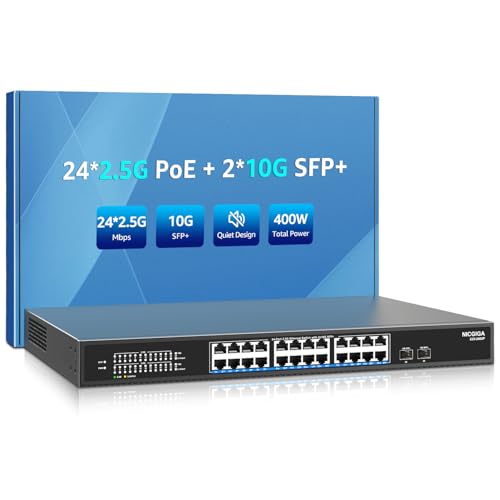 | NICGIGA 26-Port 400W PoE | Best fit: Twenty-four-port 2.5G PoE build Ports: 24 x 2.5G PoE; 2 x 10G SFP+ Power: 400W total; up to 30W per port | Check Price on Amazon |
1. GigaPlus 10-Port PoE — Best Eight-Port 2.5G PoE Deployment
GigaPlus has eight 2.5G Base-T PoE ports, two 10G SFP+ uplinks, an 80Gbps switching capacity, and a stated 130W total PoE budget, so it suits a buyer who needs to power several access points or cameras and also connect a 2.5G NAS and PCs. Each powered port can supply up to 30W under the listed 802.3af and 802.3at standards.
It is unmanaged and fanless, so you choose it for port count and power, not for controls. The metal enclosure, 6KV lightning protection, and desktop or rack-mount support suit an installation that wants quiet powered ports without VLAN configuration.
Decision point: Eight 2.5G PoE ports, 130W total power, and two 10G SFP+ uplinks fit a compact powered multi-gig deployment.For adjacent network planning, see our MoCA 2.5 guide and our USB-C 2.5GbE adapter guide.
Our TakeBuy GigaPlus when eight powered 2.5G edge devices and a 130W PoE budget are the real requirement. Choose an Omada model if VLANs or centralized controls matter more than simple plug-and-play deployment.
- Eight 2.5G PoE ports connect several stated access points, cameras, NAS devices, or PCs without Gigabit edge limits.
- Two 10G SFP+ uplinks give the 80Gbps switch a fast stated path to a core switch or server.
- A 130W total PoE budget supports multiple devices when their combined demand stays inside the stated allocation.
- Up to 30W per 802.3af or 802.3at port gives buyers a named limit for powered-endpoint planning.
- Fanless metal construction and 6KV lightning protection fit a quiet desktop or rack installation.
- The unmanaged design lacks VLAN and loop-prevention controls named for the easy-managed TP-Link ES210X-M2.
- Eight powered ports are fewer than the sixteen and twenty-four 2.5G PoE ports offered by NICGIGA alternatives.
2. TP-Link Omada ES210X-M2 — Best Quiet Easy-Managed 2.5G Office
TP-Link Omada ES210X-M2 has eight 2.5G RJ45 ports and two 10G SFP+ uplinks in a fanless metal switch. What sets it apart from the unmanaged models is easy management. The listing includes VLAN support, IGMP snooping, and automatic loop prevention, so the network does not have to stay one flat, unmanaged segment.
It does not state PoE delivery, so it fits best in an office where access points and cameras already have power injectors or another powered switch. The silent design and shielded ports suit a desk or quiet room that needs controlled multi-gig access.
Decision point: Eight 2.5G ports with VLAN, IGMP, and loop prevention fit a quiet office that needs simple traffic controls. Our TakeBuy the ES210X-M2 when eight 2.5G endpoints need silent operation and easy segmentation controls. Choose a PoE model when the switch must also power access points, phones, or cameras.
- Eight 2.5G RJ45 ports support modern Wi-Fi 6 or 7 access points, NAS devices, and gaming PCs.
- Two 10G SFP+ slots provide the stated high-speed uplinks for servers or a core switch.
- VLAN support gives a buyer a named way to segment guests, devices, and work equipment.
- IGMP snooping and automatic loop prevention add listed traffic-management safeguards unavailable on unmanaged alternatives.
- A fanless metal design keeps a quiet workspace free from switch-fan noise while protecting shielded ports.
- No stated PoE budget means powered access points and cameras need injectors or a separate PoE switch.
- Eight 2.5G ports cannot match the six copper 10G ports available on Davuaz’s 160Gbps unmanaged switch.
3. NICGIGA 10-Port PoE — Best Compact 2.5G PoE Cameras or APs
NICGIGA’s compact PoE model has eight 2.5Gb PoE ports, two 10G SFP+ uplinks, and a stated 120W total power budget. Each port is described as up to 30W under 802.3af or 802.3at, and the listing names a 44 to 57V PoE-device requirement to check against the cameras or access points you plan to connect.
The switch is unmanaged, fanless, and described as plug and play. It is a practical fit for a modest set of Wi-Fi 6 access points, 4K PoE cameras, or VoIP endpoints where getting power to the devices is more important than configuring the network.
Buy the NICGIGA 10-port model when eight powered 2.5G devices fit inside its stated 120W budget. Confirm the 44 to 57V device requirement before selecting it for an existing PoE installation.
- Eight 2.5Gb PoE ports give cameras and access points faster edge links than ordinary Gigabit powered switches.
- Two 10G SFP+ uplinks create a stated higher-bandwidth connection to a server, router, or core switch.
- A 120W total PoE budget provides a concrete limit for calculating several cameras or access points.
- Up to 30W per port supports the named 802.3af and 802.3at powered-device standards.
- Fanless metal construction, 6KV protection, and a minus-10 to 50°C range suit quiet utility placements.
- Only 44 to 57V PoE devices are supported, so an incompatible existing endpoint needs different power hardware.
- The unmanaged design omits VLAN and centralized cloud management supplied by the TP-Link Omada alternatives.
4. TP-Link Omada SG3210X-M2 — Best Managed 2.5G with Cloud Controls
TP-Link Omada SG3210X-M2 is the control-focused model, with eight 2.5G ports, two 10G SFP+ slots, centralized cloud management, and listed L2, L3, and L4 QoS plus IGMP snooping. It also states static routing, which distinguishes it from the easy-managed ES210X-M2 when a network needs more control over how internal traffic is handled.
Because no PoE budget is stated, this switch is a choice about management and uplinks, not about powering endpoints. It suits an Omada deployment that needs cloud access, zero-touch provisioning, monitoring, and a 2.5G access layer.
For a related creator-network upgrade, see our NAS drive guide and our 10G dock guide.
Our TakeBuy SG3210X-M2 when centralized Omada management, routing, and QoS matter more than integrated PoE. Use an unmanaged PoE switch when the immediate job is simply powering many edge devices.
- Eight 2.5G ports and two 10G SFP+ slots create the stated multi-gig access and uplink layout.
- Centralized cloud management and zero-touch provisioning help an Omada deployment administer equipment from one control plane.
- L2, L3, and L4 QoS provide named traffic-control layers for buyers with competing application demands.
- Static routing can direct internal traffic without making every local path traverse an external router.
- IGMP snooping and monitoring add listed controls for managing multicast behavior and observing the switch.
- No stated PoE budget leaves access points, cameras, and phones dependent on external power delivery.
- Its eight 2.5G ports provide less powered endpoint capacity than NICGIGA’s sixteen and twenty-four-port models.
5. Davuaz 8-Port 10G — Best Six-Port 10G Copper Core
Davuaz is the unusual option here because six of its ports are 10G Base-T rather than 2.5G. It adds two 10G SFP+ uplinks, lists a 160Gbps switching capacity, and supports 1G, 2.5G, 5G, and 10G auto-negotiation. That layout fits a small core where several NAS units, workstations, servers, or high-speed adapters already use copper 10G.
This Davuaz model is unmanaged and has a built-in industrial-grade cooling fan. You get dense copper 10G access, but you give up the VLAN, QoS, cloud, and PoE features included or described on the other switches.
Decision point: Six 10G Base-T ports plus two 10G SFP+ uplinks fit a small core with several existing copper 10G devices. Our TakeBuy Davuaz when six copper 10G connections are more useful than a larger 2.5G PoE edge. Choose the Omada models if segmentation and centralized management are more valuable.
- Six 10G Base-T ports give several compatible servers or workstations a higher-speed copper access layer.
- Two 10G SFP+ uplinks preserve a separate stated 10G path to another switch or server.
- A 160Gbps switching capacity matches the product’s dense eight-port 10G physical layout.
- 1G, 2.5G, 5G, and 10G compatibility lets mixed-speed copper devices negotiate their stated available rates.
- A metal enclosure and built-in industrial-grade fan provide listed cooling for a higher-speed unmanaged core.
- The built-in fan can be less suitable for a silent desk than the fanless TP-Link and Davuaz 2.5G models.
- No PoE budget or management controls are stated, so it cannot replace a switch that powers or segments endpoints.
6. Davuaz 8-Port 2.5G — Best Fanless Unmanaged 2.5G Desktop
Davuaz specifies eight 2.5G Base-T ports, two 10G SFP+ uplinks, and an 80Gbps switching capacity for this model. It is unmanaged, plug and play, and fanless, so it works as a simple, quiet multi-gig aggregation point for a desktop, home office, or small equipment shelf.
The port LED indicators show 2.5G versus 100 or 1000Mbps operation, which is useful for confirming a device negotiated the expected rate. It is not a powered or managed switch, so it suits self-powered NAS devices, PCs, and uplinked Wi-Fi gear.
Decision point: Eight fanless 2.5G ports and two 10G SFP+ uplinks fit a quiet self-powered desktop network.For compatible edge devices, see our 2.5GbE adapter guide and our cable-management tray guide.
Our TakeBuy this Davuaz switch for quiet, simple eight-port 2.5G aggregation. Add a PoE model when access points or cameras need power, or choose Omada for VLAN management.
- Eight 2.5G Base-T ports give several PCs, NAS devices, and access points a faster stated edge than Gigabit.
- Two 10G SFP+ uplinks provide separate high-bandwidth links toward a server or core switch.
- An 80Gbps switching capacity matches the eight 2.5G ports and dual 10G physical layout.
- Fanless metal construction keeps the switch silent for a desk or home-office location.
- Port LEDs distinguish 2.5G from 100 or 1000Mbps negotiation, helping diagnose an unexpected link rate.
- The unmanaged plug-and-play design lacks VLAN, IGMP, QoS, and loop-prevention features stated by Omada switches.
- No PoE output is listed, so an access point or camera needs a separate injector or powered switch.
7. NICGIGA 18-Port 250W PoE — Best Sixteen-Port 2.5G PoE Build
NICGIGA’s eighteen-port unit has sixteen 2.5Gb PoE ports plus two 10G SFP+ uplinks, the same basic layout as the eight-port models with more powered ports. With a stated 250W total PoE budget and up to 30W per port, it is a practical fit for many cameras, access points, phones, or other 44 to 57V powered devices that cannot fit on an eight-port switch.
It is unmanaged and plug and play, with a fanless metal body, 6KV lightning protection, and a stated minus-10 to 50°C operating range. The unmanaged design puts port count and power capacity ahead of software controls.
For powered-device placement, see our Wi-Fi 6E mesh guide and our PoE security-camera guide.
Our TakeBuy the NICGIGA 18-port model when sixteen powered 2.5G endpoints fit inside its 250W budget. Choose the 26-port unit when the planned count approaches twenty-four devices.
- Sixteen 2.5Gb PoE ports support a substantially larger stated camera or access-point count than eight-port alternatives.
- A 250W total budget provides a concrete planning ceiling for multiple endpoints drawing up to 30W each.
- Two 10G SFP+ uplinks preserve high-speed upstream paths while the access layer expands to sixteen devices.
- 802.3af and 802.3at support names the PoE standards a buyer should match to powered endpoints.
- Fanless metal construction with 6KV protection suits a quiet utility placement within the listed minus-10 to 50°C range.
- Only 44 to 57V PoE devices are listed as supported, limiting an installation with incompatible powered equipment.
- The unmanaged architecture omits the cloud, routing, and QoS controls of the TP-Link SG3210X-M2.
8. NICGIGA 26-Port 400W PoE — Best Twenty-Four-Port 2.5G PoE Build
NICGIGA’s 26-port model is the capacity pick, with twenty-four 2.5Gb PoE ports, two 10G SFP+ uplinks, and a stated 400W power budget. That port count supports a much broader access-point, camera, phone, or other powered-device layout than the compact models, and it keeps the same 30W-per-port 802.3af and 802.3at claim.
It is an unmanaged plug-and-play switch, so choose it for port count and power capacity, not for policy management. Verify that your planned total power draw stays inside the listed 400W total.
Buy the NICGIGA 26-port model when a large 2.5G PoE deployment needs twenty-four powered access ports and 400W capacity. Do not pay for its scale when an eight or sixteen-port layout covers the device count.
- Twenty-four 2.5Gb PoE ports accommodate a large stated mix of cameras, access points, phones, and network equipment.
- A 400W total PoE budget offers the largest listed aggregate power pool in this comparison.
- Up to 30W per port supports endpoint planning around the stated 802.3af and 802.3at standards.
- Two 10G SFP+ uplinks keep the larger access layer connected through dedicated high-speed upstream links.
- Fanless metal construction, 6KV protection, and the minus-10 to 50°C range suit a larger quiet equipment installation.
- The 400W and twenty-four-port scale can be unnecessary when an eight-port switch already covers the powered endpoint count.
- It remains unmanaged and supports only listed 44 to 57V PoE devices, requiring separate control and compatibility planning.
Buying Guide
Count the access ports before focusing on uplinks
Choose eight 2.5G ports when the edge has a few PCs, a NAS, and several access points. GigaPlus, both TP-Link models, NICGIGA’s compact unit, and Davuaz’s fanless switch take that form. Their two 10G SFP+ uplinks are shared upstream paths, not a reason to buy more access ports than the room needs.
Choose sixteen or twenty-four 2.5G PoE ports when the powered-device count requires them. NICGIGA’s 18-port and 26-port models have sixteen and twenty-four powered ports respectively. Leaving some expansion room is sensible, but a much larger unmanaged chassis can be needless when the endpoint plan is stable.
Separate 2.5G edge devices from true copper 10G needs
For Wi-Fi 6 or 7 access points, NAS devices, and gaming PCs, eight 2.5G access ports can match the stated endpoint class. ES210X-M2 explicitly names those devices, while the PoE switches name cameras and access points. Use dual 10G SFP+ ports to connect the group to a capable core or server.
For several servers or workstations with compatible NICs, six 10G Base-T ports can be the deciding specification. Davuaz’s 10G model supports 1G, 2.5G, 5G, and 10G rates across six copper ports, but its built-in fan and unmanaged design differ from the quiet 2.5G switches.
Calculate PoE from the whole installation
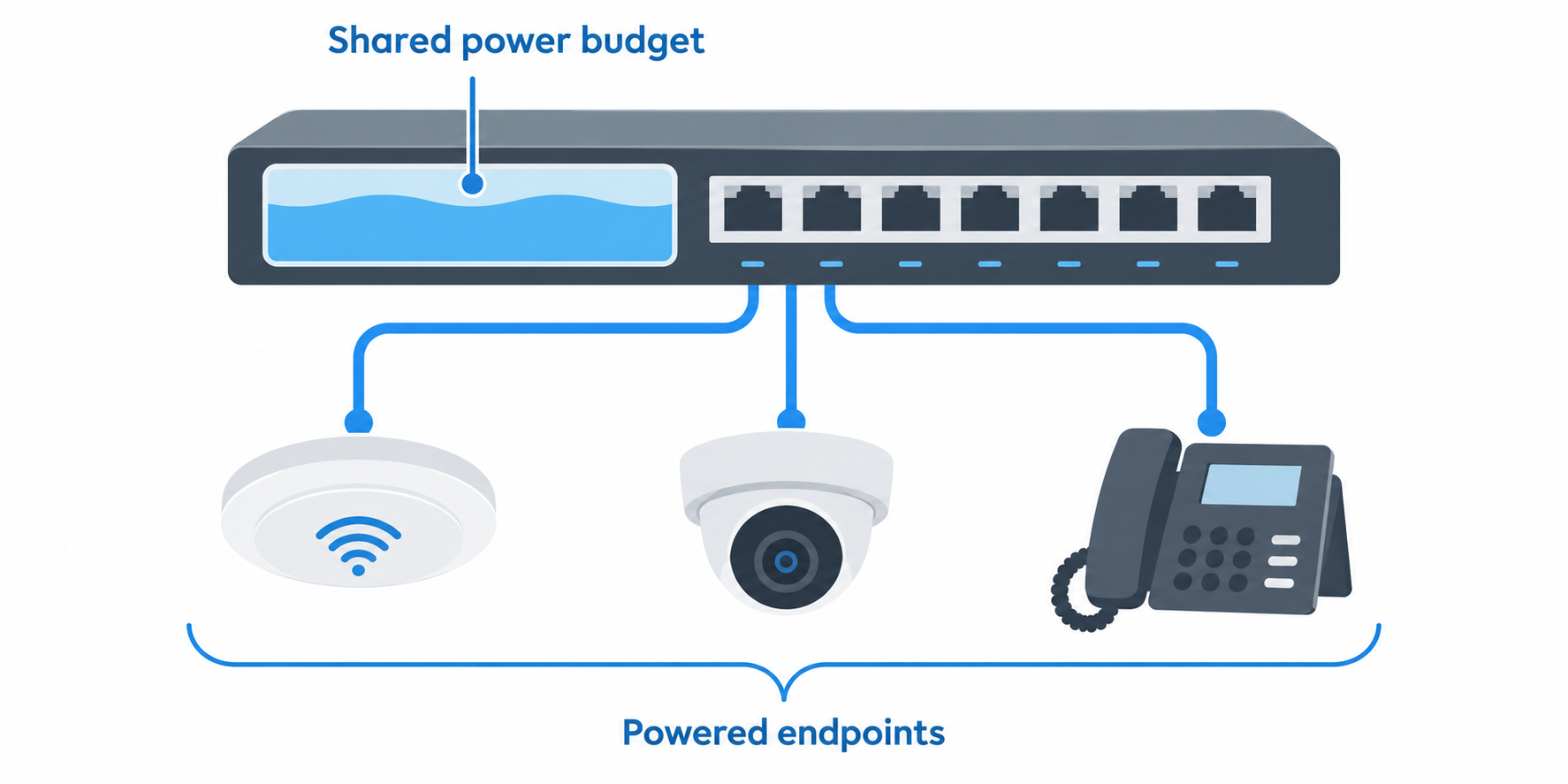
Use the total PoE budget rather than the 30W per-port maximum alone. GigaPlus lists 130W, NICGIGA’s compact model lists 120W, the 18-port lists 250W, and the 26-port lists 400W. Add the expected draw of every camera, phone, and access point before deciding whether the switch has enough shared power.
Also confirm the 44 to 57V powered-device requirement on the NICGIGA models. A 30W number does not establish compatibility by itself. A device outside that stated voltage support may need a different injector or a different switch even if its label looks similar.
Decide whether management controls are part of the job
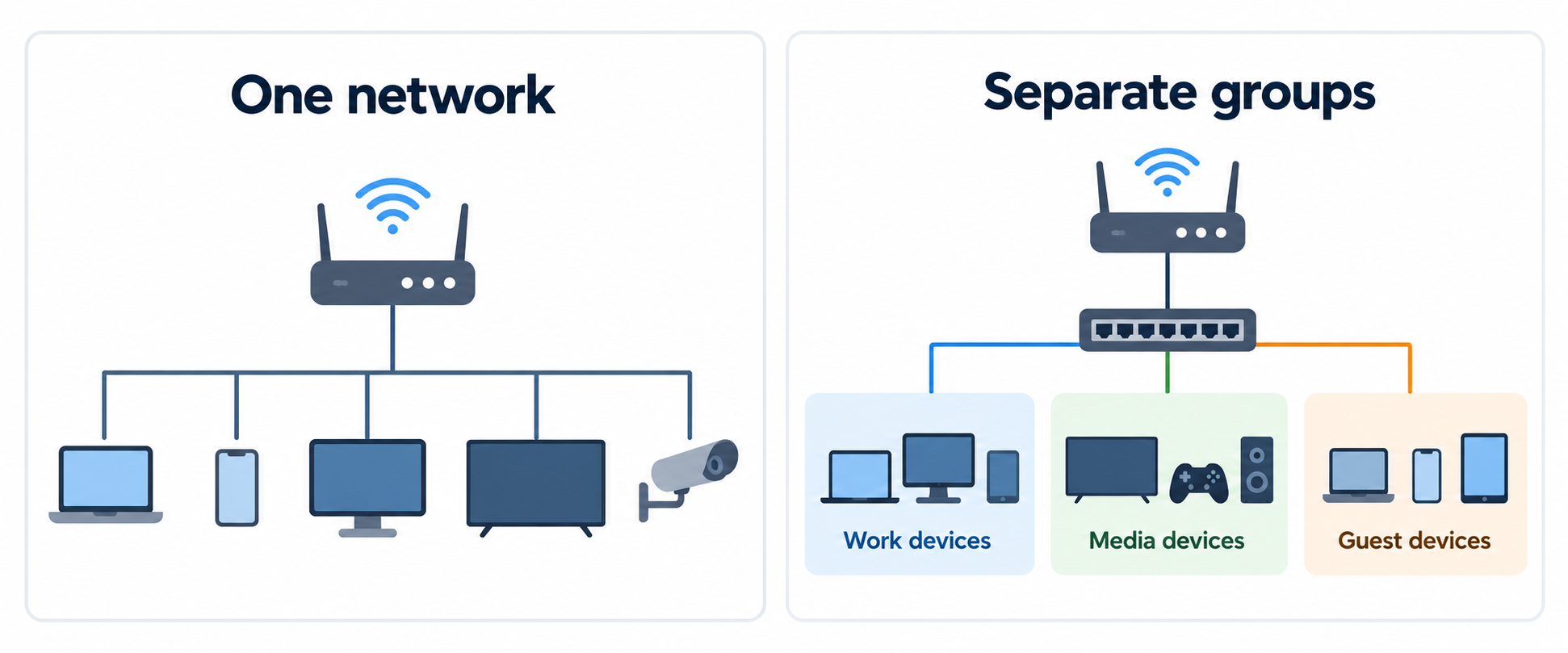
Choose TP-Link Omada when VLANs, IGMP snooping, loop prevention, or cloud management solve an actual operational problem. ES210X-M2 provides the easier VLAN and loop-prevention feature set, while SG3210X-M2 adds L2, L3, and L4 QoS, static routing, monitoring, and centralized cloud management.
Choose unmanaged hardware when the network needs simple port expansion and its routing or control layer already exists elsewhere. GigaPlus, Davuaz, and NICGIGA models emphasize plug-and-play deployment. They do not supply the stated segmentation and control features that justify the additional setup of an Omada switch.
Plan acoustic and physical placement
For a desk or quiet office, fanless operation is a practical requirement rather than a cosmetic preference. GigaPlus, both TP-Link models, Davuaz’s 2.5G unit, and the NICGIGA descriptions state fanless designs. Fan noise can be a problem when the switch sits beside a workstation or in a shared room.
For a higher-speed copper core, the Davuaz 10G model uses a built-in industrial-grade cooling fan. Its 160Gbps capacity and six 10G ports justify a different cooling approach, but buyers should place it where fan noise and airflow suit the workspace.
FAQ
Why do I need two 10G SFP+ uplinks?
Two SFP+ uplinks provide two stated 10G connections toward a server or core switch. Two uplinks can be useful when the access layer serves several 2.5G devices and one uplink would become the shared path. The best use depends on the equipment connected at the other end.
They do not make every access port 10G. The eight-port switches still expose eight 2.5G access ports, while Davuaz’s distinct model exposes six 10G Base-T ports. Buy the access speed your endpoints use, then make sure the upstream gear can accept the SFP+ links.
How much PoE budget should I reserve?
Reserve the sum of the planned powered endpoints below the switch’s stated total budget. GigaPlus states 130W, NICGIGA’s compact model 120W, the sixteen-port model 250W, and the twenty-four-port model 400W. The largest port count does not automatically mean every port can draw 30W simultaneously.
The per-port figure is still important. The PoE models state up to 30W per port under 802.3af and 802.3at, but NICGIGA also names 44 to 57V devices. Check both the endpoint’s power demand and the switch’s total allocation before installing the whole group.
Should I choose a managed switch for a home office?
Choose one when you need to separate device groups or control traffic. ES210X-M2 supplies VLAN, IGMP, and automatic loop prevention, while SG3210X-M2 adds cloud management, QoS, and static routing. Those functions suit a more deliberate network design.
Otherwise, unmanaged can be the simpler fit. Fanless plug-and-play switches provide the stated 2.5G ports and dual 10G uplinks without configuration. A home office with one flat trusted network may value that simplicity more than a management interface.
Can a 2.5G switch connect 10G devices?
It can connect through the two listed 10G SFP+ uplink ports, provided the other equipment and modules match. Davuaz’s 10G Base-T model goes further with six copper 10G ports and auto-negotiation across 1G, 2.5G, 5G, and 10G.
The speed of the access ports is decisive. An eight-port 2.5G switch does not turn its RJ45 ports into 10G ports. Use it for 2.5G devices and put the 10G interface where the server, core switch, or other high-speed endpoint needs it.
Is a fanless switch always preferable?
Fanless is preferable when quiet placement and low local noise are central constraints. Several switches here explicitly state fanless operation and suit a desk, home office, or quiet equipment shelf. Noise and placement are good reasons to prefer it.
It is not a universal performance rule. Davuaz’s 160Gbps six-port 10G switch uses a built-in fan for cooling. Choose the cooling design that matches the switch’s power, speed, and installation location.
Bottom Line
TP-Link Omada ES210X-M2 is the quiet easy-managed choice, SG3210X-M2 adds deeper cloud controls and routing, and Davuaz suits a small copper 10G core. For powered endpoints, choose the NICGIGA or GigaPlus model whose 120W to 400W budget and 8 to 24 PoE-port count match the installation.