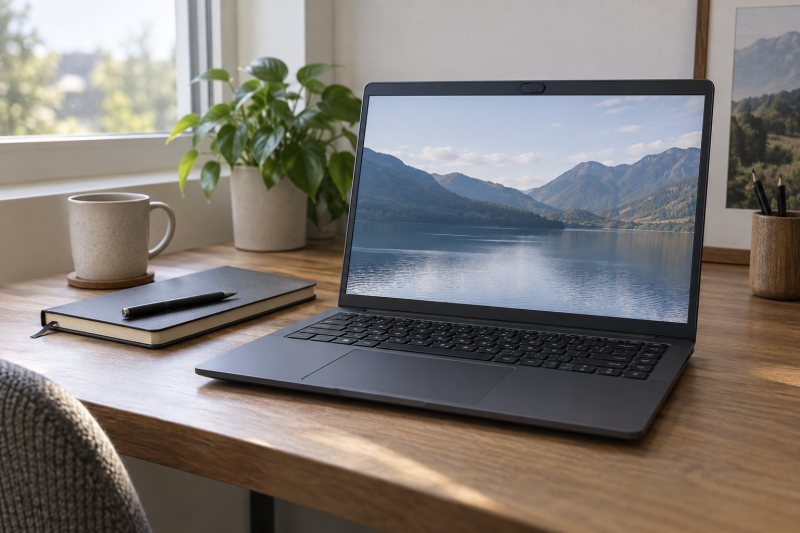
A physical webcam shutter gives you a visible way to cover the camera lens between calls. The cover is useful in a private office, hotel or shared workspace, but it does not mute the microphone or secure the operating system. Choose the laptop for the work you do first, then verify that the exact configuration has a sliding cover rather than only a software camera switch.
These five exact Amazon US offers were active New when selected. The five offers are portable 14-inch ThinkPads, 16-inch business machines and a powerful MSI creative laptop. Camera details can vary across configurations, so check the model code and seller’s camera field before ordering.
Look for a documented physical lens cover on the exact configuration. A keyboard privacy key is not the same thing.Webcam-Shutter Laptops Compared
| Image | Product | Details | Check Price |
|---|---|---|---|
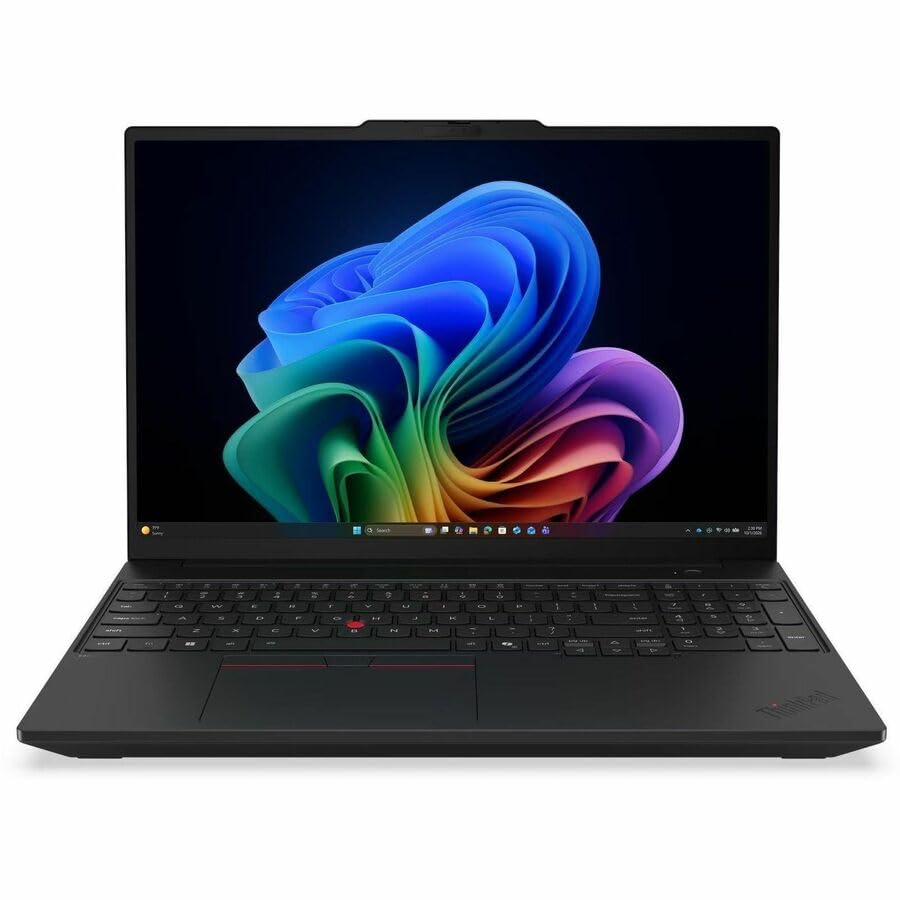 | ThinkPad T16 Gen 5 AMD | Screen: 16-inch WUXGA touch Camera cover: Mechanical shutter documented Work fit: Large business desk Main catch: Check exact camera configuration | Check Price on Amazon |
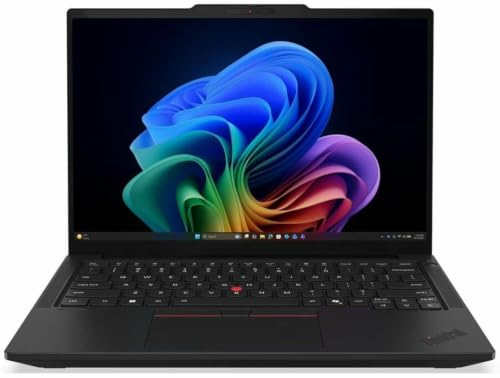 | ThinkPad T14 Gen 7 Intel | Screen: 14-inch WUXGA Camera cover: Physical shutter documented Work fit: Portable business work Main catch: Verify exact camera SKU | Check Price on Amazon |
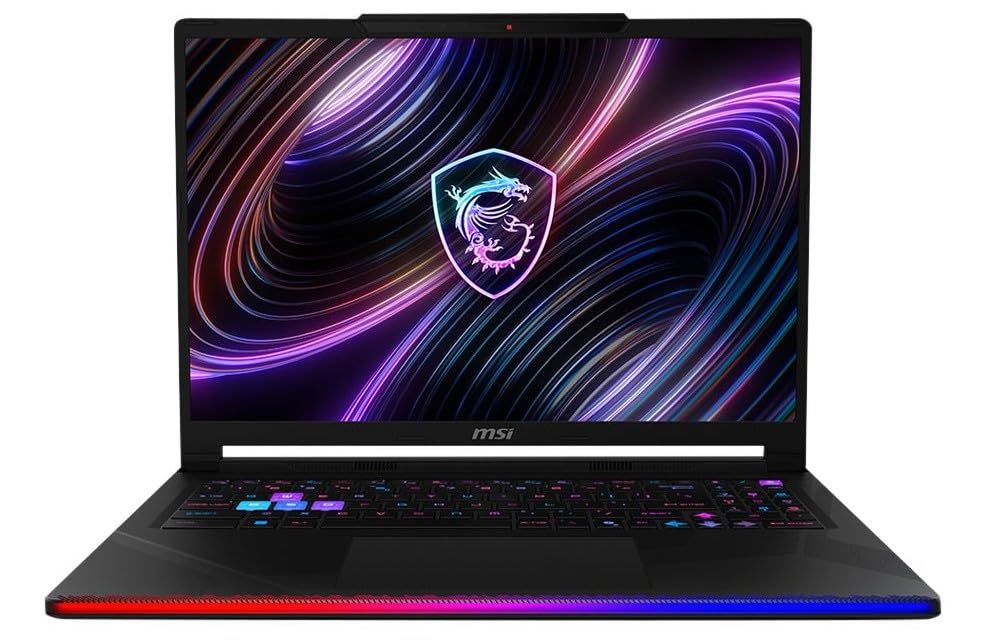 | MSI Raider 16 Max HX | Screen: 16-inch QHD+ OLED Camera cover: Webcam shutter documented Work fit: GPU-heavy creative work Main catch: Size and power needs | Check Price on Amazon |
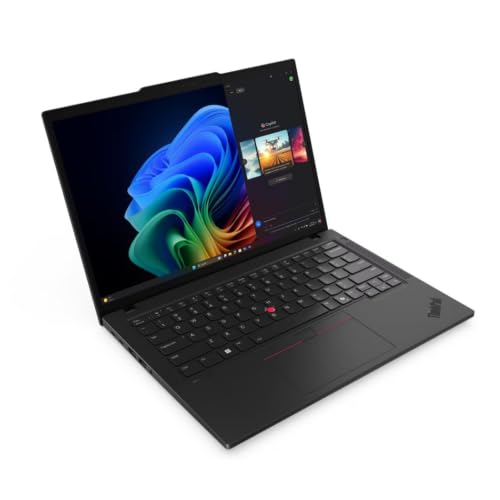 | ThinkPad T14 Gen 6 AMD | Screen: 14-inch WUXGA Camera cover: Privacy shutter documented Work fit: AMD business work Main catch: Confirm model 21QJ00CSUS | Check Price on Amazon |
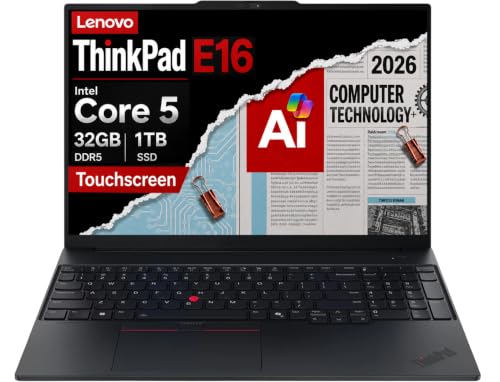 | ThinkPad E16 Gen 3 | Screen: 16-inch WUXGA touch Camera cover: Shutter stated by seller Work fit: Large-screen value Main catch: Seller reseals for upgrades | Check Price on Amazon |
1. Lenovo ThinkPad T16 Gen 5 AMD — Best 16-Inch Business Desk
The exact Amazon listing names ThinkPad T16 Gen 5 AMD model 21WX0005US, with a 16-inch WUXGA touchscreen, 32GB memory and 512GB SSD. The saved model review describes a 5MP camera with a mechanical shutter. The T16 is the large-screen business choice when documents, spreadsheets and remote meetings share one laptop. Its extra screen area can be more comfortable than a 14-inch machine, though it occupies more desk and bag space.
Use the shutter as a quick visual confirmation that the camera lens is covered after a call. It does not prevent an application from accessing the microphone. If you work with confidential audio, review the app’s permissions and microphone settings separately. The Amazon title is truncated after the resolution, so use the full model code rather than guessing other configuration details. Our laptop docking guide is about desk expansion, not camera isolation.
The T16 is the roomy choice for work. Check model 21WX0005US and the physical lens slider before buying.Our Take Choose this T16 if you want a 16-inch business workspace more than a small travel footprint. The documented mechanical shutter is a practical extra, not a replacement for permission controls.
- 16-inch touchscreen gives a larger document workspace.
- Model review explicitly documents a mechanical camera shutter.
- Exact listing identifies the AMD T16 Gen 5 configuration.
- Larger laptop is less convenient in tight travel setups.
- Shutter does not mute the microphone.
2. Lenovo ThinkPad T14 Gen 7 Intel — Best 14-Inch Business Choice
This offer is ThinkPad T14 Gen 7 Intel model 21WN00C7US, which Lenovo specifies with a 14-inch WUXGA screen, 32GB memory and 512GB SSD. The saved model review calls out a physical webcam shutter. Compared with the T16, it has less screen area and a more portable body. The smaller body is useful if confidential calls happen in several locations rather than at one permanent desk.
Lenovo’s family includes multiple camera, display and processor configurations. Match the Amazon model code to the seller’s stated camera before ordering, and do not transfer a camera detail from a different T14 generation. A physical lens cover blocks an image when closed, but a live meeting still needs the right camera and audio permissions. If you plan an external display at the office, our USB-C monitor roundup is a separate guide to screen choice.
Our Take Pick this T14 Gen 7 if you travel between locations for confidential work and want a documented physical shutter. Confirm the exact 21WN00C7US camera configuration before checkout.
- 14-inch body is easier to carry than the 16-inch choices.
- Physical shutter is documented for the reviewed generation.
- Smaller built-in workspace than a T16.
- Camera configurations vary within the model family.
3. MSI Raider 16 Max HX — Best High-Power Creative Workstation
MSI’s US specification lists a Webcam Shutter for the Raider 16 Max HX B2W family, and the exact Amazon offer lists a 16-inch QHD+ OLED 240Hz screen, Core Ultra 9 290HX Plus, RTX 5090 graphics, 32GB memory and 1TB SSD. The Raider is not a cost-efficient purchase merely to get a camera cover. It belongs here for a creator who already needs the GPU and display, then also wants a shutter between calls.
With high-power components, portability, charging and fan behavior are different buying questions from the ThinkPads. The official product page lists a large adapter and a heavy chassis, but the exact retail configuration should still be checked. If your work includes streaming or video editing, our capture-card guide is about a separate input path. Closing the laptop camera cover does not block an attached external webcam.
Do not buy the Raider only for a shutter. It makes sense when the creative workload already justifies the machine.Our Take Buy the Raider if you need its high-end creative hardware and also value a built-in physical webcam shutter. For ordinary confidential documents and meetings, choose a smaller business laptop.
- MSI explicitly lists Webcam Shutter for the family.
- Exact offer has a high-end GPU and QHD+ OLED display.
- More power, size and expense than shutter-only buyers need.
- Cover does not affect an external camera or microphone.
- Verify the exact retail variant’s included adapter and ports.
4. Lenovo ThinkPad T14 Gen 6 AMD — Best Simpler 14-Inch AMD Option
The listed T14 Gen 6 AMD 21QJ00CSUS has a 14-inch WUXGA screen, Ryzen AI 7 PRO 350, 16GB memory and 512GB SSD. A model-specific specification names a 5MP plus IR camera with privacy shutter. The model-specific specification is stronger evidence than assuming all T14 Gen 6 configurations have identical cameras. The machine fits someone who wants a portable business system without moving to the newer T14 Gen 7 Intel configuration.
Sixteen gigabytes is the exact Amazon listing’s memory amount, not a judgment about whether your applications will fit. Check your typical tabs, meetings and local workloads. Its built-in 14-inch screen may be small for side-by-side confidential documents, so an external display can be useful at a fixed desk. Our monitor arm guide is about that desk layout, not the laptop camera.
Our Take Choose this T14 Gen 6 if its AMD configuration and 14-inch size fit your work. The model-specific specification of the privacy shutter is the reason to prefer this exact offer over a loosely named variant.
- Exact model-specific document states a camera privacy shutter.
- 14-inch format suits work across multiple locations.
- Exact listing has 16GB memory, below the T14 Gen 7 offer here.
- Model-code mixups can invalidate the camera claim.
5. Lenovo ThinkPad E16 Gen 3 — Best 16-Inch Value Route With Seller Caveat
The E16 Gen 3 offer states a 1080p IR webcam with privacy shutter alongside a 16-inch WUXGA touchscreen, Core 5 210H and 32GB memory. It is another large-screen business route for buyers who do not need the T16 configuration. Here the shutter evidence comes from the exact seller’s listing, so ask the seller to confirm the physical slider and camera configuration if that feature is non-negotiable.
The same offer discloses that the seller reseals the computer to upgrade memory or storage and provides its own warranty for upgraded parts. New offer condition does not erase that distinction. Read the warranty and return terms, especially if a company purchasing policy requires factory-sealed equipment. If you need multi-display desk expansion, our dual-monitor adapter guide is about display routing, not this E16’s privacy hardware.
Our Take Consider the E16 if you need a 16-inch business laptop and accept a unit upgraded by the seller. Choose a different listing if factory-sealed status or a warranty from the maker alone is required.
- Exact listing explicitly says privacy-shutter webcam.
- 16-inch touchscreen gives more built-in workspace.
- Seller reseals the laptop for upgrades.
- Upgrade warranty differs from Lenovo coverage.
- Physical slider should be confirmed with the seller.
Buying Guide
1. Separate a lens shutter from a camera-disable key
A physical shutter covers the lens. You can see its position without trusting an app’s icon or a software setting. A keyboard shortcut that turns the camera off may disable a device electronically, but it is a different control. Read the exact model specification or ask for a photo of the sliding cover if the listing is vague. Our USB4 laptop list is about connectivity, not this privacy feature.
The shutter’s protection is narrow. It blocks images from the built-in lens when closed. It does not mute the microphone, stop screen sharing, prevent an external webcam from recording or protect files from unauthorized access. Use microphone permissions, meeting controls, storage encryption and your organization’s security policy for those separate risks.
2. Match the exact configuration and seller
A family name is not enough evidence. ThinkPad T14 and T16 models have many generations and camera options. Compare the model code in the offer against the source that documents the shutter. The T14 Gen 6 here is 21QJ00CSUS. A similarly titled listing can carry a different display, camera or warranty.
Seller modifications change what you are buying. The E16 offer says its memory and storage were upgraded after resealing. The upgrade may be acceptable to an individual buyer, but an employer may require factory-sealed equipment or a particular warranty chain. Confirm the return window and who supports the modified parts before treating an active New offer as identical to a direct factory configuration.
3. Choose screen size for the actual work
Fourteen inches favors mobility. The T14 Gen 6 and Gen 7 are easier to carry between offices than 16-inch choices. The T16 and E16 offer more built-in space for documents, and MSI adds a high-resolution creative display. Think about the desk, bag and work surface you use.
With an external monitor, screen size counts for less. A smaller laptop can dock to a larger desk display, while its webcam shutter remains on the laptop. A portable monitor can add space away from the office. If meetings use a separate USB camera mounted to a display, the laptop shutter no longer covers the active lens. Check which camera your meeting software selects each time you change setups.
4. Put compute and battery needs ahead of the shutter
The MSI’s GPU is a workload decision. Video rendering, 3D work and demanding graphics can justify it, but an RTX 5090 is unnecessary for ordinary document privacy. The ThinkPads are for a different kind of office use. This article did not benchmark speed, runtime, fan noise or security effectiveness.
Check the complete offer before purchase. Processor, RAM, storage, battery, ports and service terms can differ even where the lens cover is the same. A USB-C cable for an external display is a separate compatibility check. For confidential work, a reliable support and update path is usually more useful than the highest specification on a product page. Avoid assuming a shutter alone makes a laptop compliant with your organization’s rules.
FAQ
Does a hardware webcam shutter turn off the microphone?
No. A sliding cover blocks the camera’s view, not the microphone. Your meeting app or operating system controls microphone access separately. Check its permission indicator and mute state when discussing sensitive work.
The shutter also does not block an external camera. If you attach a webcam or use a phone as a camera, cover or disconnect that device separately. A visible laptop slider is useful because its scope is easy to understand.
Are software camera-off buttons equivalent to a physical shutter?
No. A software or firmware control may disable the camera, but it is not a physical barrier over the lens. A hardware shutter is visible even when the laptop is asleep or the software is unresponsive.
Both controls can be useful. If you need a physical cover for a purchasing requirement, ask for the model-specific camera specification instead of accepting a generic privacy feature label. Some listings use the same word for different controls.
Can I assume every laptop in a named family has the same shutter?
No. Camera modules and privacy features can vary by generation, region and configured SKU. Match the offer’s model code to the evidence. The exact Lenovo T14 Gen 6 code in this article is 21QJ00CSUS, not every T14 Gen 6 sold online.
If the seller has upgraded or resealed the unit, ask whether the camera assembly is unchanged and how returns work. The question is especially important for the E16 listing here, which explicitly discloses seller upgrades.
Bottom Line
Choose ThinkPad T16 Gen 5 for a roomy business desk, ThinkPad T14 Gen 7 for a 14-inch travel machine, or MSI Raider 16 Max HX only when its creative hardware is already justified. Check the exact camera configuration and seller terms before ordering.