0 Video Bars for Small Laptop Meeting Rooms A laptop webcam can show one person well and still leave colleagues at the far end of a... Ed ShwayOctober 9, 2026 Read More
0 Wireless HDMI Kits for Laptop Presentations: What to Buy A wireless HDMI kit puts a presentation on a room display without a long video cable across the... Ed ShwayOctober 9, 2026 Read More
0 Top SDI-to-HDMI Converters for Studio Monitoring An SDI camera or switcher feed cannot be plugged straight into an HDMI-only monitor. You need a converter,... Ed ShwayOctober 9, 2026 Read More
0 Tabletop Tripods for Mirrorless Desk Recording: Our Picks A mirrorless camera on a desk needs a support that fits the frame without occupying the keyboard space.... Ed ShwayOctober 9, 2026 Read More
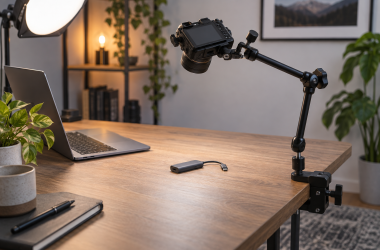
0 Best Camera Clamps with Articulating Arms for Desk Video A clamp-and-arm rig can put a small camera over a desk without a tripod taking up floor space.... Ed ShwayOctober 9, 2026 Read More
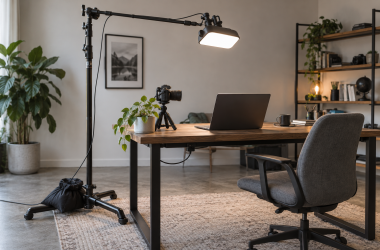
0 Top C-Stands for Overhead Desk Video Lighting An overhead light is useful for desk tutorials when the fixture must stay out of the shot and... Ed ShwayOctober 9, 2026 Read More
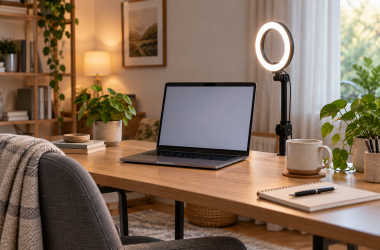
0 Ring Lights for Desk Video Calls and Tutorials: Our Picks Face lighting can improve a desk video call more than another webcam setting, but a ring light is... Ed ShwayOctober 8, 2026 Read More
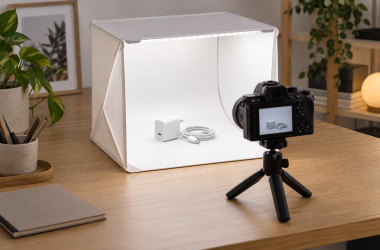
0 Best Tabletop Photo Lightboxes for Small Product Shoots Photographing a USB-C adapter, tiny stand or cable connector on an ordinary desk often means fighting reflections and... Ed ShwayOctober 8, 2026 Read More
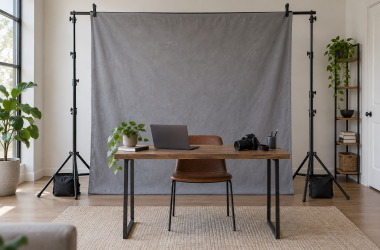
0 Backdrop Support Kits for Home Creator Studios A backdrop support kit looks simple until the crossbar sags into a shot or a tripod foot lands... Ed ShwayOctober 8, 2026 Read More
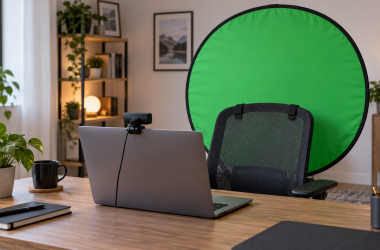
0 Top Foldable Green Screens for Webcam Creators A webcam crop can make a small backdrop feel big until you lean sideways or move your chair.... Ed ShwayOctober 8, 2026 Read More