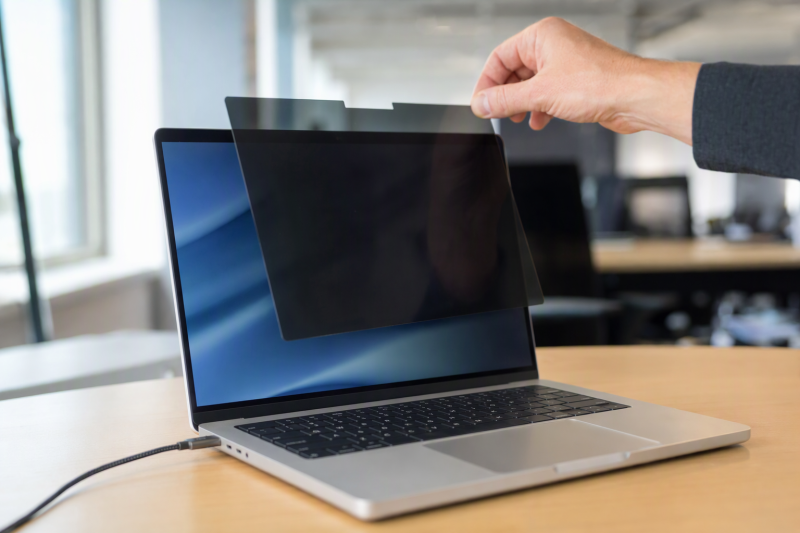
A removable privacy filter is a side-view aid, not a lock on confidential information. It can narrow what a coworker sees from the next chair, but someone directly behind you may still read the screen. A nominal “14-inch” filter can fit badly if its image area, aspect ratio or top bezel differs from the laptop’s display.
The five exact Amazon US filters cover three different 14-inch 16:10 fits, one 15.6-inch 16:9 option and a MacBook Air-specific 13.6-inch model. None was fitted to a laptop here. Measure the visible display before ordering. For a separate shared-office display, see our home-office monitor guide.
Measure the visible image area, not the laptop lid or diagonal alone. Then check whether magnets, a webcam notch and touchscreen behavior suit your exact device.Removable Privacy Screens Compared
| Image | Product | Details | Check Price |
|---|---|---|---|
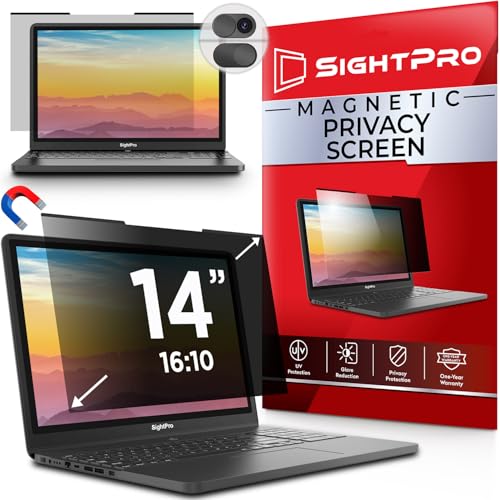 | SightPro 14-inch 16:10 | Screen fit: 304 x 190 mm image area Mount: Top magnetic strip/stickers Finish: Not specified here Best fit: Measured 14-inch non-touch laptop | Check Price on Amazon |
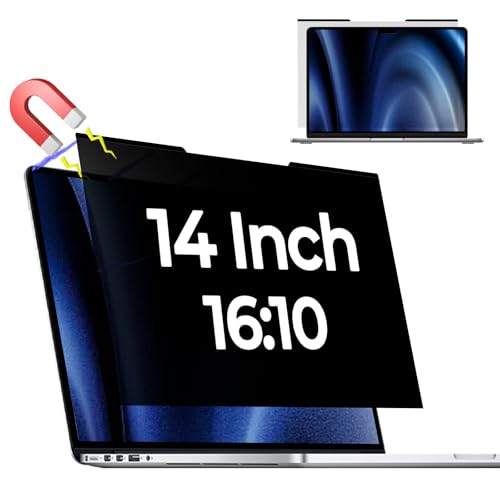 | Reversible 14-inch magnetic filter | Screen fit: 301.5 x 188.5 mm image area Mount: Magnet or supplied inserts Finish: Glossy/matte reversible Best fit: 14-inch screen needing finish choice | Check Price on Amazon |
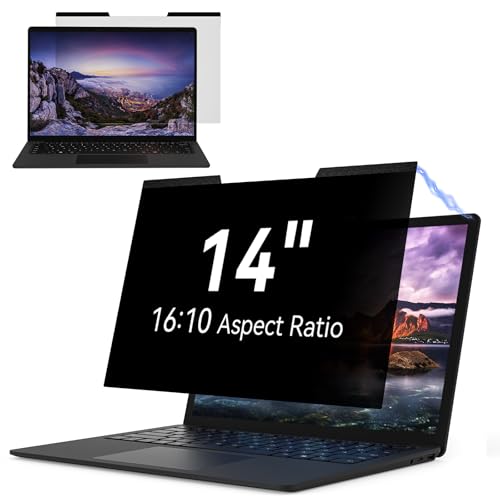 | IPROKKO 14-inch 16:10 | Screen fit: 302 x 188 mm image area Mount: Magnetic with adhesive strips Finish: Matte Best fit: Touchscreen use to verify | Check Price on Amazon |
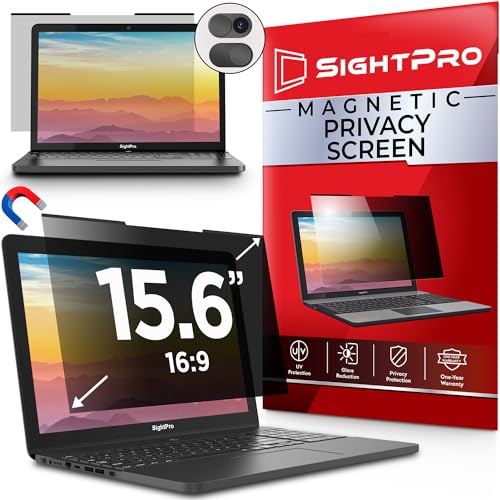 | SightPro 15.6-inch 16:9 | Screen fit: 345 x 194 mm image area Mount: Top magnetic strip/stickers Finish: Not specified here Best fit: Measured wide 15.6-inch laptop | Check Price on Amazon |
 | Kensington MP136 | Screen fit: MacBook Air 13.6-inch model-specific Mount: Built-in frame magnets Finish: Glossy/matte reversible Best fit: Compatible MacBook Air 13.6 | Check Price on Amazon |
1. SightPro 14-inch 16:10 — Best Measured 14-inch Fit
SightPro specifies a 304 mm by 190 mm filter area for this 14-inch 16:10 listing. The written width and height are more useful than the nominal diagonal because nearby laptop models can use slightly different display openings. The listing describes snap-on magnetic attachment at the top, with magnetic stickers supplied. Check where the magnets sit relative to your laptop’s bezel and webcam before ordering.
The seller says it narrows side viewing but notes that it does not block someone directly behind you. It also says the filter is not optimized for touchscreens. A storage folder and cleaning cloth are included in the exact package. Do not treat the listing’s blue-light or compliance language as independent evidence of eye health or data-security compliance. Our 14-inch laptop comparison can help identify the broader device class, but the exact visible dimensions still decide fit.
Our Take Choose this SightPro only when your screen opening and top bezel match the listed measurements. It is a removable filter for side viewing, not a substitute for screen placement or workplace policy.
- Exact width and height are supplied.
- Magnetic removal and storage folder suit changing workspaces.
- Seller explicitly states the straight-behind limitation.
- Not optimized for touchscreens.
- Magnetic stickers may not suit every bezel or work device policy.
2. Reversible 14-inch Magnetic Filter — Best Finish Choice
Amazon’s Halloive listing specifies an image area of 301.5 by 188.5 mm and a top magnet band about 9 mm deep. The image area is slightly smaller than the one for the SightPro model above. Halloive describes a glossy side and a matte anti-glare side, so you can choose a finish for the room. Neither side makes a mismatch in dimensions disappear. Measure the screen with a ruler before deciding.
The listing also offers inserts as an alternative mounting aid. Inserts can be helpful if the top magnet route is not stable, but check whether the inserts touch the display or conflict with the bezel. Its seller admits the filter can soften sharpness and vibrancy and that people directly behind you can still see the screen. Ignore its eye-health promises without independent testing. Our MacBook Air monitor guide discusses display decisions, but this filter is not sold as a MacBook-specific fit.
A reversible surface changes glare and finish; it does not change the 301.5 x 188.5 mm fit or rear-view exposure.Our Take Use this option if a measured 14-inch screen matches the smaller dimensions and you value a matte/glossy choice. Amazon identifies Halloive as the brand and manufacturer; check the exact product dimensions and return terms.
- Both matte and glossy surfaces are listed.
- Precise image dimensions and magnet-band depth are given.
- Alternative mounting inserts are included.
- Seller acknowledges some sharpness and color softening.
- Replacement matching still depends on exact dimensions and mounting parts.
3. IPROKKO 14-inch 16:10 — Best Touchscreen Claim to Check
IPROKKO lists a 302 by 188 mm visible area for its 14-inch 16:10 filter and, unlike the SightPro model, says touchscreens are compatible. The touch claim makes it a candidate for a shared-office convertible, but taps, pen input and the extra layer’s effect on responsiveness remain unverified. The correct buying test is your specific touchscreen model under the exact filter, not a category label.
The package includes adhesive magnets, a storage clip and cleaning materials. Its side-view claim is around 30 degrees, but it also says the screen remains visible from directly in front. The listing’s blue-light and anti-glare percentages are seller claims. Do not treat them as measured eye-health benefits. If you use a convertible with a second display, our USB-C docking guide covers desk connections, not privacy-screen fit.
Our Take Consider IPROKKO only if the 302 x 188 mm opening fits and keeping touch is important to you. Try the filter with the laptop in your usual working position, then return it if accuracy or closure suffers.
- Listing explicitly claims touchscreen compatibility.
- Exact image dimensions are provided.
- Storage clip and cleaning kit are described.
- Touch and pen behavior remain untested.
- Seller side-angle and eye-health figures are not independent measurements.
4. SightPro 15.6-inch 16:9 — Best Wide-Laptop Fit
SightPro’s second listing is a 15.6-inch 16:9 filter with a stated visible area of 345 by 194 mm. It is for a different fit than the 14-inch 16:10 picks. A laptop labeled 15.6 inches may still have bezels and screen dimensions that differ, so compare the actual lit area in both directions. Its listed magnetic attachment and storage folder suit workers who remove the filter for tasks in a private office.
SightPro again says it is not optimized for touchscreens and does not hide content from someone directly behind you. Its package includes magnetic stickers and cleaning materials. Check whether the top mounting strip affects a camera shutter or lid closure on your particular laptop. A filter can darken or soften the image from your own viewpoint too. Test readability at normal brightness. For a wide display decision, our home-office monitor guide covers the rest of the setup.
A 15.6-inch 16:9 filter is not interchangeable with a 16:10 filter of the same diagonal.Our Take Pick the 15.6-inch SightPro when the measured 345 x 194 mm image area and top bezel match. The larger size is not a reason to ignore the seller’s touch and rear-view limitations.
- Distinct 15.6-inch 16:9 fit with exact dimensions.
- Magnetic removal and storage folder are listed.
- Not optimized for touchscreens.
- Directly behind viewing remains possible.
- Wide filter may add more storage and lid-clearance hassle.
5. Kensington MP136 — Best MacBook Air 13.6 Fit
Kensington’s MP136 is a model-specific 13.6-inch MacBook Air filter that the listing says uses magnets already in the laptop frame. Universal filters instead rely on added magnetic stickers. The seller names MacBook Air models from 2022 onward in one bullet, but the product title lists years and chips that do not line up perfectly. Verify the exact machine identifier with Kensington before ordering. Do not assume a 13-inch Pro or a 15-inch Air has the same fit.
The listing describes reversible matte/glossy surfaces, a webcam notch, a holder and normal sleep behavior when the lid closes. Closure, effects on display coatings and whether the filter moves in a bag remain unverified. Its side-view claim is about 30 degrees, not complete confidentiality. For a MacBook connected to a bigger desk display, our MacBook Air monitor guide covers that other screen separately. It would need its own privacy plan.
Our Take MP136 is the clearest candidate here for a compatible 13.6-inch MacBook Air, provided Kensington confirms the exact model year and closure fit. It is not a universal 13.6-inch filter.
- MacBook Air-specific magnetic attachment is listed.
- Reversible finishes and webcam notch are described.
- Storage holder is included.
- Exact Air generation needs verification due to listing wording.
- Not intended as a general 13.6-inch laptop fit.
Buying Guide
1. Measure the Lit Image Area
Start with the screen powered on and measure visible width and height, excluding the bezel. 3M’s official privacy-filter measuring guide also treats physical dimensions as the matching problem. A diagonal and marketing size are not enough. The filters in this guide include 14-inch 16:10 filters around 302 x 188 mm, a 15.6-inch 16:9 filter at 345 x 194 mm, and a MacBook-specific shape.
Compare the listing’s millimeters to your measurements and check the top magnet band, camera notch and corner shape. A few millimeters can affect the fit near a narrow bezel or camera. If the exact fit is unclear, ask the seller or maker for a dimensioned template rather than guessing from a model family. Do not trim the filter unless its maker explicitly permits it.
2. Test Side Viewing and Your Own Readability
Privacy film works by narrowing side-angle visibility. The listings themselves admit a person directly behind the laptop can still see the screen. Move a coworker to the adjacent seat and then behind the work area to test what remains readable. Reposition the laptop or use an approved private space for sensitive work. The filter does not certify policy compliance.
The filter may also reduce brightness, sharpness or color fidelity from your own chair. Try normal text size and brightness, especially if you edit images or read small spreadsheets. A matte side can reduce reflections while a glossy side can look clearer in another room. For a color-critical task, removing the filter may be the correct choice after privacy is no longer needed.
3. Check Mounting, Touch and Lid Closure
Magnetic filters should lift off easily, but the top attachment method differs. Universal models may need supplied stickers. Kensington MP136 claims to use a compatible MacBook Air’s built-in frame magnets. Check whether added material interferes with a webcam, lid latch or your company’s device policy. Keep the included sleeve or clip for transport so the film does not pick up grit.
If the laptop has a touchscreen or pen, test the exact filter before depending on it. SightPro says not optimized for touch, while IPROKKO says compatible. Neither was tested here. Close the lid gently with the filter attached once the maker says it is allowed. If the bezel or hinge resists, remove the filter instead of forcing closure.
FAQ
Will a privacy filter hide my screen from everyone in an open office?
No. These products aim to restrict left and right side views, not every possible sightline. Several listings expressly say a person directly behind you can still see the display. Reflections, a larger external monitor and camera positions can expose content too.
Use the filter as one workspace aid. Position the laptop away from traffic, lock it when stepping away and follow your organization’s rules for sensitive data. We did not independently measure side-view angles or certify any filter for regulatory compliance.
Can I buy a 14-inch privacy screen for any 14-inch laptop?
No. Aspect ratio and visible image dimensions differ. SightPro lists 304 x 190 mm, the reversible filter 301.5 x 188.5 mm and IPROKKO 302 x 188 mm. A nominal 14-inch diagonal can still leave gaps or overlap, and mounting strips need a suitable top edge.
Measure with the display lit, compare both dimensions and confirm whether the laptop has touch or a camera notch. A return policy helps if a model-specific claim proves inaccurate, but it does not replace measuring first.
Are the reversible filters better for eye comfort or color work?
A reversible matte/glossy surface gives a finish choice, not a medical promise. Matte can reduce some reflections, and glossy may preserve a different appearance. Seller blue-light percentages in these listings were not independently tested and should not be used as an eye-health guarantee.
For editing or color comparison, evaluate the filter at your usual brightness and remove it when privacy is unnecessary. Any extra layer may change perceived contrast or sharpness. Choose visibility and the actual confidentiality need over a broad coating claim.
Bottom Line
Measure first, then pick a mounting method and test the side-view effect in your office. SightPro’s 14-inch and 15.6-inch filters cover different measured openings, IPROKKO is the touchscreen claim to test, and Kensington MP136 targets a specific MacBook Air shape. None hides the screen from someone directly behind you.