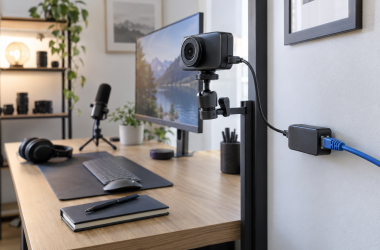
0 PoE Splitters for USB-C Studio Cameras: What to Buy A PoE splitter can use one Ethernet run to bring power, and sometimes network data, to a USB-C... Ed ShwayOctober 11, 2026 Read More
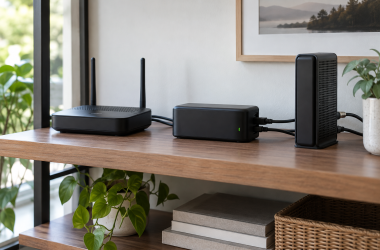
0 Mini UPS Units for a Home-Office Router and Modem: What to Buy A mini DC UPS can keep a router, modem or fibre terminal powered through a short outage when... Ed ShwayOctober 11, 2026 Read More
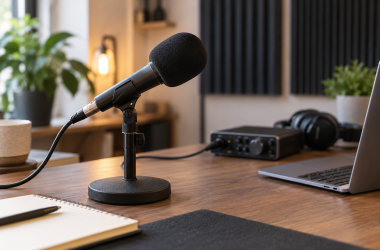
0 Best Foam Windscreens for Close-Range Podcast Microphones A foam windscreen is the small accessory that stays on the microphone when a separate pop filter on... Ed ShwayOctober 11, 2026 Read More
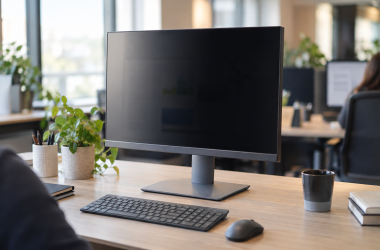
0 Monitor Privacy Filters for Shared Desktop Screens A desktop privacy filter is for a screen that faces a walkway, a shared office, or a client... Ed ShwayOctober 11, 2026 Read More
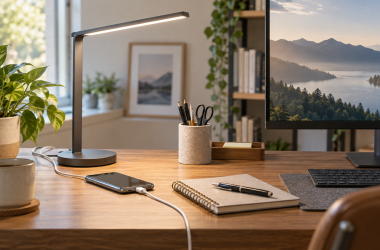
0 Top Desk Lamps with USB-C Charging Ports A desk lamp with USB-C charging can light paperwork beside a monitor and keep a phone or earbuds... Ed ShwayOctober 11, 2026 Read More
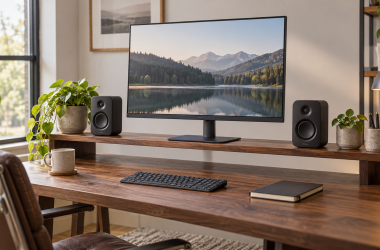
0 Desk Shelves for Screens and Small Speakers: Our Picks A desk shelf clears room beneath a screen without giving up the whole desktop, which helps most when... Ed ShwayOctober 11, 2026 Read More
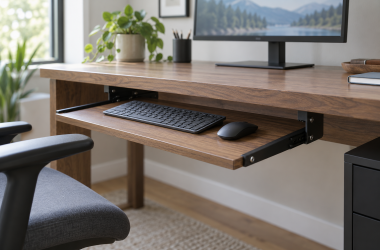
0 Best Under-Desk Keyboard Trays for Permanent Workstations A permanent under-desk keyboard tray clears the desktop only when the desk has room for its rails, brackets,... Ed ShwayOctober 11, 2026 Read More
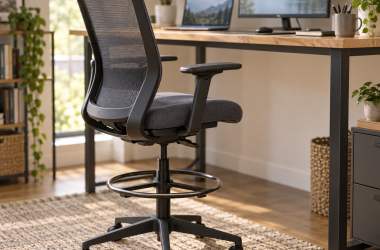
0 Drafting Chairs for Tall Computer Desks A tall computer desk needs more than a higher gas lift. Your feet need a place to rest,... Ed ShwayOctober 11, 2026 Read More
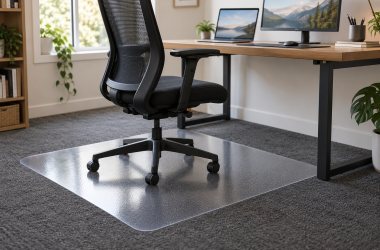
0 Chair Mats for Rolling Workstation Chairs on Carpet: Our Picks A carpet chair mat gives rolling casters a firm surface, so the carpet in the desk area doesn’t... Ed ShwayOctober 11, 2026 Read More
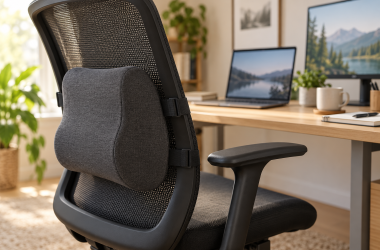
0 Best Lumbar Support Cushions for Computer Chairs A lumbar pillow can add a shaped foam layer to a computer chair that has a flat or... Ed ShwayOctober 11, 2026 Read More