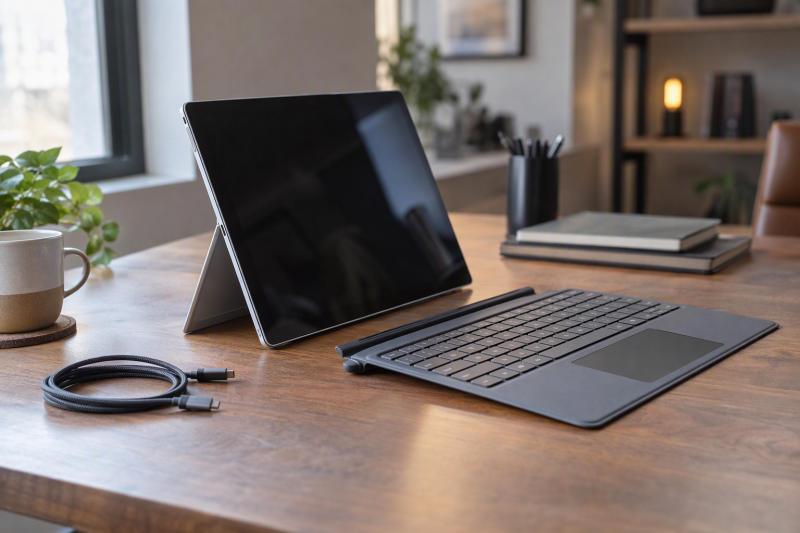
Every Surface Pro here is a detachable tablet with a built-in kickstand. Five choices change what you buy: the 12-inch or 13-inch screen, Snapdragon or Intel, USB 3.2 or USB4 ports, LCD or OLED, and consumer or business model.
Surface Pro Models Compared
| Image | Product | Best fit | Chip and memory | Display | Ports | Limit | Check Price |
|---|---|---|---|---|---|---|---|
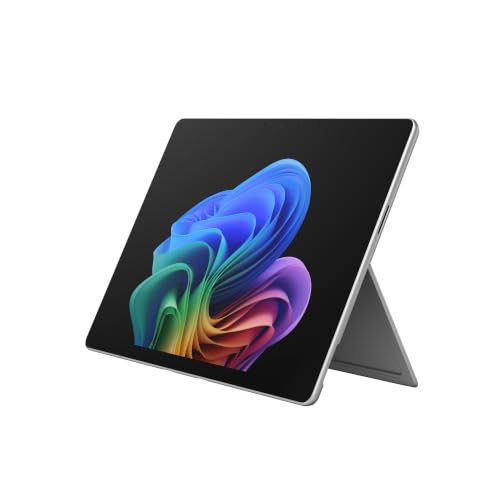 | Surface Pro 13-inch | Larger Snapdragon screen with USB4 | Snapdragon X2 Plus 10-core, 16GB, 512GB per title | 13-inch LCD, 2880 x 1920, 120Hz | 2x USB-C / USB4, Surface Connect | 1.97 pounds, against 1.5 for the 12-inch | Check Price on Amazon |
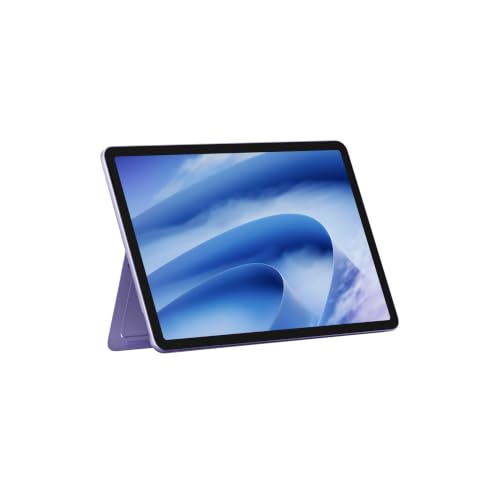 | Surface Pro 12-inch | Lightest build at 1.5 pounds | Snapdragon X2 Plus 6-core, 16GB, 512GB per title | 12-inch LCD, 2196 x 1464, 90Hz | 2x USB-C / USB 3.2 | USB 3.2 ports, no USB4 | Check Price on Amazon |
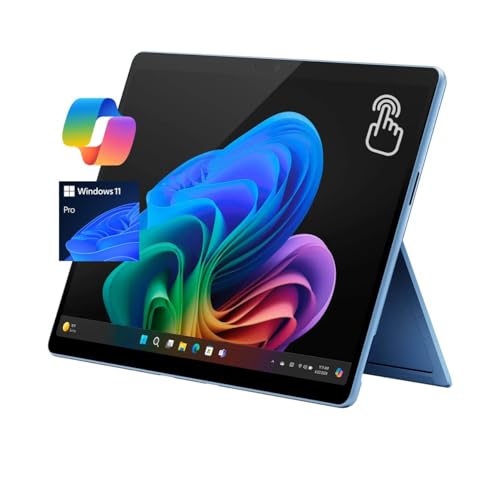 | Surface Pro 11 | Three 4K monitors stated on the listing | Snapdragon X Plus 10-core, 16GB, 512GB per title | 13-inch LCD, 2880 x 1920, up to 120Hz | 2x USB-C / USB4, Surface Connect | Listing gives no weight or battery figure | Check Price on Amazon |
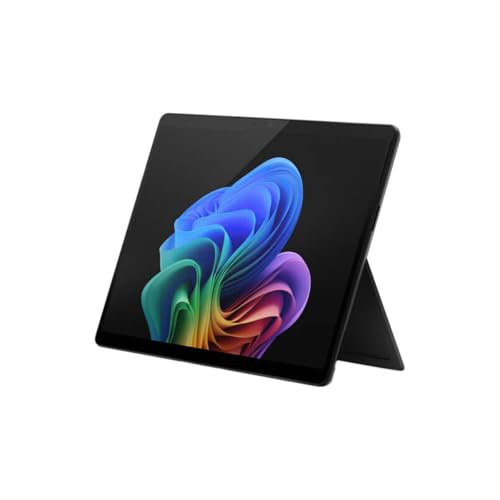 | Surface Pro for Business 11th Edition | Intel with Thunderbolt 4 | Core Ultra 5 (Series 2), 16GB, 256GB per title | 13-inch, 2880 x 1920, up to 120Hz | 2x USB-C with USB4 / Thunderbolt 4, Surface Connect | Listing quotes an NPU figure that belongs to Core Ultra 7 | Check Price on Amazon |
 | Surface Pro 10 for Business | 5G named in the title | Core Ultra 5, 8GB, 256GB per title | 13-inch, 2880 x 1920, up to 120Hz | 2x USB-C with USB4 / Thunderbolt 4, Surface Connect | No carrier or plan details | Check Price on Amazon |
 | Surface Pro 11 OLED | OLED screen | Snapdragon X Elite 12-core per title, 16GB, 256GB per title | 13-inch OLED, 1M:1 contrast | 2x USB-C / USB4, Surface Connect | Title and a bullet name different chips | Check Price on Amazon |
1. Surface Pro 13-inch — Best Snapdragon X2 Plus With USB4 Ports
Amazon’s title names a Snapdragon X2 Plus with 16GB RAM and a 512GB SSD, and a bullet describes the 13-inch touchscreen as LCD and the processor as 10-core. The bullets state up to 15.5 hours of battery life, two USB-C / USB4 ports and a 165-degree kickstand, and the weight field reads 1.97 pounds. No bullet states the memory or storage, so the 16GB and 512GB may be the seller’s configuration.
Microsoft lists the 13-inch Surface Pro at 2880 by 1920 and 120Hz, as LCD or OLED, with USB4 and a Surface Connect port, where the 12-inch Surface Pro has USB 3.2. Both sizes list up to 15.5 hours. Microsoft says a keyboard is not included by default and puts a 39W power supply in the 13-inch box. Amazon’s bullets describe the Flex Keyboard without saying it ships with this unit.
Our Take Pick this model for the larger 2880 by 1920 screen and USB4 ports in a Snapdragon tablet. The 12-inch weighs 1.5 pounds against this model’s 1.97, so a lighter bag points to the smaller one.
- Amazon’s bullets describe the touchscreen as a 13-inch LCD.
- Microsoft lists USB4 and a Surface Connect port for the 13-inch Surface Pro, where the 12-inch lists USB 3.2.
- Amazon’s bullets state up to 15.5 hours of battery life, the same figure Microsoft lists for the 12-inch.
- Amazon’s title names 16GB and 512GB, but no bullet does, so they may be the seller’s configuration.
- Amazon’s weight field reads 1.97 pounds, heavier than the 12-inch Surface Pro’s 1.5 pounds.
- Microsoft says a keyboard is not included by default, and Amazon does not say the Flex Keyboard is in the box.
2. Surface Pro 12-inch — Best Lightweight 12-Inch Surface Pro
Amazon’s title calls this the 12-inch Surface Pro in Violet with a Snapdragon X2 Plus, 16GB and 512GB. Its bullets state up to 15.5 hours of battery life and a 165-degree kickstand, and say the Slim Pen and the Surface Pro 12-inch Keyboard are sold separately. A bullet adds that a USB-C charging cable is included and the power adapter is sold separately. Memory and storage appear only in the title and size field, so they may be the seller’s configuration.
Microsoft lists the 12-inch Surface Pro as a 6-core Snapdragon X2 Plus tablet with a 2196 by 1464, 90Hz LCD, at 1.5 pounds. Its two USB-C ports are listed as USB 3.2, with no USB4 or Thunderbolt port. Microsoft also says the pen and keyboard are not included, and its box holds a USB-C charging cable.
Compact tradeoff: Microsoft lists 1.5 pounds and a 12-inch 90Hz LCD, with USB 3.2 in place of USB4 on both USB-C ports.Our Take Pick the 12-inch Surface Pro when carrying weight comes first, since Microsoft’s 1.5 pounds is below every other weight on this page. The Pro 11 listing gives no weight. Move to the 13-inch model for USB4 ports and a 120Hz screen.
- Microsoft lists the 12-inch Surface Pro at 1.5 pounds with a 12-inch LCD.
- Amazon’s bullets state up to 15.5 hours of battery life and a 165-degree kickstand.
- Amazon’s bullets say a USB-C charging cable is included, and Microsoft lists the same cable in the 12-inch box.
- Microsoft lists both USB-C ports at USB 3.2 instead of USB4.
- Microsoft says the Slim Pen and keyboard are not included, and Amazon’s bullets say both are sold separately.
- Microsoft lists a 90Hz display on the 12-inch, against 120Hz on the 13-inch.
3. Surface Pro 11 — Best Snapdragon X Plus With Three 4K Monitors
Amazon’s title and bullets describe a 13-inch Surface Pro 11 with a 2880 by 1920 PixelSense Flow touchscreen, dynamic refresh up to 120Hz, a 1200:1 contrast ratio, a 10-core Snapdragon X Plus, Windows 11 Pro and a Wi-Fi-only build. A security bullet calls it the Surface Pro 11 for Business, a Secured-core PC. The title and size field give 16GB and 512GB, and no bullet repeats them, so they may be the seller’s configuration.
The connectivity bullet says dual USB-C 4 ports, supporting up to three 4K monitors at 60Hz. Microsoft lists up to two 4K monitors for the Intel 11th Edition business Surface Pro, so three is the highest count on this page. Microsoft’s Surface Pro 11th Edition page lists two USB-C / USB4 ports and a Surface Connect port for the Snapdragon models. Amazon’s listing gives no weight or battery figure and says nothing about a keyboard, pen or kickstand.
Monitor count: Amazon says the two USB-C 4 ports support up to three 4K monitors at 60Hz, and Microsoft lists up to two 4K monitors for the Intel business Surface Pro.Our Take Pick this Surface Pro 11 when your desk plan calls for three 4K screens and a Snapdragon X Plus processor. Confirm the dock separately, because the monitor figure is Amazon’s statement about the ports.
- Amazon’s bullets state a 13-inch 2880 by 1920 touchscreen with refresh up to 120Hz and a 1200:1 contrast ratio.
- Amazon’s bullets state dual USB-C 4 ports supporting up to three 4K monitors at 60Hz.
- Amazon’s title names Windows 11 Pro, and its bullets name a 10-core Snapdragon X Plus.
- Microsoft lists two USB-C / USB4 ports and Surface Connect for the Snapdragon Surface Pro 11th Edition.
- Amazon’s listing gives no weight, battery figure or keyboard information.
- Amazon’s security bullet calls the unit the Surface Pro 11 for Business, while its title says Surface Pro 11.
4. Surface Pro for Business 11th Edition — Best Intel Model With Thunderbolt 4
Amazon’s title lists a 13-inch Surface Pro for Business with an Intel Core Ultra 5 (Series 2), 16GB RAM, a 256GB SSD and Windows 11 Pro, under model EP2-20094. The bullets state up to 14 hours of battery life with fast charging through Surface Connect or USB-C and a 165-degree kickstand, and the weight field reads 1.92 pounds. Only the title names the memory and storage, so they may be the seller’s configuration, although Microsoft offers 16GB and a 256GB SSD in this model.
Microsoft’s tech specs list two USB-C ports with USB4 and Thunderbolt 4, DisplayPort 2.1 for up to two 4K monitors, a Surface Connect port and a keyboard port. The display is a 13-inch 2880 by 1920 panel with refresh up to 120Hz, and the SSD is removable. Microsoft says the pen and keyboard are sold separately, and Amazon’s listing mentions neither. A bullet quotes an NPU of up to 48 TOPS, which Microsoft lists for the Core Ultra 7 chips, while it lists 40 TOPS for the Core Ultra 5.
Our Take Pick this model for Thunderbolt 4 on an Intel Surface Pro with Windows 11 Pro. Ask the seller which chip is inside, since Amazon’s 48 TOPS bullet and its Core Ultra 5 title point to different processors.
- Microsoft lists two USB-C ports with USB4 and Thunderbolt 4, plus Surface Connect and a keyboard port.
- Microsoft lists a 13-inch 2880 by 1920 display with refresh up to 120Hz and a removable SSD.
- Amazon’s bullets state up to 14 hours of battery life with fast charging through Surface Connect or USB-C.
- Amazon’s bullets quote up to 48 TOPS, which Microsoft lists for the Core Ultra 7 and not for the Core Ultra 5 in the title.
- Microsoft says the pen and keyboard are sold separately, and Amazon’s listing mentions neither.
- Microsoft lists up to two 4K monitors, fewer than the three Amazon states for the Pro 11.
5. Surface Pro 10 for Business — Best Business Model With 5G in Its Title
Amazon’s title reads Surface Pro 10 for Business with an Intel Core Ultra 5, 8GB, a 256GB SSD, Windows 11 Pro, Platinum and 5G. The bullets state a 165-degree kickstand and a weight of just under 2 lb, and the weight field reads 1.95 pounds. No bullet gives the memory, storage, screen size or ports, and none names a carrier or plan, so the 8GB and 256GB may be the seller’s configuration.
Microsoft’s Surface Pro 10 for Business page lists a Core Ultra 5 135U or Ultra 7 165U, 8GB to 64GB of memory, removable SSDs, a 13-inch 2880 by 1920 display with refresh up to 120Hz, two USB-C ports with USB4 and Thunderbolt 4, Surface Connect and a NanoSIM slot. Wi-Fi+5G models add eSIM support and are listed at up to 16 hours, against 19 for Wi-Fi only. Microsoft marks the Slim Pen for Business and the Flex Keyboard for Business as sold separately.
Cellular check: Amazon’s title says 5G, and Microsoft lists Wi-Fi+5G versions of Surface Pro 10 for Business, so ask the seller about the carrier and plan.Our Take Pick this model only if you want a Surface Pro 10 with 5G in the title and 8GB is enough. The 11th Edition model above has a title that names 16GB.
- Microsoft lists two USB-C ports with USB4 and Thunderbolt 4, plus Surface Connect, on Surface Pro 10 for Business.
- Microsoft lists a 13-inch 2880 by 1920 display with refresh up to 120Hz.
- Amazon’s bullets state a 165-degree kickstand and a weight of just under 2 lb.
- Microsoft lists up to 16 hours of battery life for Wi-Fi+5G models.
- Amazon’s bullets never state memory, storage or screen size, so 8GB, 256GB and 5G rest on the title alone.
- Microsoft lists Wi-Fi+5G versions with a NanoSIM slot, but Amazon gives no carrier or plan details.
6. Surface Pro 11 OLED — Best Pick for an OLED Screen
Amazon’s title calls this an Amazon Exclusive Surface Pro in Black with a 13-inch OLED touchscreen, a Snapdragon X Elite (12 Core), 16GB RAM and 256GB storage. The bullets state a 1M:1 contrast ratio, a 14-hour battery figure, fast charging with a 65W power supply through Surface Connect or USB-C, and a detachable Flex Keyboard sold separately. The weight field reads 1.97 pounds. A performance bullet says Snapdragon X Plus (10 core) or Elite (12 core), so it does not settle which chip this unit has.
The listing never mentions ports or the pen. Microsoft’s Surface Pro 11th Edition page lists two USB-C / USB4 ports and a Surface Connect port for the Snapdragon models. The title and size field name the 16GB and 256GB, and no bullet does, so they may be the seller’s configuration.
Our Take Pick this model when an OLED screen is the main reason to buy a Surface Pro and 256GB is enough. Check the chip with the seller first, because the title names the X Elite and a bullet names X Plus or Elite.
- Amazon’s bullets state a 13-inch OLED touchscreen with a 1M:1 contrast ratio.
- Amazon’s bullets state a 14-hour battery figure and fast charging with a 65W power supply through Surface Connect or USB-C.
- Microsoft lists two USB-C / USB4 ports and Surface Connect for Surface Pro 11th Edition models with Snapdragon.
- Amazon’s title names the X Elite while a bullet says X Plus (10 core) or Elite (12 core).
- Amazon’s bullets say the Flex Keyboard is sold separately.
Buying Guide
Choose 12 inches or 13 inches first
Microsoft lists the 12-inch Surface Pro at 1.5 pounds with a 2196 by 1464, 90Hz LCD. The other five products here are 13-inch models, and Microsoft lists 2880 by 1920 at 120Hz for the 13-inch Surface Pro.
Amazon states an LCD for the 13-inch X2 Plus and Pro 11 listings and an OLED for the Pro 11 OLED listing. It does not name the panel for the two business listings, and Microsoft lists LCD and OLED options for the 11th Edition Intel model.
Separate USB 3.2, USB4, and Thunderbolt 4
Microsoft lists the 12-inch Surface Pro’s two USB-C ports at USB 3.2. It lists USB4 for the 13-inch Surface Pro and the Snapdragon Pro 11, and USB4 and Thunderbolt 4 for both business models.
A USB4 listing is not a Thunderbolt 4 listing. The Surface dock guide helps once you have chosen the port type.
Pick Snapdragon or Intel
The 12-inch and 13-inch Surface Pros list a Snapdragon X2 Plus, the Pro 11 lists an X Plus, and the Pro 11 OLED title says X Elite. Microsoft lists a 6-core X2 Plus for the 12-inch Surface Pro, and Amazon states 10 cores for the 13-inch.
The two business models use Intel Core Ultra chips. Microsoft lists Core Ultra 5 236V or 238V and Ultra 7 versions for the 11th Edition, and the 135U and 165U for the Pro 10, so confirm the chip with the seller.
Budget the keyboard as a separate piece
Microsoft says Surface Pro does not include a keyboard by default and that the Slim Pen is sold separately. Amazon’s bullets say the keyboard is sold separately on the 12-inch and Pro 11 OLED listings, and the Slim Pen too on the 12-inch.
The 13-inch, Pro 11, 11th Edition and Pro 10 listings do not say what is in the box. Microsoft marks the pen and keyboard as sold separately on its Intel 11th Edition and Pro 10 pages.
Read cellular and monitor claims narrowly
Only the Surface Pro 10 title says 5G. Microsoft lists Wi-Fi+5G versions, and a carrier or plan is a question for the seller.
Only the Pro 11 listing states a monitor count: up to three 4K monitors at 60Hz. The Thunderbolt 4 dock guide covers the dock side of that choice.
FAQ
Does a Surface Pro include a keyboard?
Microsoft says Surface Pro does not include a keyboard by default, and that the Slim Pen is sold separately and not included.
Amazon’s bullets say the keyboard is sold separately on the 12-inch and Pro 11 OLED listings. The other four listings do not say what is in the box.
Which Surface Pro has Thunderbolt 4?
Microsoft lists USB4 and Thunderbolt 4 for the Surface Pro for Business 11th Edition and the Surface Pro 10 for Business.
Microsoft lists USB4 for the 13-inch Surface Pro and the Snapdragon Pro 11, and USB 3.2 for the 12-inch.
Which Surface Pro has an OLED display?
The Pro 11 OLED listing states a 13-inch OLED touchscreen with 1M:1 contrast.
Microsoft lists the 13-inch Surface Pro as LCD or OLED. Amazon’s bullets state LCD for the 13-inch X2 Plus listing.
Can I use three external monitors with a Surface Pro?
Amazon states that the Pro 11 listing’s dual USB-C 4 ports support up to three 4K monitors at 60Hz.
Microsoft lists up to two 4K monitors for the Intel 11th Edition business model. A dock and monitors have their own limits, so check their manuals.
Is the Surface Pro 10 listing definitely 5G?
Amazon’s title includes 5G, and Microsoft lists Wi-Fi+5G versions of Surface Pro 10 for Business with NanoSIM and eSIM support.
No bullet names a carrier or plan. The 8GB and 256GB in the title may be the seller’s configuration.
Bottom Line
Choose the Surface Pro 13-inch for a larger Snapdragon screen with USB4, or the Surface Pro 12-inch for the lightest build. The Surface Pro 11 is the one that states three 4K monitors, the Business 11th Edition lists Thunderbolt 4 on Intel, and the Surface Pro 11 OLED is the OLED pick.