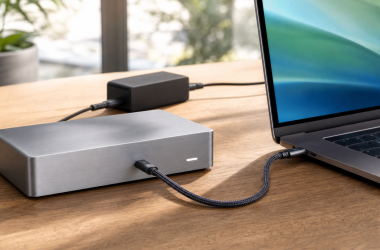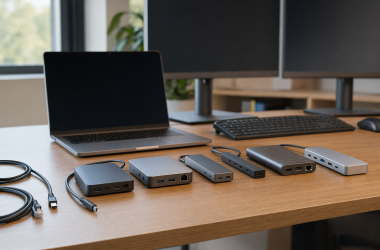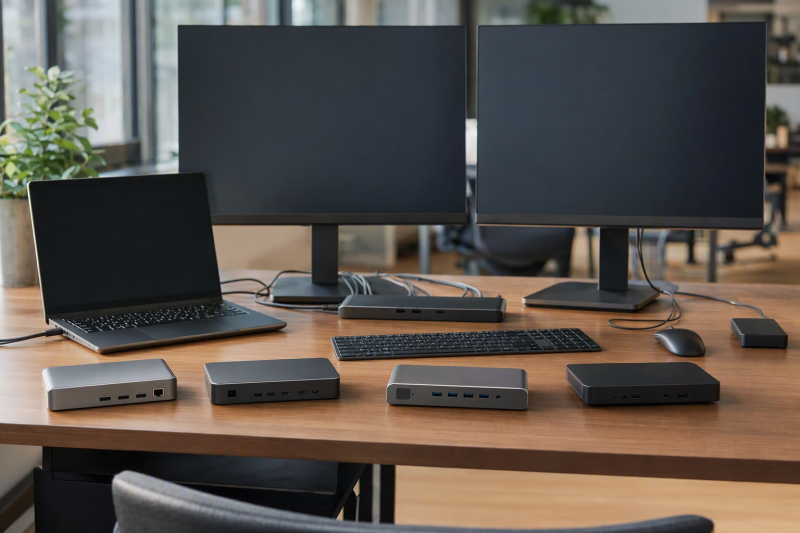
For a supported ThinkPad fleet, Lenovo ThinkPad Thunderbolt 4 Smart Dock Gen 2 7500, model 40BE0135US, is the pick of this frozen slate. Lenovo’s retained route pairs up to 100W of USB PD 3.1 with smart and fleet functions. From there the slate branches: the ThinkPad Thunderbolt 4 Workstation Dock is the proprietary high-power route, the Universal Thunderbolt 4 Dock is the broad first-party 100W route, CalDigit TS4 is the full desktop I/O alternative, and Plugable TBT4-UDZ is the conventional third-party choice.
ThinkPad names a family, not one dock matrix. Exact model, machine type, generation, CPU/GPU platform, Thunderbolt implementation, firmware, operating system, cable, accepted power, internal panel, and monitor topology all remain controlling. Third-party docks do not inherit Lenovo fleet functions, and the Workstation Dock’s advertised 230W peak is not ordinary USB Power Delivery. If Thunderbolt 4 is not the required filter, start with the broader ThinkPad docking-station guide instead.
Quick picks
- ThinkPad TB4 Smart Dock Gen 2 7500: Best 100W smart and fleet route.
- ThinkPad TB4 Workstation Dock: Best supported proprietary high-power route.
- ThinkPad Universal TB4 Dock: Best broad first-party 100W route.
- CalDigit TS4: Best full desktop I/O alternative.
- Plugable TBT4-UDZ: Best conventional third-party desk dock.
Compare Thunderbolt 4 docks for ThinkPads
| Image | Product | Details | Check Price |
|---|---|---|---|
 | Lenovo ThinkPad Thunderbolt 4 Smart Dock Gen 2 7500 40BE0135US | Best for: Supported ThinkPad smart and fleet route Host boundary: Exact machine type and TB4 implementation Laptop power: Up to 100W USB PD 3.1 Fleet boundary: Only supported Lenovo systems Buyer check: CPU/GPU, firmware, OS, cable, and displays | Check Price on Amazon |
 | Lenovo ThinkPad Thunderbolt 4 Workstation Dock 40B00300US | Best for: Supported proprietary workstation power Host boundary: Exact Lenovo split-cable machine path Laptop power: Up to 230W peak on supported route Power boundary: Not universal USB Power Delivery Buyer check: Machine, cable, power setup, and display matrix | Check Price on Amazon |
 | Lenovo ThinkPad Universal Thunderbolt 4 Dock 40B00135US | Best for: Broad Lenovo first-party desk Host boundary: Exact ThinkPad generation and port Laptop power: Up to 100W route Power boundary: Not the split-cable 230W route Buyer check: Firmware, OS, accepted power, and displays | Check Price on Amazon |
 | CalDigit TS4 | Best for: Full desktop I/O role Host boundary: Qualifying ThinkPad Thunderbolt 4 path Laptop power: Verify dock ceiling and ThinkPad acceptance Fleet boundary: No Lenovo integration established Buyer check: Exact port and display matrix | Check Price on Amazon |
 | Plugable TBT4-UDZ | Best for: Conventional third-party ThinkPad desk Host boundary: Qualifying ThinkPad Thunderbolt 4 path Laptop power: Retained ceiling unknown Fleet boundary: No Lenovo integration established Buyer check: Exact outputs, display modes, and power | Check Price on Amazon |
1. Lenovo ThinkPad Thunderbolt 4 Smart Dock Gen 2 7500 — best overall
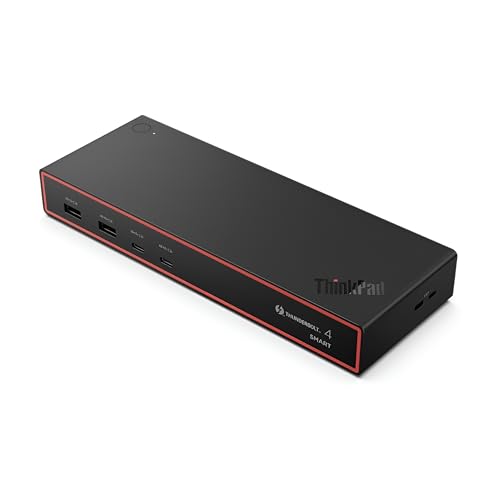
Smart Dock Gen 2 7500, exact model 40BE0135US, leads because it is the frozen smart and fleet choice for supported ThinkPads. Lenovo’s retained evidence assigns it a 100W USB PD 3.1 route. That makes it a better starting point than a generic dock when centralized Lenovo behavior is part of the buying job.
The exact ThinkPad support record still controls. Model family, machine type, processor and graphics platform, Thunderbolt implementation, firmware, operating system, cable, and display topology can each change what works. A ThinkPad logo on both products does not replace that matrix.
The gate does not preserve a complete Gen 2 7500 port inventory or display ceiling for this article, so verify those fields against the exact 40BE0135US evidence before purchase. Read 100W as offered power, then compare it with the laptop’s accepted USB-C input and the workload.
Our Take
Choose Gen 2 7500 when a supported ThinkPad needs Lenovo’s 100W smart and fleet route. Confirm the exact machine type, firmware, OS, display path, and accepted power first.
- Lenovo smart and fleet role
- Up-to-100W USB PD 3.1 route
- First-party starting point for supported ThinkPads
- Exact machine-type support remains mandatory
- Complete port and display matrix is not repeated in the gate
2. Lenovo ThinkPad Thunderbolt 4 Workstation Dock — best proprietary high-power route
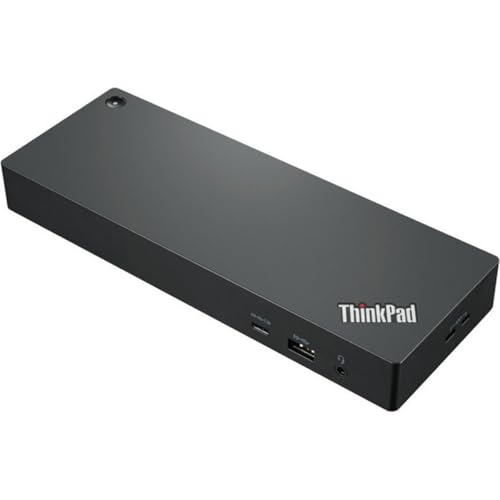
ThinkPad Thunderbolt 4 Workstation Dock, model 40B00300US, exists for supported mobile workstations that need Lenovo’s proprietary power arrangement. The retained gate records an advertised peak up to 230W only through the supported split-cable workstation path.
Read that 230W as a conditional figure, not universal USB Power Delivery. It depends on an exact supported ThinkPad, the Lenovo split cable, the required power configuration, and the machine’s firmware and operating system. A different ThinkPad may fall back to another charging route or require its own adapter.
Display capability stays independent of the power cable. CPU/GPU platform, Thunderbolt implementation, DSC/MST resources, resolution, refresh, cable, internal screen, and monitor input set the topology. Do not buy the dock on the high-power number without checking the display job too.
Our Take
Choose the Workstation Dock only when Lenovo documents the exact ThinkPad and split-cable path. It is the right specialist choice, not a universal 230W dock.
- Lenovo proprietary high-power workstation route
- Up-to-230W peak on the supported split-cable path
- Designed around qualifying ThinkPad workstation needs
- 230W is not universal USB PD
- Requires exact machine and split-cable qualification
3. Lenovo ThinkPad Universal Thunderbolt 4 Dock — best broad first-party route

ThinkPad Universal Thunderbolt 4 Dock, model 40B00135US, is the broad first-party branch rated at 100W. It suits a buyer who wants Lenovo’s general Thunderbolt 4 docking route without the Workstation Dock’s proprietary split-cable requirement or the Gen 2 Smart Dock’s fleet-first position.
Universal in the product name does not mean every ThinkPad exposes every feature. Exact generation, CPU/GPU, Thunderbolt port, firmware, OS, cable, display count, resolution, refresh, and accepted power all remain checks, and the gate does not preserve a complete connector or display matrix for this article.
That rated 100W ceiling is ordinary host power rather than the Workstation Dock’s proprietary 230W peak specified by Lenovo. Compare it with the laptop’s supported USB-C charging input, and keep direct power when Lenovo requires more for the workload.
Our Take
Choose the Universal Dock for a supported ThinkPad that needs a broad first-party desk rated for 100W. Move to the Workstation model only for its documented proprietary power path.
- Broad Lenovo first-party TB4 route
- Up-to-100W host-power ceiling
- Avoids making the split cable the default plan
- Universal branding is not universal feature support
- Not the proprietary 230W workstation route
4. CalDigit TS4 — best full desktop I/O alternative
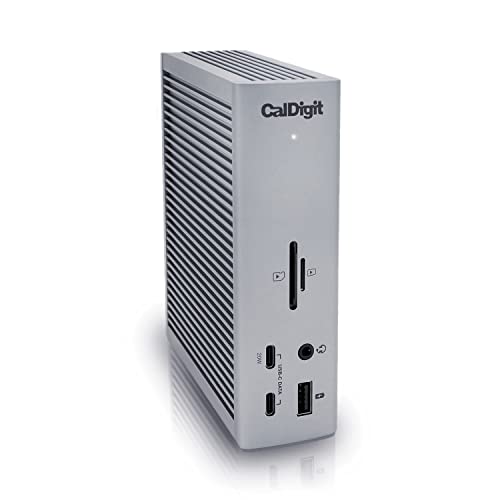
CalDigit TS4 is the full desktop I/O alternative for a ThinkPad with a documented Thunderbolt 4 port. It is the branch for buyers who want a third-party peripheral desk and do not need Lenovo’s smart, fleet, or proprietary split-power behavior.
The retained gate does not repeat TS4’s exact port inventory, power ceiling, or display matrix, so check the exact CalDigit record rather than transferring details from another dock. A high connector count would not override the ThinkPad GPU, DSC/MST, cable, internal-panel, resolution, refresh, or monitor-input limits.
TS4 does not inherit ThinkPad power-button behavior, management, firmware integration, 100W Lenovo-qualified routes, or the Workstation Dock’s 230W split-cable path. Match its own offered power against the laptop’s accepted input.
Our Take
Choose TS4 when full desktop I/O matters more than Lenovo fleet integration. Verify exact ports, display modes, power, and the ThinkPad host path together.
- Full desktop I/O role
- Third-party option for a qualifying TB4 ThinkPad
- Does not require Lenovo fleet features for core docking
- No Lenovo integration is established
- Exact port, display, and power facts require recheck
5. Plugable TBT4-UDZ — best conventional third-party choice
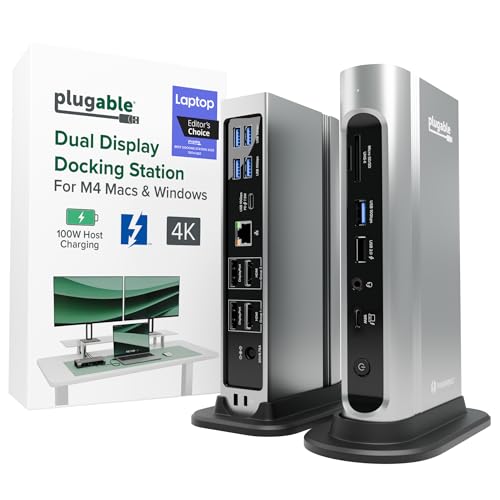
Plugable TBT4-UDZ is the conventional third-party branch. It makes sense on a qualifying ThinkPad desk where core Thunderbolt 4 docking is the point and Lenovo management and proprietary charging are not purchase requirements.
The gate does not repeat a full Plugable port list, charging ceiling, or display matrix, so keep those as exact-model checks. The host GPU, Thunderbolt implementation, DSC/MST, cable, adapters, resolution, refresh, internal screen, and monitor inputs still determine the display result.
Plugable does not inherit Lenovo fleet functions or any of the three first-party power routes. If the ThinkPad requires more power than the dock offers, or accepts only a different mode, keep its direct adapter connected.
Our Take
Choose TBT4-UDZ for a straightforward third-party ThinkPad desk after verifying its exact ports, displays, and power. Go Lenovo when fleet functions or qualified charging are the reason to buy.
- Conventional third-party TB4 role
- Clear branch when Lenovo fleet functions are unnecessary
- Fits a permanent ThinkPad desk
- Exact retained port and power details are unknown
- No Lenovo integration or proprietary charging is established
How to choose a Thunderbolt 4 dock for a ThinkPad
Record the exact machine type
Start with Lenovo’s exact machine-type and generation record. Write down the CPU/GPU platform, Thunderbolt implementation, native display count, accepted power, firmware, operating system, and cable requirements. A neighboring ThinkPad generation can expose a different dock matrix.
Pick the power route first
Gen 2 Smart Dock 7500 and Universal Dock sit in 100W-class first-party routes. Workstation Dock reaches its advertised 230W peak only through the supported proprietary split-cable path. Third-party USB PD ceilings stay separate from all of that. Supply wattage is also not laptop-accepted power.
Decide whether management is part of the job
Use Smart Dock Gen 2 when Lenovo fleet functions are a requirement and the machine qualifies. Universal Dock covers a broad first-party desk. Judge TS4 and TBT4-UDZ on their own documented behavior, not on Lenovo management assumptions.
Draw the display path
List each monitor, its input, resolution, and refresh, plus the laptop’s internal panel. Then match that plan against the exact GPU, DSC/MST resources, Thunderbolt port, cable, adapters, and dock matrix. The USB4 versus Thunderbolt 4 guide helps classify the link, but not the final monitor count.
Frequently asked questions
Does the Workstation Dock provide 230W to every ThinkPad?
No. That peak requires Lenovo’s supported split-cable workstation route and a qualifying machine.
Is the Universal Thunderbolt 4 Dock universal across all ThinkPads?
No. Exact generation, machine type, CPU/GPU, port, firmware, OS, cable, display topology, and power acceptance still control.
Do third-party docks get Lenovo fleet functions?
Not from the frozen evidence. Treat each third-party dock on its own exact documentation.
Final recommendation
For a supported ThinkPad fleet that needs Lenovo’s 100W smart route, ThinkPad Thunderbolt 4 Smart Dock Gen 2 7500 is the best overall choice. Take Workstation Dock for its qualified split-cable power path, Universal Dock for a broad Lenovo 100W desk, TS4 for full desktop I/O, or TBT4-UDZ for conventional third-party docking.