In this frozen slate, the ASUS ROG Zephyrus G14 GA403UM-G14.R9HX4 is the best USB4 gaming laptop with an AMD processor. Its exact configured offer pairs an AMD Ryzen 9 270 and NVIDIA GeForce RTX 5060 with one maker-documented USB4 port up to 40Gbps. The rest split by format: ROG Flow Z13 is the detachable 2-in-1, Acer Nitro 16S AI and Nitro V 16S AI are two distinct AMD Nitro families, and Lenovo Legion 5 offers one 40Gbps USB4 port plus a separate USB-C connection.
Treat USB4 here as an interface qualifier, never as evidence of gaming speed. It proves nothing about frame rates, cooling, display response, eGPU support, optional PCIe tunneling, or universal dock behavior. Gaming results come from the internal CPU, GPU, power mode, memory, game, and cooling design, while USB4 answers to the exact port, controller, cable, and attached device. Our USB4 versus Thunderbolt 4 guide explains why a USB4 label is not a Thunderbolt certification claim.
Quick picks
- ASUS ROG Zephyrus G14 GA403UM-G14.R9HX4: Best overall compact gaming pick.
- ASUS ROG Flow Z13 GZ302: Best USB4 gaming tablet and 2-in-1.
- Acer Nitro 16S AI AN16S-61-R5K4: Best exact AN16S-61 family option.
- Acer Nitro V 16S AI ANV16S-41-R3Q0: Best Nitro V alternative.
- Lenovo Legion 5 15AKP10 83M00001US: Best clearly separated USB4 and USB-C layout.
Compare AMD gaming laptops with USB4
| Image | Product | Details | Check Price |
|---|---|---|---|
 | ASUS ROG Zephyrus G14 GA403UM-G14.R9HX4 | USB4: One port; up to 40Gbps Port path: DisplayPort and Power Delivery Exact configuration: Ryzen 9 270, RTX 5060, 16GB, 1TB Form factor: 14-inch gaming laptop Buyer check: Other Type-C port is USB 3.2 Gen 2 | Check Price on Amazon |
 | ASUS ROG Flow Z13 GZ302 | USB4: Documented; numeric rate unknown Port path: Exact GZ302 record controls Exact configuration: Seller-bundled GZ302 offer Form factor: 2-in-1 gaming tablet Buyer check: Included USB hub is a seller accessory | Check Price on Amazon |
 | Acer Nitro 16S AI AN16S-61-R5K4 | USB4: Documented family path; rate unknown Port path: AN16S-61 family only Exact configuration: AN16S-61-R5K4 Form factor: AMD gaming laptop Buyer check: Do not transfer ANV16S-41 specifications | Check Price on Amazon |
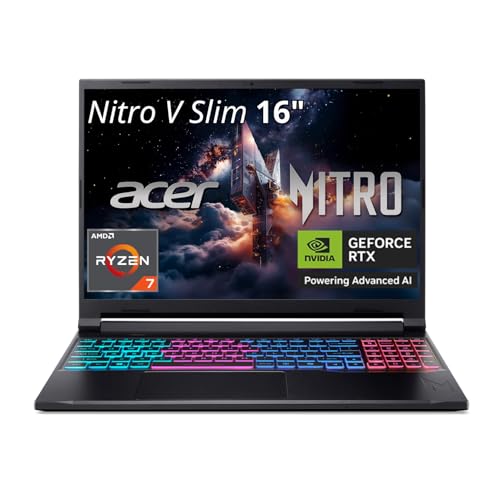 | Acer Nitro V 16S AI ANV16S-41-R3Q0 | USB4: Documented family path; rate unknown Port path: ANV16S-41 manual only Exact configuration: ANV16S-41-R3Q0 Form factor: AMD Nitro V gaming laptop Buyer check: Intel and other Nitro variants do not control | Check Price on Amazon |
 | Lenovo Legion 5 15AKP10 83M00001US | USB4: One port; 40Gbps Port path: DisplayPort 2.1 plus separate USB-C Exact configuration: Machine type 83M00001US Form factor: AMD Legion gaming laptop Buyer check: Two Type-C connectors have different roles | Check Price on Amazon |
1. ASUS ROG Zephyrus G14 GA403UM-G14.R9HX4 — best overall

ASUS specifies the exact configured offer GA403UM-G14.R9HX4 with an AMD Ryzen 9 270, NVIDIA GeForce RTX 5060, 16GB LPDDR5X memory, 1TB SSD, and a 14-inch 3K OLED display with a 120Hz ceiling. ASUS’s GA403UM matrix documents one USB4 Type-C port up to 40Gbps with DisplayPort and Power Delivery.
Note the word one. ASUS documents the other Type-C connector separately as USB 3.2 Gen 2, so the two sockets are not interchangeable for high-bandwidth USB4 devices however alike the Type-C shape makes them look. Check ASUS’s port diagram to identify the USB4 side before connecting a dock or storage enclosure.
That 40Gbps statement proves nothing about game performance or an external-GPU path. For this exact offer, the built-in RTX 5060 is the known graphics route. DisplayPort support establishes no universal external resolution, refresh, or display count either, and Power Delivery makes no promise that a dock replaces the gaming adapter under load.
Our Take
Choose this G14 when a compact AMD and RTX gaming configuration plus one explicit 40Gbps USB4 port suits the job. Just remember that only one Type-C side carries the USB4 label.
- One USB4 port up to 40Gbps
- DisplayPort and Power Delivery documented
- Exact Ryzen 9 and RTX 5060 configuration
- Other Type-C port is not USB4
- No eGPU, frame-rate, or universal dock result is inferred
2. ASUS ROG Flow Z13 GZ302 — best 2-in-1 gaming tablet
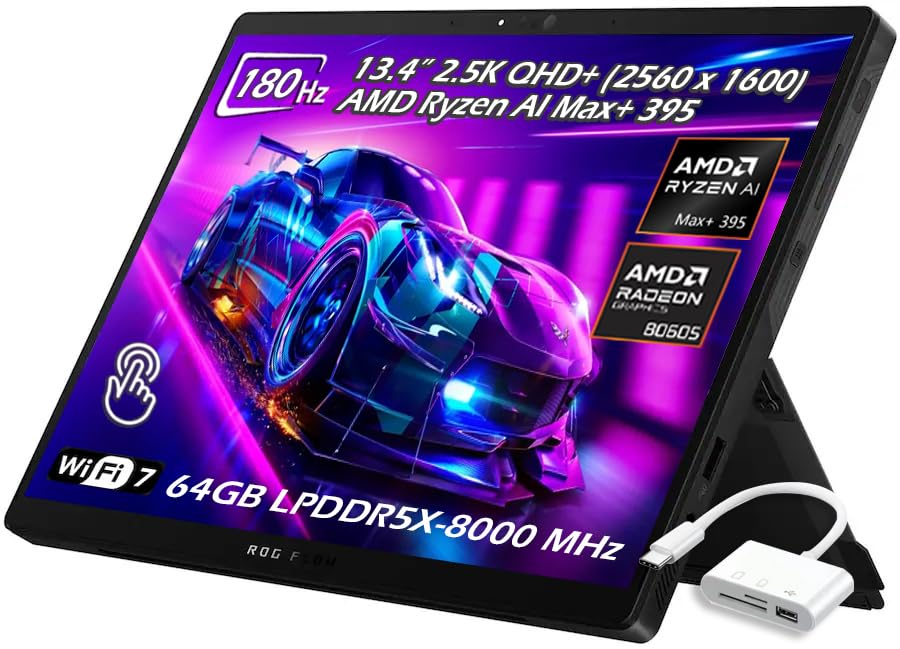
ASUS documents ROG Flow Z13 GZ302 as an AMD USB4-equipped 2-in-1 gaming tablet. The detachable format turns this into a different decision from the four conventional laptops, where desk setup, tablet use, keyboard placement, stand position, and cable strain all deserve as much attention as the connector list.
The frozen Amazon offer is a seller bundle that includes a USB hub. That hub is a bundle accessory rather than part of the base ASUS system specification, and it upgrades nothing about the laptop’s port. Confirm exactly which accessory, cable, warranty, and seller terms come with the purchase. Claims on the ASUS product page control the base GZ302; seller-added bundle wording controls only that offer.
The frozen packet confirms USB4 and authorizes no numeric port rate, display count, accepted charging ceiling, optional PCIe tunneling, or eGPU result for this package, so all of those stay unknown. A USB hub also shares the host link and can carry its own display, power, and driver restrictions.
Our Take
Pick Flow Z13 when the 2-in-1 tablet design is the reason you are buying and USB4 is a required accessory path. Audit the seller bundle separately from the ASUS hardware.
- Distinct gaming-tablet format
- ASUS documents USB4 for GZ302
- Seller bundle includes a USB hub
- Bundle accessory is not base-system hardware
- USB4 rate and optional tunneling are unknown here
3. Acer Nitro 16S AI AN16S-61-R5K4 — best AN16S-61 option

The selected product is the exact AMD gaming configuration AN16S-61-R5K4 in Acer’s USB4-equipped Nitro 16S AI AN16S-61 family. Treat that family token as the safety boundary: it inherits no port, GPU, display, power, or cooling specifications from Nitro V ANV16S-41, an Intel Nitro model, or another similarly named 16-inch Acer.
The frozen gate proves the exact offer identity and an Acer-controlled USB4 path for AN16S-61. It retains no numeric USB4 speed, port count beyond the qualifying path, DisplayPort revision, charging direction or ceiling, bundled cable, external-display count, PCIe tunneling, or eGPU support. Unknown fields stay unknown.
That still leaves useful commercial guidance. Anyone who prefers the Nitro 16S AI chassis can keep it on the shortlist, provided the accessory plan gets checked against the exact AN16S-61 manual. USB4 stands in for no GPU benchmarks, thermal testing, or game-specific performance.
Our Take
Choose AN16S-61-R5K4 when the exact Nitro 16S AI AMD configuration is the laptop you want and USB4 is required. Verify every port and power detail against the AN16S-61 record.
- Exact AN16S-61-R5K4 identity
- USB4-equipped AMD family
- Clear family boundary prevents sibling transfer
- Numeric USB4 speed is unknown in the frozen packet
- No performance or eGPU result is proved
4. Acer Nitro V 16S AI ANV16S-41-R3Q0 — best Nitro V alternative
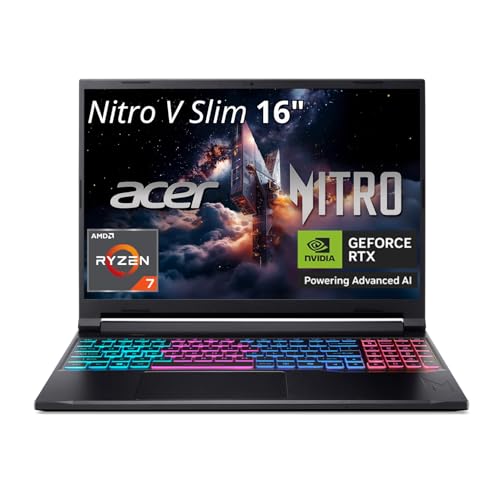
The exact selected AMD configuration is ANV16S-41-R3Q0, and Acer’s exact-family manual documents the Nitro V 16S AI ANV16S-41 USB4 path. Watch the ANV family marker: this is not the AN16S-61 above, and neither laptop borrows the other’s port, GPU, power, or display row.
The retained evidence authorizes no numeric USB4 rate, external-display ceiling, accepted USB-C power, optional PCIe tunneling, eGPU support, or simultaneous accessory result for this article. Work from Acer’s exact diagram to find the qualifying port and its direction-specific features. Where a retailer shortens the model name, compare the complete R3Q0 suffix before ordering.
Decide between the two Acers on the exact configuration, current offer, screen, GPU, cooling design, storage, and service terms shown for each product. This page holds no verified benchmarks and will not manufacture a performance ranking out of the USB4 label.
Our Take
Pick ANV16S-41-R3Q0 where the Nitro V configuration is the better exact match. Keep every USB4, power, and display claim inside the ANV16S-41 manual.
- Exact ANV16S-41-R3Q0 identity
- Acer documents the family’s USB4 path
- AMD gaming-laptop option
- Cannot inherit specifications from other Nitro families
- Speed, tunneling, and gaming results are unproved here
5. Lenovo Legion 5 15AKP10 83M00001US — best separated port layout
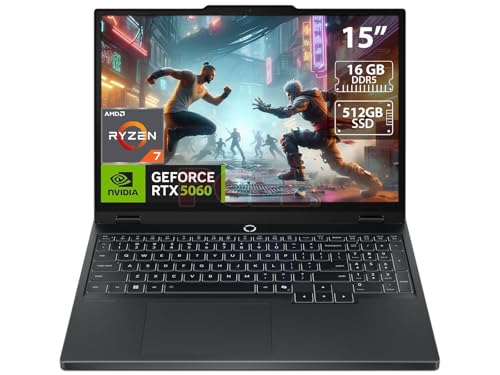
Lenovo’s exact PSREF ties the selected Legion 5 15AKP10 machine type 83M00001US to one USB4 port at 40Gbps with DisplayPort 2.1, and lists a separate USB-C connection as a different port. That distinction is the central buying fact here, because Type-C shape makes the two connectors look equivalent when they are not.
Attach a high-bandwidth dock or storage device to the port Lenovo identifies as USB4, and use the separate USB-C port only within its own documented functions. A 40Gbps ceiling proves no measured transfers, external GPU, or universal dock result. DisplayPort 2.1 support promises no particular resolution, refresh, HDR mode, or multi-display arrangement.
Plan gaming power through the laptop’s implemented adapter path. The frozen evidence never says a USB-C dock can replace that adapter under load, and it preserves no benchmarks, so the Legion earns its place on exact configuration and port documentation rather than an invented performance advantage.
Our Take
Choose the Legion when one clearly documented 40Gbps USB4 port and a separate USB-C connector fit the desk. Learn where each one sits and what it does before wiring accessories.
- One USB4 port at 40Gbps
- DisplayPort 2.1 documented
- Exact machine type and separate USB-C path
- Second USB-C connector is not another USB4 port
- No eGPU or gaming-performance result is inferred
How to choose an AMD USB4 gaming laptop
Match the complete identifier
Shop by GA403UM-G14.R9HX4, GZ302, AN16S-61-R5K4, ANV16S-41-R3Q0, or 83M00001US rather than a shortened family name. Closely related laptops can move ports, change their interface rate, swap the GPU, or alter power behavior, and the two Nitro families in particular are not interchangeable.
Separate gaming hardware from USB4
The G14’s retained offer identifies its Ryzen 9 and RTX 5060 configuration. The other picks are frozen exact AMD gaming identities, and this packet authorizes no cross-product performance comparison between them. USB4 bandwidth serves external traffic. It describes nothing about the built-in GPU, frame rates, cooling, fan noise, or display response.
Decide whether a documented rate is required
ASUS states up to 40Gbps for the G14 USB4 port, and Lenovo states 40Gbps for the Legion, while the frozen records for Flow Z13 and the two Acers establish USB4 with no authorized numeric rate here. Even a stated ceiling is not measured throughput. For a fast SSD or a busy dock, work from exact host and accessory documentation plus the right cable.
Keep gaming power separate from USB PD
Some ports document Power Delivery, and a gaming laptop can still require its main adapter for full CPU and GPU operation. Never assume a dock’s charging figure replaces the supplied power system, since USB PD direction, negotiated input, cable, and performance mode all come into play. The USB4 dock guide helps once the laptop’s exact input requirement is known.
Demand separate proof for an eGPU
USB4 on its own proves no optional PCIe tunneling, firmware, resource allocation, operating-system support, enclosure compatibility, or GPU drivers. That is why the manager rejected a generic “best USB4 laptops for eGPU” page. Work through the USB4 eGPU guide and gather exact host evidence before buying an enclosure.
Map displays and simultaneous devices
DisplayPort wording identifies a display-capable route rather than a universal monitor result. The laptop GPU, internal panel, port routing, dock, adapter, cable, resolution, and refresh all take part in the outcome. Two attached devices can share resources even when both connectors work. No simultaneous full-rate or charging result is inferred for this slate.
Final recommendation
ASUS ROG Zephyrus G14 GA403UM-G14.R9HX4 is the best overall pick because its exact Ryzen and RTX configuration and one 40Gbps USB4 route are both clearly retained. After that, one requirement selects each alternative: Flow Z13 for a 2-in-1 tablet, Nitro 16S AI for the exact AN16S-61 family, Nitro V for ANV16S-41, Legion for one 40Gbps USB4 port plus separate USB-C. Whichever you buy, hold the exact model, port identity, power route, display conditions, optional-tunneling boundary, and seller-bundle distinction in place first.