


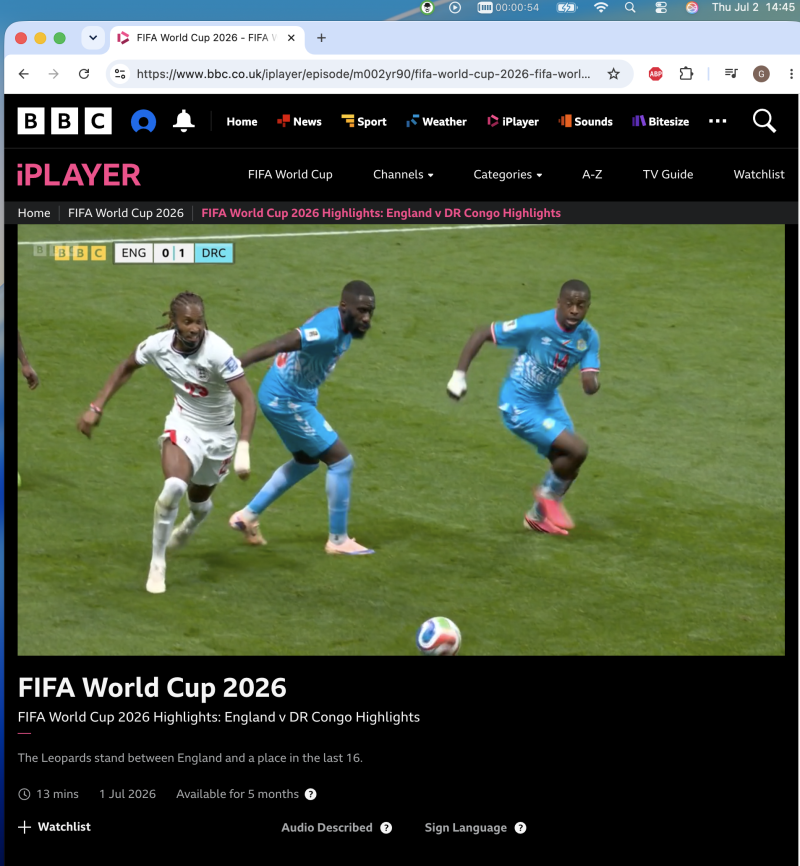
The World Cup 2026 knockouts are running right now, and the final kicks off on July 19. If you’re traveling while it happens, you’ve probably already discovered the problem: your streaming apps checked your location and locked you out. Your subscriptions work at home and nowhere else.
The fix takes about five minutes on any laptop. Here’s the short version, then the details.
The quick version
- Get a VPN that actually works with streaming services (I use VPNBaron, tested below).
- Connect to a server in your home country.
- Open the streaming app you already pay for (or your country’s free broadcaster) and press play.
That’s genuinely it. The catch is step 1: plenty of VPNs are detected and blocked by the big streaming platforms, and plenty more get blocked by hotel Wi-Fi before you even connect. More on both below.
Who is showing World Cup 2026 where
Rights are split by country, so the app you need depends on where you’re from, not where you are. The big ones:
| Country | Broadcaster / app | Free? |
|---|---|---|
| UK | BBC iPlayer and ITVX (matches split between them) | Free (iPlayer needs a TV licence) |
| USA | FOX / FS1 in English (via YouTube TV, Hulu + Live TV, Sling and similar), Telemundo and Peacock in Spanish | Paid TV service or Peacock |
| Canada | CTV and TSN | TV login |
| Australia | SBS On Demand | Free |
| Elsewhere | Your national rights-holder | Varies |
Check your home broadcaster’s schedule for which matches they carry. The point is the same everywhere: connect to a server back home and your usual apps behave like you never left.
How to do it on your laptop, step by step
I did exactly this during the group stage, from abroad, on hotel Wi-Fi. Here’s the process with VPNBaron, which is the VPN I reviewed and kept (full review here).
- Install the app and sign in. Native apps for Windows, macOS, iOS and Android; signup takes an email and nothing else.
- Pick a server in your home country. For me that meant London. The server list has Streaming-tagged locations, use those.
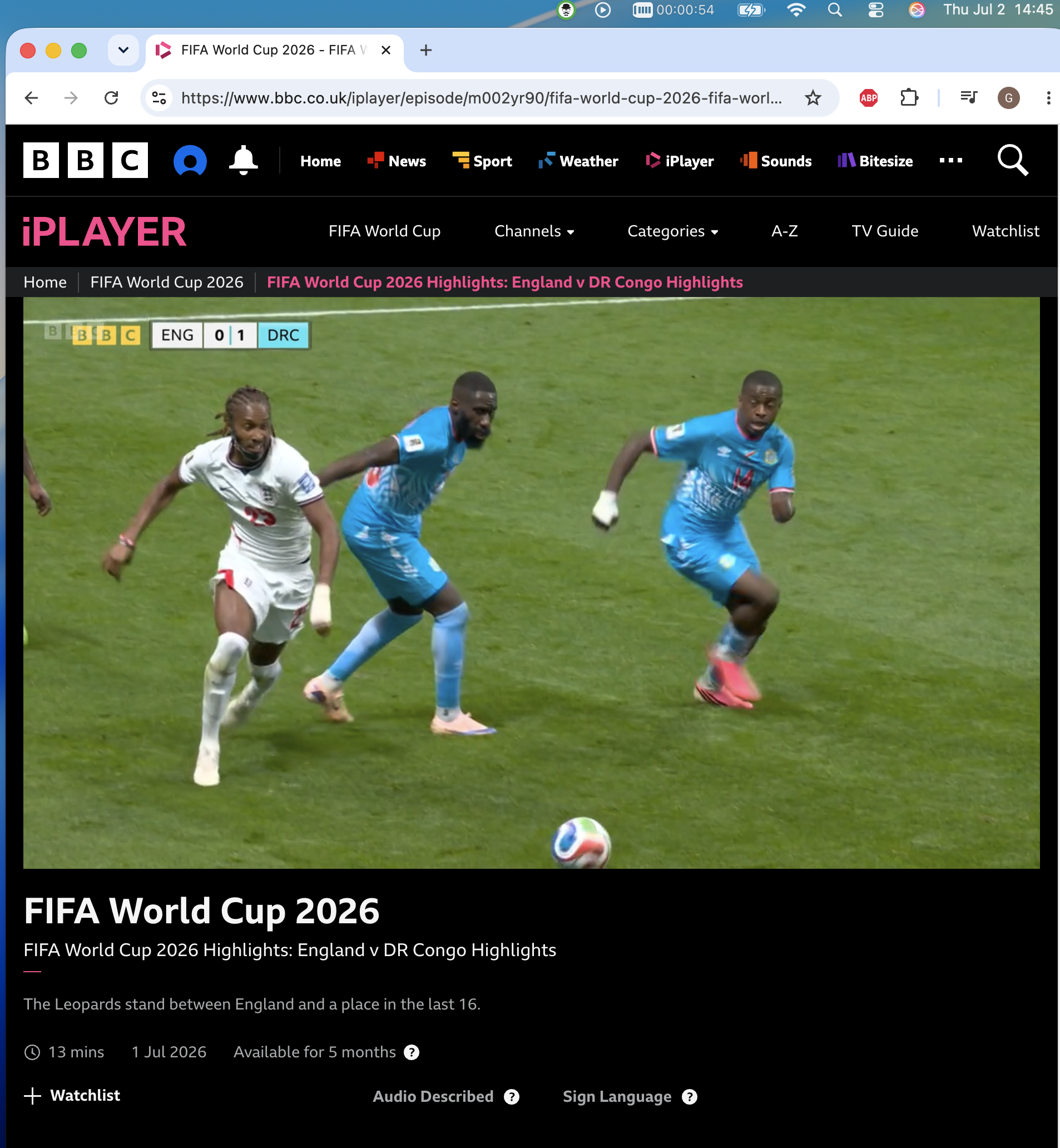
- Connect and open your streaming app. BBC iPlayer loaded like I was on my sofa, and World Cup highlights played without a complaint.
The hotel Wi-Fi problem
Here’s what the “just use a VPN” guides skip: hotel and public Wi-Fi frequently block VPN connections outright. I wrote a full troubleshooting guide for VPNs blocked on hotel Wi-Fi, but the short version follows. The network sees VPN traffic and drops it, and your VPN app just spins on “connecting” while kickoff gets closer.
This is the specific reason I point people at VPNBaron for travel. Its stealth protocols (VLESS Reality and Hysteria2) disguise VPN traffic as ordinary HTTPS so blocking networks let it through, and a feature called Baron Pathfinder automatically tests the options and picks whichever one the network allows. On the hotel network where my regular VPN failed, it connected on the first try. There’s also a kill switch, so when your laptop wakes up on strange Wi-Fi between matches, nothing leaks while it reconnects.
Get VPNBaron and catch the knockouts →
Things to know before kickoff
- Match availability follows your broadcaster. A VPN puts you virtually at home; it doesn’t add matches your home services don’t carry.
- iPlayer wants a UK TV licence, and it asks you to confirm you have one. That’s between you and the BBC.
- Free VPNs are the wrong tool here. Live sport needs sustained bandwidth, and free tiers are throttled, oversubscribed and usually already blocked by the streaming platforms. A month of a paid VPN costs less than one airport beer per week.
- Test before match day. Connect, load your app, play any video. Do this the night before the final, not at 20:59.
FAQ
Can I watch the World Cup 2026 final for free?
If your home country’s rights-holder streams free (BBC iPlayer and ITVX in the UK, SBS in Australia), then yes: connect to a home server and use their app as usual. The final airs July 19.
Will this work on hotel Wi-Fi?
With a regular VPN, often not, because many hotel networks block VPN traffic. With a stealth-capable VPN like VPNBaron the traffic looks like normal HTTPS and connects anyway. That’s the main reason it’s my travel pick.
Does this work for the other big summer sport too?
Yes. The same connect-to-home trick applies to F1, UFC, tennis and anything else your home services carry, when they carry it.
What about my phone or tablet?
Same account covers them. VPNBaron allows 3 to 5 simultaneous devices depending on the plan, so the laptop, phone and tablet can all be “at home” at once.

![[All Fixes] Discord Voice Connection Issues – No Route/RTC/ICE](https://thunderboltlaptop.com/wp-content/uploads/2020/10/All-Fixes-Discord-Voice-Connection-Issues-–-No-Route_RTC_ICE-380x250.png)